
Avata 2 Guide: Capturing Stunning Mountain Coastlines
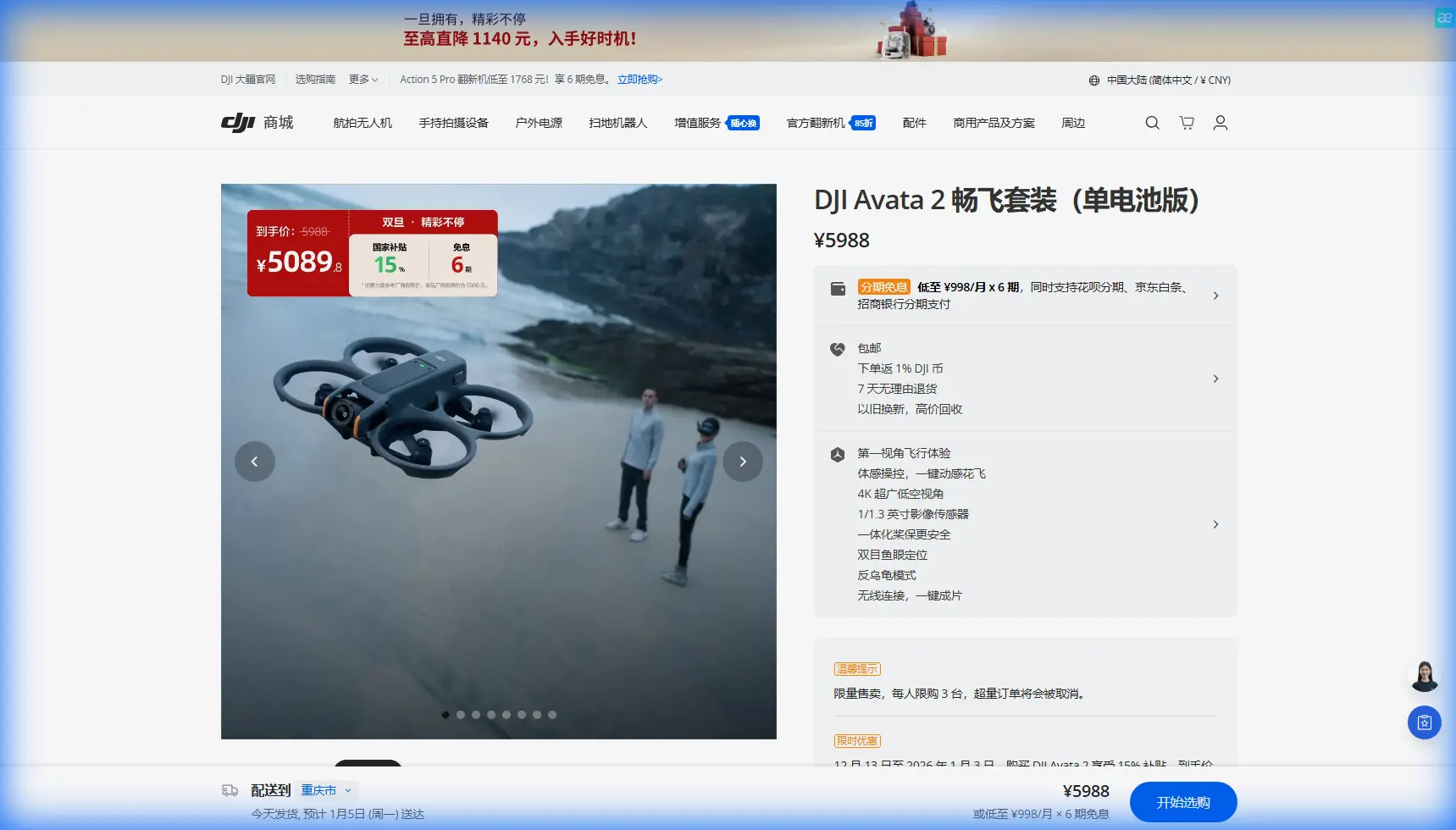
Avata 2 Guide: Capturing Stunning Mountain Coastlines
META: Master mountain coastline photography with the DJI Avata 2. Learn expert FPV techniques, camera settings, and flight paths for breathtaking coastal footage.
TL;DR
- The Avata 2's immersive FPV system transforms mountain coastline filming with intuitive motion controls and 4K/60fps stabilized footage
- Obstacle avoidance sensors provide confidence when navigating cliff faces and rocky outcrops where GPS signals weaken
- D-Log color profile captures the extreme dynamic range between bright ocean reflections and shadowed mountain faces
- 45-minute total flight time (with Fly More combo) gives adequate coverage for comprehensive coastal mapping shots
Why Mountain Coastlines Demand FPV Precision
Filming where mountains meet the ocean presents unique challenges that traditional drones struggle to handle. I learned this the hard way during a shoot along the Amalfi Coast, where my standard quadcopter couldn't capture the dramatic vertical relationship between 500-meter cliffs and crashing waves below.
The Avata 2 changed my approach entirely. Its FPV design allows you to fly through the landscape rather than simply over it—threading between sea stacks, hugging cliff faces, and revealing perspectives that make viewers feel physically present in these dramatic environments.
This guide breaks down exactly how to leverage the Avata 2's capabilities for mountain coastline photography, from pre-flight planning to post-production color grading.
Understanding the Avata 2's Coastal Advantages
The Motion Controller Difference
Traditional stick controllers create mechanical, predictable movements. The Avata 2's motion controller translates your natural hand movements into fluid flight paths that mirror how a bird would navigate coastal thermals.
For coastline work, this means:
- Organic banking turns around headlands and promontories
- Smooth altitude transitions from sea level to cliff tops
- Intuitive speed modulation when approaching rocky obstacles
- Natural reveal shots that feel cinematic rather than robotic
Sensor Configuration for Coastal Environments
The Avata 2 features downward and backward obstacle avoidance sensors—a deliberate design choice for FPV flying. While this might seem limiting, it actually suits coastal work perfectly.
When flying along cliff faces, your primary collision risks come from:
- Unexpected updrafts pushing you toward rock walls
- Misjudging distance during backward reveal shots
- Losing altitude awareness over water (where visual references disappear)
The downward sensors maintain altitude lock over featureless ocean surfaces, while backward sensors protect your most vulnerable blind spot during dramatic pullback shots.
Expert Insight: Disable obstacle avoidance only when executing pre-planned proximity shots along cliff faces. The sensors can cause unexpected braking when you intentionally fly close to rock formations, creating jarring footage. Switch to Manual mode for these sequences after thoroughly scouting your flight path.
Pre-Flight Planning for Coastal Missions
Weather Window Assessment
Mountain coastlines generate their own microclimates. The Avata 2 handles wind speeds up to 10.7 m/s, but coastal conditions demand extra caution.
Check these factors before every flight:
- Offshore vs. onshore winds: Offshore winds (blowing from land to sea) create smoother air but can push you out over water unexpectedly
- Thermal activity: Morning flights (before 9 AM) avoid the thermal turbulence that develops as cliffs heat up
- Marine layer timing: Fog banks can roll in within minutes, eliminating visual references
- Tide schedules: Low tide reveals sea caves and rock formations invisible at high water
Battery Strategy for Extended Shoots
The Avata 2's **13-minute flight time per battery requires strategic planning for comprehensive coastal coverage.
| Battery | Mission Phase | Priority Shots |
|---|---|---|
| Battery 1 | Scout flight | Identify obstacles, test wind conditions, mark waypoints |
| Battery 2 | Hero sequences | Primary cliff-hugging shots, dramatic reveals |
| Battery 3 | Detail work | Sea cave entrances, wave interactions, wildlife |
| Battery 4 | Safety/pickup | Reshoot any failed sequences, alternative angles |
Pro Tip: Keep batteries warm in an insulated bag between flights. Coastal environments—especially in morning conditions—can drop battery temperatures below optimal levels, reducing flight time by up to 15%.
Camera Settings for Coastal Dynamic Range
Why D-Log Matters Here
Mountain coastlines present extreme contrast scenarios: bright white foam against dark volcanic rock, sun-dappled water beside shadowed cliff faces. The Avata 2's D-Log color profile captures 10+ stops of dynamic range, preserving detail in both highlights and shadows.
Configure your camera with these settings:
- Resolution: 4K/60fps for flexibility in post (slow-motion capability)
- Color Profile: D-Log
- ISO: 100-200 (keep it low to minimize noise in shadows)
- Shutter Speed: 1/120s (double your frame rate)
- White Balance: Manual, set to 5600K for consistency
ND Filter Selection
Coastal shooting almost always requires ND filtration to maintain proper shutter speed in bright conditions.
| Condition | ND Filter | Notes |
|---|---|---|
| Overcast/fog | ND4 | Soft light, minimal filtration needed |
| Partly cloudy | ND8 | Standard coastal conditions |
| Full sun, morning | ND16 | Low angle increases reflection intensity |
| Full sun, midday | ND32 | Maximum filtration for harsh light |
Flight Techniques for Cinematic Coastlines
The Cliff Reveal
This signature shot starts over open water, flies toward a cliff face, then rises to reveal the landscape beyond. The Avata 2's motion controller makes this intuitive.
Execution steps:
- Position 50 meters offshore at 10 meters altitude
- Begin forward flight at moderate speed (5-7 m/s)
- As you approach the cliff, gradually pull back on the motion controller to initiate climb
- Time your ascent so you clear the cliff edge with 10 meters of vertical clearance
- Continue forward as the landscape reveals behind the cliff
Threading Sea Stacks
Coastal rock formations create natural frames for dramatic footage. The Avata 2's 155° FOV captures these frames while maintaining situational awareness.
Safety protocol:
- Scout the gap on foot or with binoculars first
- Confirm minimum 3-meter clearance on all sides
- Fly the path at high altitude first to memorize the route
- Execute the threading shot only after successful practice runs
- Always have a clear abort path (usually straight up)
Wave Interaction Shots
Flying low over breaking waves creates visceral footage but demands respect for the Avata 2's limitations.
Critical rules:
- Maintain minimum 5-meter altitude over active surf
- Never fly directly over breaking waves (spray can reach 8+ meters)
- Approach waves from the side, not head-on
- Watch for rogue waves that exceed the normal set height
- Salt spray is corrosive—clean your drone immediately after coastal flights
Leveraging QuickShots and Hyperlapse
QuickShots for Establishing Context
The Avata 2's automated flight modes work surprisingly well for coastal establishing shots. Rocket and Circle modes create professional results with minimal pilot input.
Use QuickShots when:
- You need consistent, repeatable shots for client work
- Wind conditions are stable and predictable
- The environment lacks close obstacles
- You want to focus on timing rather than flight control
Hyperlapse for Tidal Transitions
Coastal environments transform dramatically with tidal changes. The Avata 2's Hyperlapse mode captures these transitions in compressed time.
Setup for tidal Hyperlapse:
- Position the drone on a stable surface (not handheld)
- Frame to include both water line and fixed reference points
- Set interval to 5 seconds for 2-hour tidal transitions
- Ensure battery capacity covers the entire sequence (use external power if available)
Subject Tracking Along Coastlines
ActiveTrack for Watercraft
The Avata 2's Subject tracking capabilities shine when following kayakers, surfers, or boats along coastal routes. ActiveTrack maintains focus while you concentrate on flight path.
Optimal tracking setup:
- Lock onto subject at 30+ meters distance for reliable tracking
- Maintain 15-20 meters altitude to keep subject in frame during maneuvers
- Use Trace mode for following shots, Parallel mode for profile views
- Set tracking speed to match subject's pace (avoid the drone "hunting" to keep up)
Expert Insight: ActiveTrack can lose subjects against complex backgrounds like rocky coastlines. If tracking fails repeatedly, switch to manual flight and use the motion controller's intuitive response to maintain framing. Often, skilled manual flying produces more dynamic results than automated tracking.
Common Mistakes to Avoid
Flying too fast near obstacles: The Avata 2's speed capabilities tempt aggressive flying, but coastal rock is unforgiving. Keep speeds under 8 m/s when within 20 meters of any solid surface.
Ignoring salt exposure: Even without direct spray contact, salt air corrodes electronics. Wipe down your entire drone with a damp cloth after every coastal session, paying attention to motor bells and gimbal mechanisms.
Underestimating wind acceleration: Coastal topography funnels and accelerates wind. A 5 m/s breeze at your launch point can become 12 m/s around a headland. Always maintain power reserves for fighting unexpected gusts.
Shooting only in golden hour: While sunrise and sunset light is beautiful, overcast conditions often produce superior coastal footage. Soft light eliminates harsh shadows and reduces dynamic range challenges.
Neglecting audio potential: The Avata 2 doesn't capture audio, but coastal environments have incredible soundscapes. Bring a separate audio recorder for wave sounds, seabirds, and wind—these elements transform your final edit.
Frequently Asked Questions
Can the Avata 2 handle sea spray and moisture?
The Avata 2 lacks official water resistance ratings. Light mist won't cause immediate damage, but salt spray is highly corrosive. Maintain safe distances from breaking waves, and if your drone does get wet, power it off immediately and rinse with distilled water before drying thoroughly. Prevention is far easier than repair.
How does GPS performance work near steep cliffs?
Coastal cliffs can block GPS signals, especially when flying close to rock faces. The Avata 2 compensates with its downward vision sensors, but expect occasional position drift in GPS-challenged areas. Always maintain visual line of sight and be prepared to take manual control if the drone behaves unexpectedly near tall formations.
What's the best approach for filming sea caves?
Sea caves require extreme caution. Never fly into enclosed spaces where you can't see an exit. Instead, position yourself at cave entrances and film inward, using the Avata 2's wide FOV to capture interior detail while maintaining a clear retreat path. The darkness inside caves will challenge the camera's exposure—consider bringing supplemental lighting for serious cave documentation.
Bringing Your Coastal Vision to Life
Mountain coastlines represent some of Earth's most dramatic landscapes, and the Avata 2 provides tools to capture them with unprecedented intimacy. The combination of intuitive motion controls, robust stabilization, and FPV immersion creates footage that connects viewers emotionally to these powerful environments.
Start with conservative flights to build confidence in coastal conditions. Master the motion controller's nuances in open areas before attempting proximity work. And always respect the ocean's power—no shot is worth losing your equipment or compromising safety.
The techniques outlined here took me years of coastal flying to develop. With practice, you'll develop your own signature approaches that leverage the Avata 2's unique capabilities for your creative vision.
Ready for your own Avata 2? Contact our team for expert consultation.