
Avata 2 Construction Site Capture in High Winds
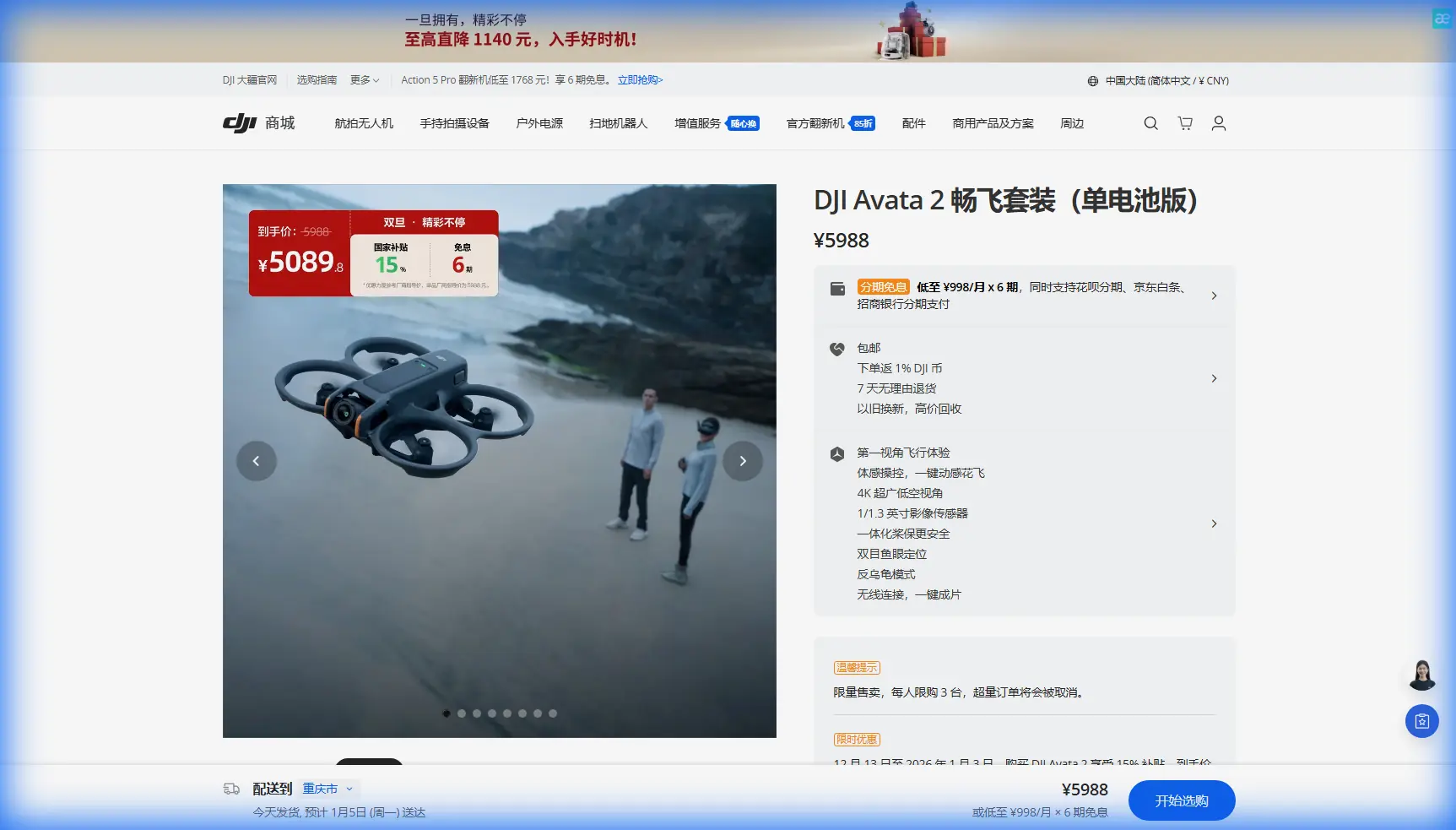
Avata 2 Construction Site Capture in High Winds
META: Master construction site filming with DJI Avata 2 in windy conditions. Expert tips for stable footage, battery management, and professional aerial documentation.
TL;DR
- Avata 2 handles winds up to 10.7 m/s while maintaining stable construction site footage through its advanced stabilization system
- Battery performance drops 15-25% in sustained winds—strategic power management is essential for complete site coverage
- D-Log color profile preserves critical detail in high-contrast construction environments with mixed materials and shadows
- Low-altitude obstacle avoidance becomes your safety net when wind gusts push the drone toward scaffolding and equipment
Why Construction Professionals Choose Avata 2 for Site Documentation
Construction site documentation requires a drone that won't buckle under pressure. The Avata 2's compact ducted design and 1/1.3-inch CMOS sensor deliver broadcast-quality footage even when conditions turn challenging.
Unlike traditional quadcopters, the Avata 2's protected propellers allow closer proximity to structures without risking damage. This matters when you're threading between tower cranes, capturing foundation progress, or documenting safety compliance from angles that larger drones simply cannot achieve.
The 4K/60fps recording capability paired with 10-bit color depth ensures your footage holds up during post-production color grading—essential when clients demand professional deliverables.
Understanding Wind Dynamics at Construction Sites
Construction sites create unique aerodynamic challenges. Tall structures generate turbulent wind patterns, creating unpredictable gusts that can catch inexperienced pilots off guard.
How Buildings Affect Wind Behavior
When wind hits a building under construction, it doesn't simply flow around it. The structure creates:
- Downwash zones on the leeward side where air tumbles unpredictably
- Acceleration corridors between adjacent structures where wind speed increases
- Vortex shedding near corners that creates oscillating pressure changes
- Ground effect turbulence near material stockpiles and equipment
The Avata 2's internal IMU and barometer work continuously to counteract these forces, but understanding the environment helps you plan safer, more efficient flight paths.
Expert Insight: Before launching, spend two minutes observing dust movement and flag behavior across the site. This reveals wind patterns that sensors alone cannot predict. I've saved countless batteries by identifying calm corridors between structures.
Optimal Flight Timing for Windy Conditions
Morning hours typically offer the calmest conditions. Thermal activity increases as concrete and steel absorb solar radiation, creating afternoon turbulence that compounds existing wind challenges.
For construction documentation, schedule flights during:
- First light to 10:00 AM for minimal thermal interference
- Overcast days when temperature differentials remain stable
- Post-storm windows when high-pressure systems bring temporary calm
Battery Management: The Field-Tested Approach
Here's what the manual won't tell you about flying Avata 2 in sustained winds at construction sites.
During a recent high-rise documentation project, I discovered that the standard 23-minute flight time dropped to approximately 17 minutes when fighting consistent 8 m/s crosswinds. The motors work harder, the battery drains faster, and your coverage window shrinks dramatically.
The 60-40-20 Rule for Windy Conditions
After dozens of construction site flights, I've developed a reliable power management framework:
- 60% battery: Complete all distant perimeter shots first
- 40% battery: Capture mid-range structural details
- 20% battery: Return to launch point with reserve for wind resistance
This approach accounts for the increased power consumption during return flights when you're often fighting headwinds.
Pro Tip: Carry a minimum of three fully charged batteries for comprehensive site coverage. Label them with colored tape and rotate systematically. Cold batteries lose capacity—keep spares inside your vehicle or jacket pocket until needed.
Pre-Flight Battery Conditioning
Temperature affects lithium polymer performance significantly. Construction sites often lack climate-controlled staging areas, making battery preparation crucial.
Before each flight:
- Warm batteries to 20-25°C for optimal discharge curves
- Check cell voltage balance through the DJI Fly app
- Verify firmware matches between drone and battery
- Inspect contact points for dust or debris common on construction sites
Mastering Obstacle Avoidance in Complex Environments
The Avata 2's downward vision system and infrared sensing provide collision protection, but construction sites demand heightened awareness.
Sensor Limitations You Must Understand
The obstacle avoidance system has blind spots:
| Direction | Coverage | Effective Range | Construction Hazards |
|---|---|---|---|
| Downward | Vision + ToF | 0.5-10m | Ground equipment, material piles |
| Forward | Infrared | 0.5-30m | Scaffolding, crane cables |
| Backward | None | N/A | Temporary structures |
| Lateral | None | N/A | Swing stages, man lifts |
Understanding these limitations prevents costly accidents. Thin cables, guy wires, and transparent safety netting remain invisible to sensors regardless of conditions.
Manual Override Situations
Certain construction scenarios require disabling automatic obstacle avoidance:
- Flying through open window frames during interior documentation
- Navigating between closely spaced scaffolding sections
- Capturing tight corridor shots between parallel structures
When disabling safety systems, reduce speed to 2-3 m/s and maintain constant visual contact with the aircraft.
Capturing Professional Construction Footage
D-Log Configuration for Site Documentation
Construction sites present extreme dynamic range challenges. Bright sky, shadowed interiors, reflective materials, and dark excavations often appear in the same frame.
D-Log color profile captures 10+ stops of dynamic range, preserving detail that standard profiles clip. Configure your Avata 2 with:
- D-Log M color profile for maximum flexibility
- ISO 100-400 to minimize noise in shadows
- 1/100 shutter speed at 50fps for natural motion blur
- Manual white balance at 5600K for consistent grading
Subject Tracking for Equipment Documentation
ActiveTrack technology enables smooth following shots of operating equipment. Lock onto excavators, concrete trucks, or crane operations to create dynamic progress documentation.
For best results:
- Initiate tracking from 15-20 meters distance
- Maintain 45-degree offset angle from subject path
- Set tracking speed to match equipment movement
- Monitor battery consumption—tracking increases power draw
Hyperlapse for Progress Documentation
Construction Hyperlapse sequences compress hours of activity into compelling visual narratives. The Avata 2's waypoint Hyperlapse mode creates repeatable flight paths for consistent time-lapse documentation across project phases.
Position the drone at identical coordinates weekly or monthly to generate comparison footage that clients and stakeholders immediately understand.
QuickShots for Rapid Site Overview
When time constraints limit comprehensive coverage, QuickShots provide professional-quality establishing shots with minimal pilot input.
Most Effective Modes for Construction
- Dronie: Reveals site scale while maintaining subject focus
- Circle: Showcases structural progress from all angles
- Rocket: Emphasizes vertical construction advancement
- Helix: Combines circular and ascending movement for dramatic reveals
Each QuickShots sequence completes in 15-30 seconds, enabling rapid capture when weather windows close unexpectedly.
Common Mistakes to Avoid
Ignoring wind gradient changes: Wind speed at 50 meters altitude often exceeds ground-level readings by 40-60%. Check forecasts for conditions at your planned operating height, not just surface observations.
Launching from unstable surfaces: Construction sites lack level ground. Uneven launch pads cause gimbal calibration errors and compass interference. Carry a portable landing pad for consistent takeoff conditions.
Neglecting return-to-home altitude settings: Default RTH altitude may conflict with crane booms or tower structures. Set RTH height 20 meters above the tallest site obstruction before each flight.
Overlooking magnetic interference: Rebar stockpiles, steel structures, and heavy equipment create compass deviation. Calibrate away from metal concentrations and monitor heading accuracy throughout flights.
Rushing pre-flight checks: Construction schedules create pressure, but skipping checklist items leads to preventable incidents. The two minutes saved never justify the project delays from a crashed drone.
Frequently Asked Questions
Can Avata 2 fly safely between scaffolding structures?
The Avata 2's 180mm diagonal wheelbase and ducted propeller design allow navigation through gaps as narrow as 400mm with careful piloting. However, disable obstacle avoidance when intentionally flying close to structures, as sensors may trigger unwanted braking or course corrections. Reduce speed to walking pace and maintain direct line of sight throughout the maneuver.
How does wind affect Avata 2 video stabilization quality?
The 3-axis gimbal compensates for wind-induced movement up to the drone's 10.7 m/s maximum wind resistance rating. Beyond this threshold, footage shows increasing micro-vibrations as stabilization reaches mechanical limits. In borderline conditions, reduce recording resolution to 2.7K, which provides additional electronic stabilization headroom through the RockSteady algorithm.
What backup systems protect against signal loss on large construction sites?
The Avata 2 features O3+ transmission with automatic frequency hopping across 2.4GHz and 5.8GHz bands. Maximum transmission range reaches 13.5km in ideal conditions, though construction site interference typically reduces effective range to 2-4km. Configure failsafe behavior to hover-in-place rather than return-to-home when operating near tall structures that may obstruct the return path.
Ready for your own Avata 2? Contact our team for expert consultation.