
Capturing High-Altitude Construction Sites With Avata 2
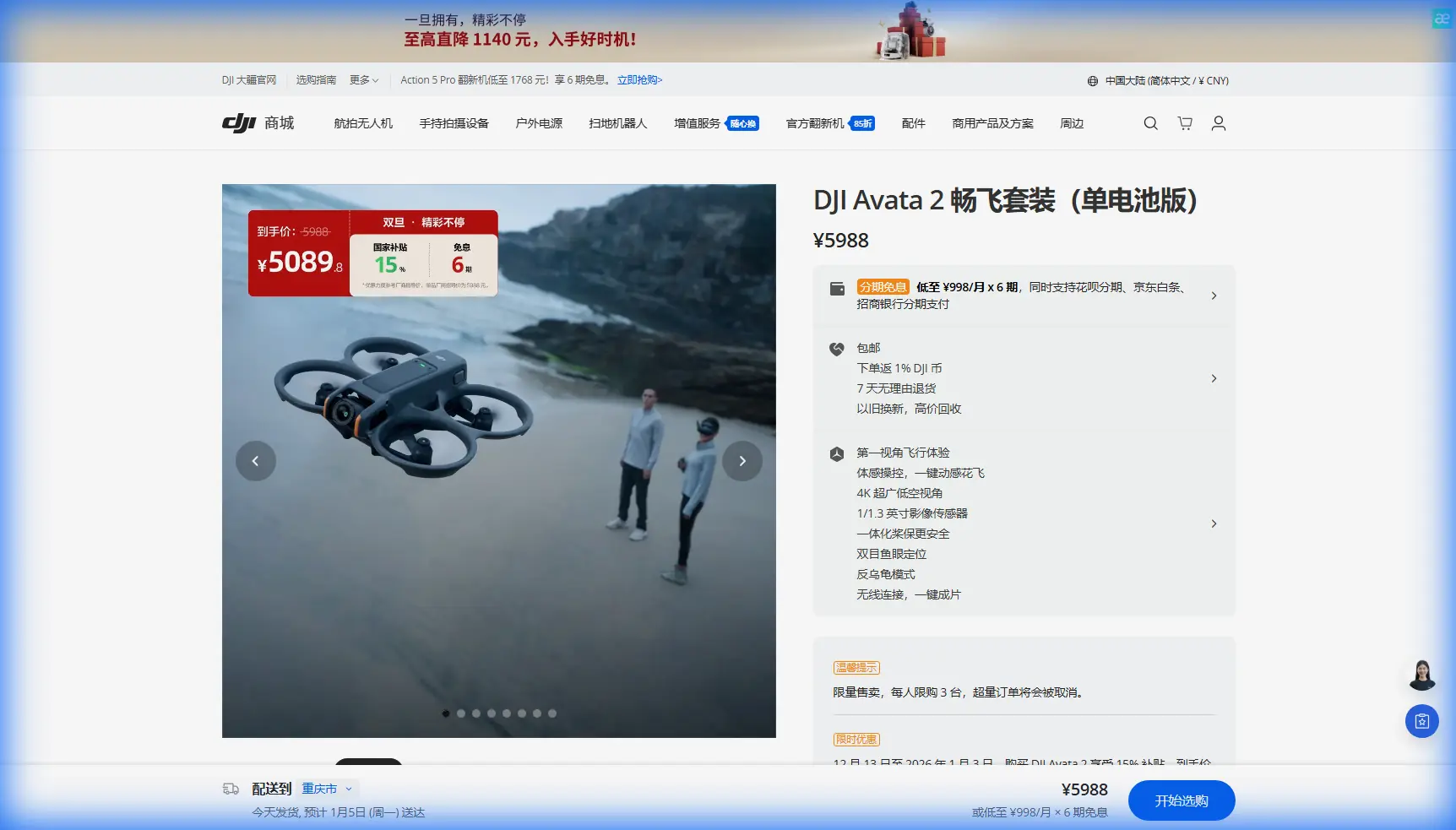
Capturing High-Altitude Construction Sites With Avata 2: What Actually Matters in the Air
META: A practical expert guide to using DJI Avata 2 for high-altitude construction site filming, covering obstacle sensing, D-Log M, ActiveTrack limits, pre-flight lens cleaning, and safer workflow decisions.
Construction sites at elevation are visually striking and operationally messy. Steel rises in stages. Facades change week by week. Wind behaves differently near unfinished towers than it does over open ground. For a photographer, that creates opportunity. For a pilot, it creates consequences.
That is exactly where the Avata 2 becomes interesting.
Most people talk about this drone as if it belongs only in the world of immersive FPV clips and dramatic fly-throughs. That misses the real story for construction work. The Avata 2 is useful because it can gather visual material from places that feel spatially tight, vertically complex, and hard to document consistently from the ground. When the job is capturing a high-altitude construction site, the question is not whether the aircraft can make exciting footage. It can. The real question is whether it can do that while staying predictable enough for repeatable site documentation.
That comes down to workflow, not hype.
As a photographer, I tend to look at the Avata 2 less like a toy for adrenaline and more like a camera platform with a very specific edge: it is small, guarded, and capable of moving close to structures without the same visual intimidation or framing limitations you get from larger aircraft. On an active build, that matters. You may need to record progress on upper-level curtain wall installation one day, then collect cinematic context of crane positioning and surrounding access roads the next. The aircraft has to adapt to that range of storytelling without turning every flight into a recovery exercise.
The first practical habit starts before takeoff: clean the sensors and lens surfaces.
That sounds minor until you are flying near concrete dust, metal particles, windblown grit, and reflective surfaces at height. The Avata 2 relies on visual sensing for obstacle awareness, and any grime on those sensor windows can degrade how well the aircraft interprets its surroundings. The same goes for the camera lens. A thin film of dust can flatten contrast, reduce clarity in backlit scenes, and make a polished progress report look strangely soft. On a construction site, dust is not an exception. It is the environment. If you want the safety features to work as intended and you want footage that survives client review on a large display, a careful pre-flight wipe is not housekeeping. It is risk control.
That matters even more when you are filming higher sections of a project.
Altitude around buildings is deceptive. A clear route from the ground can become a trap halfway up the facade. Temporary netting, protruding rebar, tension cables, hoist structures, and partially installed cladding all create a changing obstacle field. The Avata 2’s obstacle sensing is valuable here not because it makes the aircraft invincible, but because it adds a margin when depth perception gets difficult against repeating architectural patterns. The operational significance is simple: on a high-rise build, visual clutter increases faster than most pilots expect, and a sensing system can help reduce small misjudgments that become expensive contact events.
Still, no obstacle system should be treated like permission to fly carelessly through unfinished structure. Construction sites are dynamic. Materials move. Workers reposition equipment. Shadows lengthen across open floors and alter what the camera sees. The smart approach is to use obstacle awareness as a backup layer while planning routes that remain conservative, especially near corners, facade edges, and upper-level voids.
This is where the Avata 2’s character becomes useful for documentation. It can move through space with precision that supports narrative framing. You are not limited to wide establishing shots from a safe standoff distance. You can build sequences that show the relationship between floors, structural lines, access points, and neighboring buildings. For stakeholders, that often communicates progress more clearly than static overhead imagery alone. A smooth reveal from behind a concrete core, a pass along the upper slab edge, or a controlled orbit around a newly installed section of facade can tell a clearer story about status and sequencing than a folder full of stills with no context.
The camera pipeline matters too. The inclusion of D-Log M is one of the more useful details for professional site work because construction projects are full of hard contrast transitions. Think bright sky over dark steelwork. Reflective glass beside raw concrete. Sunlit rooftop plant areas dropping into shadowed service corridors. A flatter recording profile gives you more room to balance those extremes in post and keep detail where a standard look might clip highlights or crush shadow texture. Operationally, this is not about chasing a “cinematic” look for its own sake. It is about preserving information so progress imagery remains readable. If a contractor, architect, or marketing team needs one flight to serve multiple deliverables, from social snippets to formal presentations, that extra grading flexibility becomes genuinely useful.
Color consistency also matters when you are documenting the same site over months. If you want before-and-after comparisons to feel credible, you need footage that can be matched across changing weather and light. D-Log M helps there. It gives you a better starting point for a stable visual baseline rather than forcing each shoot to live with whatever contrast the day handed you.
Then there is movement automation. QuickShots and Hyperlapse are often treated as consumer-friendly extras, but on construction projects they can become efficient storytelling tools when used with restraint. A short automated reveal can help standardize recurring overview angles across site visits. Hyperlapse can compress visible progress, traffic flow, and changing light over a developing structure into something clients immediately understand. The key is not to let these modes take over your shot planning. Construction documentation works best when automation serves a repeatable brief. If you are returning every two weeks, consistency beats novelty. The same launch point, similar altitude bands, matched camera direction, and a small set of repeatable motion paths will produce a more valuable archive than a collection of flashy but unrelated clips.
Subject tracking and ActiveTrack deserve a more careful discussion. They sound attractive on paper, especially for following moving machinery or guiding the viewer through a busy site. In practice, tracking tools can be helpful in open and predictable areas, but high-altitude construction environments are full of occlusions and geometry that can confuse both framing and routing. A crane hook passing between structural members, a lift moving behind mesh, or a vehicle disappearing beneath a partial overhang can break continuity fast. The operational significance here is judgment: ActiveTrack is best treated as an assistive feature, not a substitute for manual oversight. It may be useful when following a clearly separated subject in a less congested section of the site, but for upper-floor close work, manual control usually remains the safer and more precise choice.
Wind is the factor that quietly decides whether your plan was sensible.
At ground level, conditions may feel manageable. Twenty stories up, airflow can become turbulent as it wraps around corners, funnels through gaps, and spills off rooflines. Small FPV-style aircraft can produce excellent footage in these conditions if the pilot respects the environment, but they should not be asked to force a shot when the air is unstable. Construction imagery rewards patience. If a facade run looks shaky because gusts are pushing the aircraft off line, that clip rarely becomes more convincing in edit. Better to reset, lower the altitude band, or change the angle than pretend stability can be fixed later.
This is one reason I like building site workflows around a problem-solution approach.
The problem is rarely “how do I get dramatic drone footage?” The problem is usually more specific: how do I show upper-level progress clearly, safely, and in a way that stakeholders can compare across time? Once you frame it that way, the Avata 2’s strengths become easier to use properly.
Need to show scale? Start with a wider establishing pass that connects the tower to its surroundings.
Need to show sequencing? Use a controlled vertical climb or a measured pass along the elevation to reveal what has been completed and what remains exposed.
Need cleaner post-production latitude? Capture in D-Log M and protect your highlights.
Need safer close-structure flying? Clean the sensors first, verify the lens, inspect the prop guards, and avoid treating obstacle sensing like a shield against bad decisions.
Need motion around active site elements? Use tracking selectively, and only where the geometry is forgiving.
That last point is especially relevant for photographers moving into drone work from the ground. The temptation is to think in frames. With construction, you need to think in corridors. The camera view is only part of the equation. You are flying through a three-dimensional jobsite where the safe path may not match the prettiest line. The Avata 2 rewards pilots who can separate those two ideas and then bring them back together deliberately.
There is also a communication side to all this. High-altitude construction work often involves multiple stakeholders with different priorities. The developer wants visual impact. The project manager wants clarity. The marketing team wants polished footage. The site team wants minimal disruption. A compact platform like the Avata 2 can help balance those demands because it is capable of producing immersive material without the same operational footprint that larger rigs can introduce. That does not remove the need for proper permissions, coordination, and site-specific procedures, but it can make the imaging process feel more practical and less intrusive.
If you are planning a site capture workflow and want a second opinion on route design or camera settings, you can reach out here: message an FPV workflow specialist.
The bigger lesson is that the Avata 2 works best on construction sites when it is not treated like a stunt machine. It is a compact visual tool with real value for documenting difficult spaces. Its obstacle awareness can add a useful layer near structural complexity. Its D-Log M recording can preserve detail across brutal lighting contrast. Its automated modes can help standardize repeatable visuals when used intelligently. And its smaller, guarded design makes it unusually capable in spaces where scale, proximity, and vertical storytelling all matter at once.
But none of those features replace discipline.
Clean the lens and sensors before every flight. Reassess wind at working altitude, not just at launch. Build repeatable routes. Use tracking only when the environment supports it. Capture footage that answers a project question, not just footage that looks exciting in isolation.
That is how the Avata 2 becomes more than an FPV novelty on a high-altitude construction site. It becomes a practical camera system for documenting progress where the view from the ground no longer tells the whole story.
Ready for your own Avata 2? Contact our team for expert consultation.