
How to Capture Forests in Low Light with the DJI Avata 2
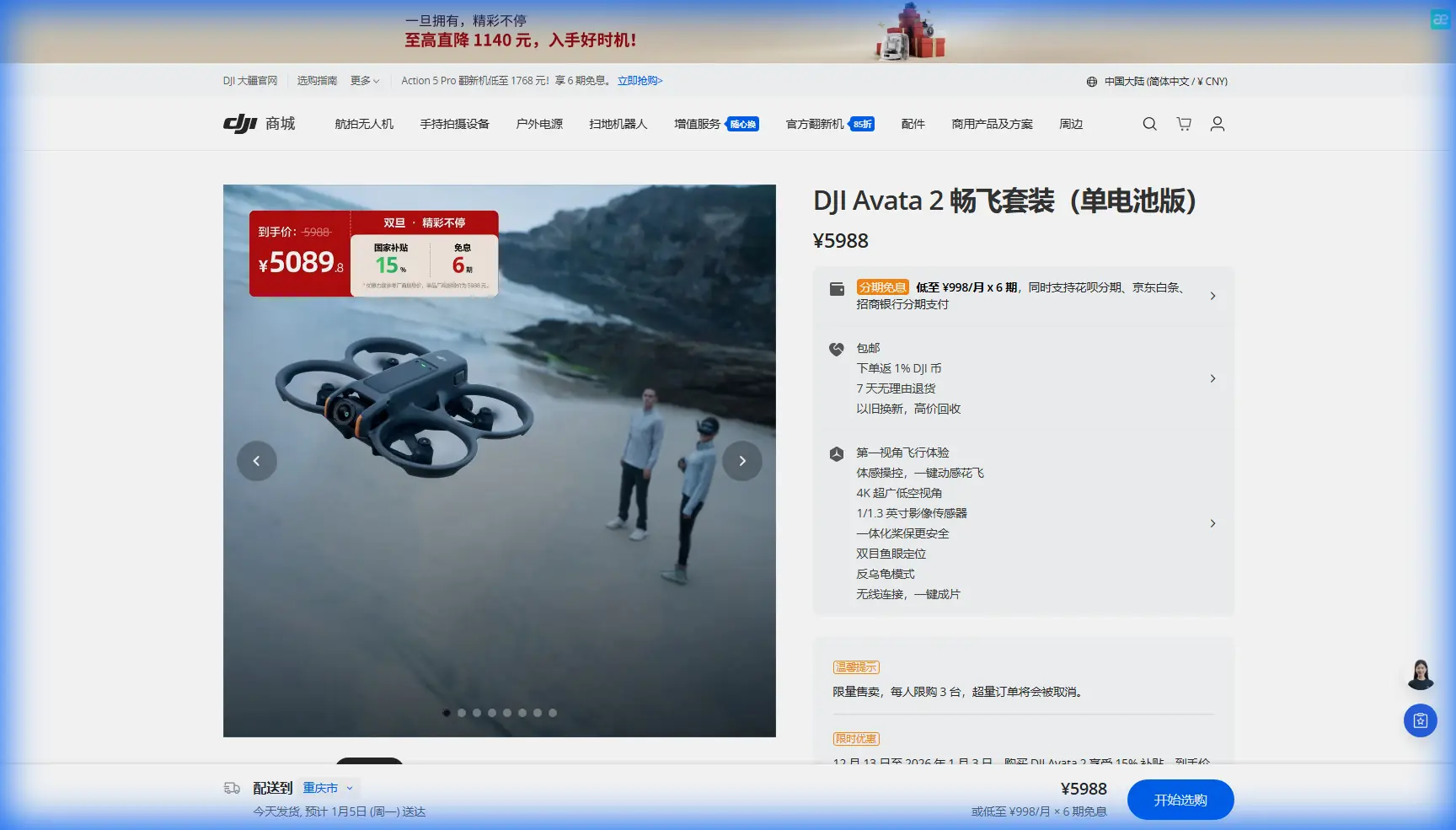
How to Capture Forests in Low Light with the DJI Avata 2
META: Practical Avata 2 low-light forest filming tips, including safe flight altitude, obstacle sensing limits, camera setup, D-Log workflow, and movement techniques for cleaner footage.
Low-light forest flying looks magical when it works. It also exposes every weakness in a small FPV drone setup the moment it doesn’t. Tree trunks close in, branches disappear into shadow, contrast drops, and your margin for error gets thin fast.
That is exactly where the DJI Avata 2 becomes interesting.
It sits in a very specific place in the drone market: agile enough to create immersive paths through trees, but far more approachable than a traditional manual FPV rig. For creators filming wooded trails, canopies, and twilight clearings, that balance matters more than headline speed. You are not trying to set a racing lap. You are trying to come home with footage that feels controlled, readable, and atmospheric.
This guide is built around that use case: capturing forests in low light with Avata 2, with a focus on altitude, obstacle awareness, subject handling, and camera choices that hold up in post.
Why the Avata 2 fits this job
The Avata 2 is not a generic camera drone, and that shapes how you should use it in a forest. Its ducted design gives it a practical advantage when flying near branches or through tighter natural corridors where a traditional exposed-prop platform feels less forgiving. That does not make it collision-proof, but it does make it better suited to close-environment cinematic work than many pilots expect.
The other reason it fits this scenario is stabilization plus flight style. You can fly lines that feel intimate and immersive without needing the wide, elevated look most conventional drones produce. In a forest, that lower, forward-moving viewpoint often communicates scale better than a high static shot ever could.
Low light changes the equation, though. Obstacle sensing becomes less dependable as the scene gets darker and more visually complex. Dense woods also confuse depth perception even in daylight. So the real skill is not simply knowing the feature list. It is knowing when to trust the drone’s assistance and when to back off.
The most useful altitude rule for low-light forest shooting
If you want one practical altitude insight for this scenario, use this:
In most low-light forest sequences, the safest and most cinematic working band is roughly 2.5 to 6 meters above ground level, not skimming the dirt and not pushing up into the canopy.
That range solves several problems at once.
At under 2 meters, roots, rocks, stumps, brush, and terrain undulations become hard to read, especially once the light starts to fade. The footage can feel dramatic, but the risk climbs quickly because the drone has less time to react and you have less visual separation from the ground.
Above about 6 meters in many forest environments, you start entering the clutter zone where hanging branches, irregular limbs, and partial canopy cover create a much messier route. In low light, these are exactly the obstacles that vanish first. You may still use that higher band for select reveals, but it should not be your default travel altitude.
Between 2.5 and 6 meters, you usually get the cleanest combination of path clarity, image depth, and maneuvering room. The trunks remain visually strong, the ground texture still gives speed cues, and you avoid the most chaotic branch layer. This is the altitude zone where the Avata 2 often looks most deliberate rather than reckless.
The operational significance is simple: you are managing two risks at once—hidden ground hazards below and branch strike risk above. Picking the middle band reduces both.
Treat obstacle avoidance as support, not permission
A lot of pilots get into trouble in forests because they hear “obstacle avoidance” and mentally translate it into “branch-proof.” That is not how forest work functions, especially in dim conditions.
In low light, thin branches and low-contrast obstacles are exactly the things any visual sensing system struggles with most. Add a dense forest background and the scene becomes even harder to interpret. With Avata 2, obstacle awareness is useful as a layer of protection, but your route planning still has to be conservative.
What this means in practice:
- Fly wider lines than the footage makes them appear.
- Avoid threading through branch gaps late in the day unless you have already checked the route in brighter light.
- Assume sensor confidence drops before your eyes fully notice the scene getting dark.
- Favor trunk-defined corridors over leaf-heavy passages.
That last point matters. Tree trunks read clearly in video and in pilot vision. Leaf clusters, needles, and hanging twigs do not. If your intended path is framed by solid vertical trunks, it is usually a smarter route than a tunnel formed by soft foliage.
The pre-flight check that matters most in wooded twilight
Before launch, stand at your intended entry point and look for three things:
- Ground texture
- Canopy depth
- Exit brightness
Ground texture tells you whether the drone will have clear visual speed references. Pine needles, dirt tracks, and distinct roots help. Flat dark mud and uniform leaf litter can become visually dead once the light drops.
Canopy depth tells you how quickly the route gets messy above your chosen altitude. If the branch layer starts low, keep your line flatter and lower. If the trunks are tall and clean before branching, you have more room to work in that 2.5 to 6 meter band.
Exit brightness is often overlooked. If your shot ends in a clearing, sunset gap, or bright opening, expose carefully so the end of the run does not blow out while the forest becomes muddy. This is one reason D-Log can be valuable on the Avata 2. It preserves more flexibility for balancing shadow detail in the woods against brighter sky or clearings beyond.
Best camera approach for low-light forest footage
Low light pushes every small-sensor camera into compromise. The answer is not to expect night-vision performance. The answer is to protect the image from falling apart.
Use D-Log when the contrast is wide
If your route includes shadowed trunks and a brighter opening, D-Log gives you more grading room. The practical benefit is not abstract color science. It is highlight management. You are trying to hold detail in the brightest part of the scene without crushing the forest floor into unusable darkness.
That matters in woodland footage because the eye naturally follows tonal separation. If your highlights clip hard, the viewer’s attention gets yanked away from the path. If your shadows block up, the forest loses depth and just turns into dark mush.
Keep movement smooth enough to preserve detail
Forest footage in low light already stresses compression and fine texture. Fast, twitchy yaw inputs make it worse. Let the drone travel forward with gradual directional changes instead of snapping from trunk to trunk. The Avata 2 is capable of energetic motion, but the cleanest low-light results usually come from restraint.
Build your shot around exposure, not features
QuickShots and Hyperlapse can be useful, but they are not the first tools I would reach for under a dark canopy. In low light, manual shot design usually wins because you can match the path to the available light rather than forcing an automated pattern into a cluttered environment.
If you do use a preset-style move, do it at the edge of the forest or in a thinning section where obstacle definition is stronger and the sky is still readable.
Subject tracking in forests: when it helps and when it hurts
ActiveTrack-style subject tracking sounds ideal for a runner or cyclist moving through trees. Sometimes it is. But a forest in low light is one of the hardest environments for consistent tracking.
Operationally, two issues show up fast:
- The subject can disappear behind trunks, making reacquisition uneven.
- The background is busy, which increases the chance of unstable framing.
So the right approach is selective use. Tracking works best on wider paths, open glades, or trail sections where the subject remains separated from the background. If the route narrows and the person is weaving through dense trunks, switch back to a planned manual line rather than asking automation to solve a visual problem that the scene itself is creating.
A simple technique works well here: start with tracking in the brighter, more open segment, then transition into a manually flown follow shot once the tree density increases. That gives you consistency where the system can reasonably handle it and control where it cannot.
If you want a second opinion on route planning for your location, you can message a pilot directly here.
The best shot patterns for forest atmosphere
Forest footage in low light succeeds when the viewer feels drawn through space. The Avata 2 is built for that sensation. These are the patterns that usually produce the strongest results.
1. The trail glide
Fly 3 to 4 meters above the path, centered or slightly off-center, and let the track pull the viewer forward. This is the safest repeatable move in dense woods because the trail itself defines your clearance.
2. The trunk reveal
Start behind one large foreground tree, then ease sideways and forward into an open corridor. This creates instant depth and hides the start of your move. It also avoids an early commitment to a narrow route before you have visual rhythm.
3. The clearing exit
Move through darker woods toward a brighter opening, but meter for that exit. This is where D-Log earns its place. The reveal feels dramatic because the eye adapts with the shot, but only if your highlights stay controlled.
4. The high-to-mid descent
Begin around 6 meters where the route is clean, then gently descend toward 3 meters as the trunks widen. This gives the sequence a sense of entry without dropping into ground hazards too early.
Conditions that should make you stop
There is a big difference between “low light” and “too dark for responsible forest flying.” Avata 2 can help creators capture moody environments, but it is still dependent on visible structure and pilot judgment.
Stand down if:
- Branches blend into the sky so completely that route gaps are guesswork.
- The forest floor is no longer readable at your planned altitude.
- Moisture, mist, or haze is flattening contrast.
- You find yourself relying on the drone to save a line you would not confidently fly yourself.
That last one is the clearest warning sign. Assistance features should back up a sound decision, not replace one.
A smart workflow for repeatable results
For consistent low-light forest work with Avata 2, use a two-pass method.
Pass one: reconnaissance in better light
Fly the route earlier when visibility is stronger. Identify your travel band, obstacles, and bailout points. Confirm where the canopy becomes messy and where the trunks define natural lanes.
Pass two: the actual low-light take
Return during the desired light window and fly only the sections you have already validated. Do not expand the route just because the scene looks good in the goggles. Forests become deceptive fast once contrast drops.
This is where the Avata 2 really shines for content creators. It lets you execute immersive, close-environment shots without the all-or-nothing feel of traditional FPV, but it still rewards discipline. The pilots who get the best footage from it in the woods are usually the ones who simplify the mission.
Final thought
Capturing forests in low light with Avata 2 is less about bravery than about reading layers: ground, trunk line, branch layer, and brightness transitions. Get those four right and the footage feels expensive, intentional, and calm.
If you remember only one field rule, remember the altitude band. Stay mostly between 2.5 and 6 meters above ground level unless the route clearly tells you otherwise. That one choice improves safety, composition, and consistency more than any flashy move ever will.
The Avata 2 gives you tools like obstacle awareness, D-Log, QuickShots, Hyperlapse, and subject tracking. In a forest at dusk, the best use of those tools is selective, not aggressive. Let the environment dictate the shot. Fly the corridor that the light still explains.
Ready for your own Avata 2? Contact our team for expert consultation.