
Avata 2 in Remote Highway Work: A Practical Field Workflow
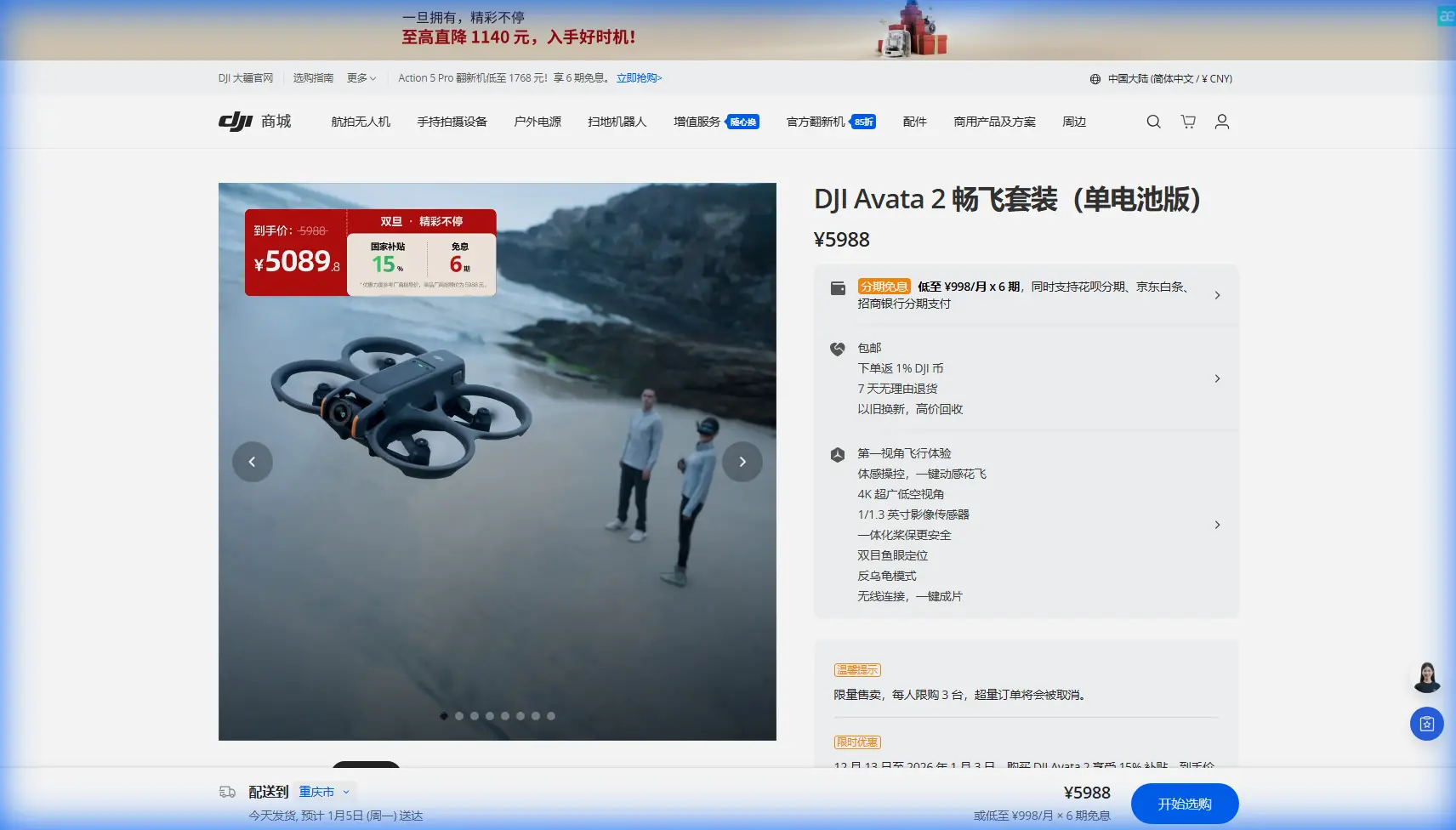
Avata 2 in Remote Highway Work: A Practical Field Workflow for Safer, Cleaner FPV Capture
META: A practical Avata 2 how-to for filming remote highways, covering pre-flight sensor cleaning, obstacle avoidance, ActiveTrack limits, D-Log workflow, Hyperlapse planning, and safer field technique.
Remote highway shoots look simple from a distance. Long lines, open terrain, dramatic vanishing points. In the field, they are not simple at all.
The challenge is rarely the road itself. It is everything around it: dust on the aircraft after a long drive in, heat shimmer over asphalt, roadside poles that blend into the background, gusts funneling through cuttings, and long retrieval walks if you make a bad decision. That is exactly where the Avata 2 becomes interesting. It is not just an FPV drone for dramatic motion. In remote roadway environments, it can be a precise visual tool if you build your workflow around what the aircraft actually does well.
I approach this as a photographer first and a drone operator second. When I bring an Avata 2 to capture highways in isolated terrain, my goal is not to force cinematic tricks into every flight. My goal is to come home with clean, usable footage that tells the story of distance, infrastructure, and landscape without gambling the aircraft on unnecessary risk.
Here is the field method I use.
Start with the step most pilots rush: clean the aircraft before powering up
A remote highway location is usually dusty, dry, and exposed. That matters because many of the Avata 2 features people rely on for safer flying and smoother footage begin with clear vision from the aircraft’s sensing system and camera.
Before I even insert the battery, I inspect and clean the front camera area and the obstacle sensing surfaces. This is not cosmetic maintenance. It is operational. Obstacle avoidance is only as trustworthy as the aircraft’s ability to see contrast and depth properly. A smear of dust, dried moisture, or oily residue can reduce confidence in tight roadside work, especially when poles, signs, barriers, and scrub sit close to your line.
The same applies to image quality. If you plan to grade footage shot in D-Log, you are preserving tonal flexibility for post-production. That extra flexibility is useful only if the source image is clean. Dust on the lens will not feel dramatic on-site, but once you begin lifting shadows and shaping contrast in grading, small contamination becomes much more visible.
My pre-flight cleaning kit is simple:
- blower
- soft brush
- microfiber cloth
- lens-safe cleaning solution used sparingly
I clean gently, then check for streaks by angling the aircraft toward light. This takes two minutes. On a remote job, those two minutes protect both your safety features and your edit.
Build your flight plan around the highway’s geometry, not around the drone’s tricks
Highways invite long, fast passes. That is the obvious shot, so most people start there. I usually do not.
Instead, I break the site into three categories:
- Approach lines – where the road enters the frame and establishes scale
- Parallel movement zones – where I can track with the roadway while maintaining good lateral clearance
- Transition points – bridges, bends, elevation changes, cuttings, signs, and merge sections
This matters because the Avata 2 excels when motion has structure. A road gives you that structure. Rather than flying randomly and hoping for inspiration, I pre-visualize several passes where the road functions as a guide for speed, framing, and horizon control.
In remote areas, that planning also helps manage battery efficiency. You do not want to discover halfway through a run that your intended turnaround point is farther than it looked on the ground.
Obstacle avoidance is helpful, but roadside environments still demand margin
Obstacle avoidance is one of the most relevant features for this kind of work, but it should shape your behavior, not justify recklessness.
A remote highway often has “hidden obvious” obstacles. Utility lines may not read clearly from your launch spot. Thin signposts can disappear against bright ground. Bushes at the roadside can rise higher than they appear from FPV view. Even where the landscape looks open, the danger often sits at the edge of the frame.
That is why I treat obstacle sensing as a backstop rather than a permission slip. I still build in generous clearance and avoid low blind commits unless I have already flown and observed the line. If I want a dramatic edge-of-road pass, I first do a slower reconnaissance run at a safer height. Only after that do I consider tightening the shot.
Operationally, this gives me two benefits:
- it reduces the chance of a misread in a dusty, high-glare environment
- it helps me see whether the route is actually worth repeating at higher speed
That second point is underrated. Not every line deserves a second pass. Strong drone work often comes from rejecting average routes quickly.
Use ActiveTrack and subject tracking selectively on highways
People often ask whether subject tracking or ActiveTrack is useful for highway scenes. The answer is yes, but only if you are disciplined about the subject and the background.
On an open road, a moving vehicle can provide a clean anchor for composition. Tracking can help maintain framing while you focus on altitude, path, and surrounding space. That is valuable when the terrain is visually busy but the story is really about one vehicle moving through it.
Still, highways create tracking complications. Vehicles change speed. Heat distortion above pavement can interfere with visual confidence. Roadside objects cross behind the subject, and a long-lens-looking composition can flatten distances in a way that makes closing gaps harder to judge.
So I use tracking for medium-complexity shots, not for the most technical ones. If I have a vehicle on a predictable stretch with clear margins on either side, subject tracking can save time and improve consistency. If I am near overpasses, dense signage, or irregular roadside terrain, I switch back to direct piloting.
The real significance of ActiveTrack in remote highway capture is not convenience. It is repeatability. If you need multiple passes for editorial options, a stable tracked framing can make your sequence feel intentionally designed rather than loosely gathered.
QuickShots are best used as setup tools, not as your main visual language
QuickShots can be useful on the Avata 2, but for remote infrastructure visuals, I treat them as supplements.
A prebuilt camera move can quickly establish the setting, especially when you need a top-of-sequence reveal of a road slicing through terrain. That can be helpful if the final edit needs geographic context before moving into lower, faster FPV-style shots.
But I would not let QuickShots define the whole project. Highway imagery becomes repetitive very quickly when every move feels automated. The stronger use is strategic: one reveal, one pullback, one establishing orbit if the location allows it safely, then back to handcrafted passes.
That balance keeps the footage feeling authored rather than templated.
Hyperlapse works best when the landscape carries the shot
Remote highways are ideal for Hyperlapse if the surrounding land has shape. A road alone can be too visually narrow. A road plus layered hills, desert textures, farmland grids, river crossings, or cloud movement becomes a time-based composition.
This is where the Avata 2 can contribute something different from a standard pass. A Hyperlapse can show the rhythm of long-distance travel, changing light, and the relationship between the engineered line of the highway and the natural environment around it.
The trap is overusing it in flat midday conditions. If the light is static and the scenery lacks depth, time compression does not add much. I plan Hyperlapse shots around one of three factors:
- low-angle light
- moving weather
- elevation changes in the route
If I do not have at least one of those, I usually skip it.
D-Log is worth using when the road and terrain exceed normal contrast
Remote road shoots often involve harsh contrast: bright sky, dark rock cuts, reflective asphalt, pale dust shoulders, and shaded terrain in one frame. That is where D-Log earns its place.
I use it when I know I will need room in post to preserve sky detail without crushing the land. The flatter image is not the final result; it is a more flexible starting point. For highway work, that matters because roads often act as visual leading lines. If the roadway clips too hard or sinks into muddy contrast, the image loses structure.
D-Log also helps keep a sequence consistent when you move between angles with very different light distribution. You can shape the edit around one visual tone rather than fighting each shot individually.
That said, D-Log demands discipline. Expose carefully. Keep your lens clean. Do not assume grading will rescue poor capture. It gives you headroom, not miracles.
My preferred shot sequence for remote highway storytelling
When I arrive at a new location, I usually capture in this order:
1. Safe high reconnaissance pass
This is where I study traffic flow, wind behavior, poles, signs, barriers, and terrain shape. I am not chasing beauty yet. I am gathering decision-making information.
2. Establishing wide
A broad shot gives the edit context. It shows whether the highway is isolated, mountainous, agricultural, desert-bound, or cutting through developed infrastructure.
3. Mid-height directional run
This is often the most useful shot in the whole session. It balances speed, readability, and safety.
4. Low dynamic pass only after route confirmation
If the line is clean and visibility is strong, I go lower. If anything feels uncertain, I do not.
5. Tracking sequence with a vehicle if appropriate
This is where ActiveTrack or subject tracking can help if the environment is predictable enough.
6. One specialty move
A Hyperlapse, a QuickShot-assisted reveal, or a transition move through terrain. One is usually enough.
This structure prevents the common mistake of burning your best battery segment on risky low passes before you understand the site.
Remote work changes how you think about retrieval and risk
One of the biggest differences between filming highways in urban or accessible areas versus remote regions is consequence. In a city edge location, a minor incident may mean inconvenience. In a remote stretch, it may mean a long walk, difficult access, poor signal conditions, or a lost shooting window.
That is why I fly remote highway jobs with a more conservative mindset than my footage might suggest. The Avata 2 is capable and agile, but the environment often punishes overconfidence harder than the drone’s design can compensate for.
I ask myself three questions before every committed pass:
- If I lose visual confidence here, do I have vertical escape room?
- If I need to recover manually, is the route obvious?
- If the aircraft goes down, can I reach it safely?
If any answer is weak, I change the shot.
A note on communication in the field
If you are coordinating a remote capture day with a driver, landowner, or production contact, keep your communication setup simple and direct. I prefer sharing logistics through this quick field contact channel so route timing, launch points, and shot windows are clear before the batteries start cycling.
That kind of coordination matters more than people think. Highway footage succeeds when movement on the ground and movement in the air are synchronized.
What makes Avata 2 genuinely useful here
For remote highway capture, the Avata 2 is at its best when you use its key features with restraint and intention.
Obstacle avoidance matters because roadside environments are more deceptive than open maps suggest. Cleaning those sensing surfaces before flight directly supports safer operation.
ActiveTrack and subject tracking matter when you need repeatable vehicle framing, but they are strongest on predictable stretches rather than cluttered transitions.
QuickShots matter as occasional scene-setting tools, not as a substitute for original flight design.
Hyperlapse matters when the broader landscape contributes motion and atmosphere.
D-Log matters when the visual range of sky, land, and pavement exceeds what a simple baked image can comfortably hold.
Put together, those details turn the aircraft from a novelty FPV machine into a disciplined visual instrument for infrastructure storytelling.
That is the difference that shows up in the footage. Not just speed. Not just excitement. Judgment.
Ready for your own Avata 2? Contact our team for expert consultation.