
Avata 2 Field Report: Flying Remote Fields With More
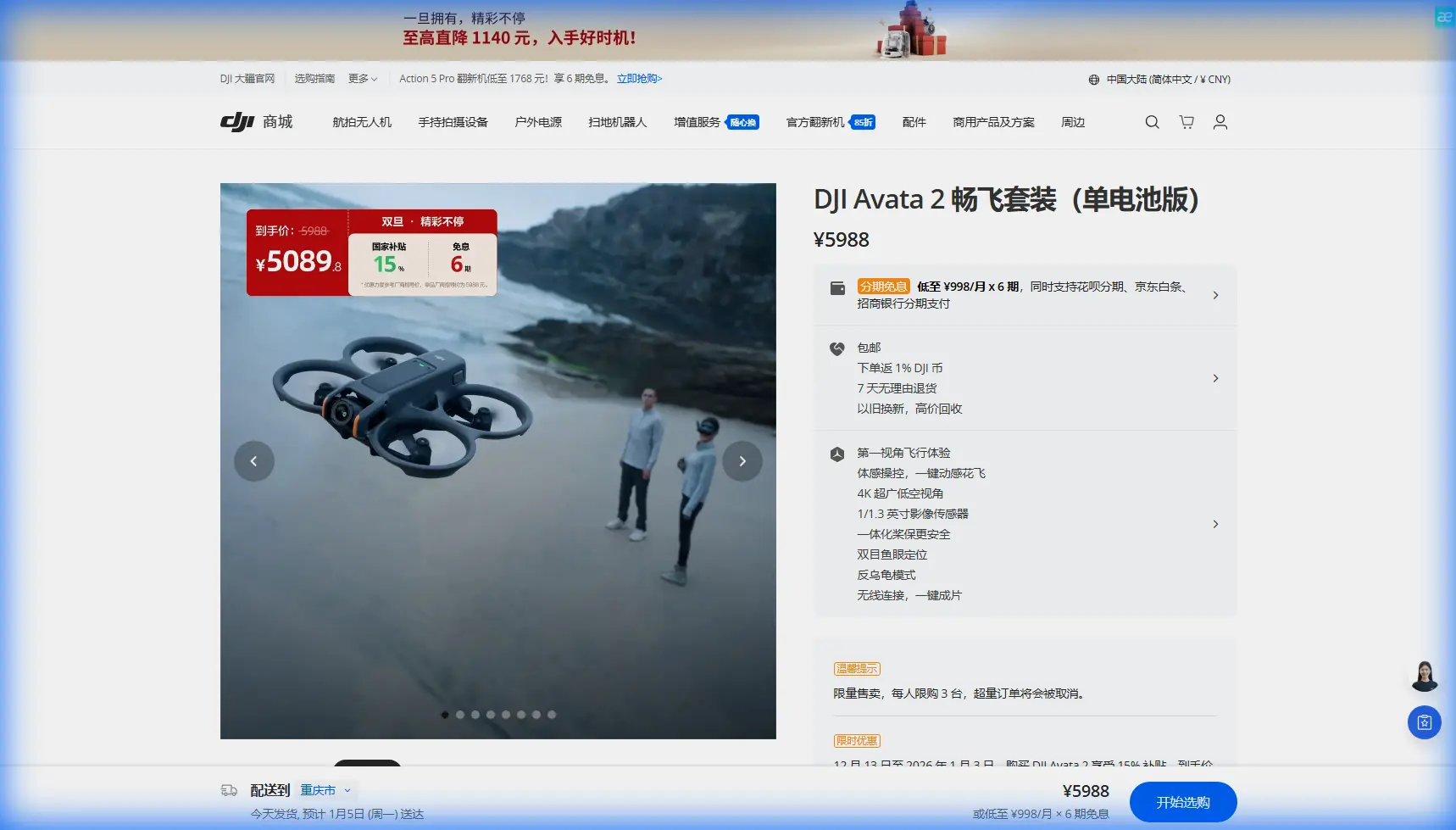
Avata 2 Field Report: Flying Remote Fields With More Control, Better Footage, and Fewer Surprises
META: A practical Avata 2 field report for remote agricultural flying, covering obstacle avoidance, D-Log, ActiveTrack limits, QuickShots, Hyperlapse, and useful third-party accessories.
Remote field work exposes the difference between a drone that looks good on paper and one that actually earns its place in the bag. The DJI Avata 2 sits in an unusual lane. It is not a mapping aircraft, not a heavy-lift platform, and not the machine I would send out for formal crop analysis. But for photographers, land managers, rural property teams, and content crews documenting field operations in hard-to-reach areas, it solves a very specific problem extremely well: getting dynamic, low-altitude footage where terrain, trees, windbreaks, sheds, irrigation lines, and rough vehicle access make conventional flights less intuitive.
I spent time thinking about the Avata 2 from the perspective of a real rural assignment rather than a spec sheet comparison. Picture a long access track, patchy signal conditions, changing wind across open ground, and the need to capture useful imagery fast before weather shifts. That is where this aircraft starts to make sense.
The first operational advantage is obvious the moment you fly low over uneven ground. The Avata 2 is built around a guarded propeller design, and that matters in field environments more than many buyers realize. Farm entrances, shelterbelts, fence lines, machinery yards, and tree rows create narrow visual corridors. With a more exposed camera drone, those areas demand a higher safety buffer. With Avata 2, you still need discipline, but the platform is simply more forgiving when flying close to physical structure. That changes your shot options. You can move from a gate opening to a track line, dip alongside a hedgerow, then reveal an entire paddock with more confidence than a conventional folding camera drone would encourage.
Obstacle awareness is where expectations need to stay realistic. Many pilots hear “obstacle avoidance” and assume the aircraft will manage every branch, wire, and farm obstacle on its own. In remote field work, that assumption gets people into trouble. Wires, thin twigs, and irregular edges are exactly the kinds of hazards that can defeat automated protection. The Avata 2’s sensing and protective logic are valuable, but operationally the real benefit is not that it replaces pilot judgment. It buys you reaction time. That is a very different thing. In practice, that extra margin helps when the ground rises unexpectedly, when you crest over a drainage line, or when you drift closer than intended to a stand of trees while composing a low reveal shot.
That matters because field flying often involves visually noisy scenes. A remote property is not an empty green carpet. It is posts, sheds, troughs, tanks, pivots, utility poles, and the occasional bird that appears at exactly the wrong moment. A pilot who understands obstacle support as a backup layer rather than a guarantee will get far more from this aircraft.
The second major advantage is the look of the footage. Avata 2 is at its best when you lean into motion. This is where terms like D-Log, QuickShots, Hyperlapse, and ActiveTrack become more than brochure vocabulary. Each one has a place in rural work, but only if used with purpose.
D-Log is the setting I would recommend for anyone shooting a field sequence that may need to cut together with footage from another camera, or simply hold up under harsh midday contrast. Open land has a habit of creating ugly light. Bright sky, pale soil, reflective water, and dark tree belts can all exist in the same frame. A flatter color profile gives you more room to recover highlights and keep field texture intact. Operationally, that is not a minor editing preference. It can determine whether the final footage shows genuine surface detail in a dusty track or blows it out into a bright patch with no information left. If your assignment includes documenting site condition, access routes, erosion lines, or crop boundary context, preserving tonal detail matters.
QuickShots, on the other hand, are useful only when the environment is predictable. I would not rely on automated cinematic moves near trees, wires, or cluttered equipment areas. But out in open paddocks or over clearly defined access roads, they can help produce repeatable establishing shots quickly. When time is short, a clean automated reveal or orbit can be enough to build the visual structure of a short field report video. The key is restraint. In a rural setting, overly polished motion can feel disconnected from the place. One or two precise automated clips usually work better than a sequence packed with movement for its own sake.
Hyperlapse is where the Avata 2 can produce something genuinely useful for field storytelling. Remote sites have scale, and scale is often hard to communicate from the ground. A carefully planned Hyperlapse over a property access route, a water line, or the edge of a planted section can compress distance in a way that helps viewers understand layout fast. That has practical value if you are documenting works progress, showing access constraints, or creating a visual briefing for someone who has not visited the property yet. The mistake is to think of Hyperlapse only as a dramatic effect. In the field, it can function as orientation.
ActiveTrack is more complicated. Readers searching for subject tracking on Avata 2 often want a clean yes-or-no answer, but in real use the better question is whether tracking fits the job. If you are following a ute moving down a farm track, a rider crossing open ground, or a person walking an inspection path, automated tracking can reduce workload and keep framing more consistent. The operational significance is obvious: the pilot can concentrate more on flight path and hazard spacing instead of fighting the camera composition every second. But there are limits. Dust, changing contrast, tree cover, and sudden directional changes can all make tracking less reliable. In remote field conditions, I treat any subject tracking feature as an aid for open, simple movement rather than a substitute for manual control through mixed terrain.
One of the best improvements I made for this kind of work came from a third-party accessory rather than the aircraft itself. An anti-glare tablet hood mounted to the controller setup sounds almost trivial, but in exposed fields it transformed actual usability. Open-country light is ruthless. Even on mild days, glare can make monitoring difficult, especially when you are checking fine framing around fences, irrigation gear, or vehicle movement. The hood did not change image quality, battery endurance, or transmission range. What it changed was decision quality. I could evaluate contrast, horizon placement, and obstacle spacing more reliably without stepping into the shade of a vehicle every few minutes. That is the sort of upgrade people tend to overlook because it is not glamorous, yet in field work it improves outcomes more than many bigger-ticket add-ons.
I would put a high-quality landing pad in the same category. Remote field launches rarely happen from neat surfaces. Dust, dry grass, gravel, and chaff are everywhere. A stable takeoff area reduces contamination during startup and recovery, especially when conditions are windy. Again, not exciting, but extremely practical.
There is also a mindset adjustment that helps with Avata 2 in rural locations. Many pilots try to force it into the role of an all-purpose field drone. That misses the point. This aircraft excels when the brief is visual storytelling with proximity, energy, and terrain awareness. It is less compelling when the mission is repetitive overhead documentation or strict survey consistency. Once you accept that, flight planning becomes clearer.
A useful remote-field workflow with Avata 2 usually starts with one high, slow orientation pass to identify wind direction, obstacle lines, and possible reveal routes. Then I drop lower and build short, intentional sequences: a gate-to-track entrance run, a low line along a fence or crop edge, a rising reveal over a ridgeline, and one slower pass near key field infrastructure. That combination gives enough variety to tell the story of access, distance, and condition without turning the flight into a string of disconnected stunts.
Battery discipline matters more in remote work than people expect. The danger is not only running low. It is staying in the air long enough that the return becomes rushed. Field environments create visual temptation. Everything looks worth another pass. But once wind picks up over open ground, or once you move farther down a tree-lined route than intended, the margin begins to shrink fast. I try to preserve a buffer that accounts for the least convenient possible recovery path, not the ideal one.
Another detail worth stressing is the role of D-Log in dusty or dry-season conditions. Rural footage often contains fine particulate haze that lowers contrast across distance. If you shoot with a flatter profile and expose carefully, you have a better chance of separating atmospheric softness from actual terrain detail during grading. That can be the difference between a clip that merely looks “drone-like” and one that communicates depth and land structure in a more convincing way.
For creators working alone, Avata 2 also reduces setup friction. That sounds minor until you are stopping repeatedly along a long rural route. A drone you can deploy quickly tends to get used more intelligently because you are willing to launch for shorter, more specific sequences. Large, cumbersome systems often stay packed unless the shot feels monumental enough to justify the effort. In practice, some of the most effective field footage comes from small moments: crossing a culvert, curving around a windbreak, revealing a distant water point, or showing how a service track disappears into a larger property. Avata 2 is good at those moments.
If you are trying to build a repeatable content system around remote field operations, I would keep the shot list simple. Start with one orientation shot. Add one lateral pass for texture. Add one forward-moving reveal. Capture one infrastructure-focused clip. Finish with either a Hyperlapse or a clean pull-away. That gives you enough material for short-form edits, project updates, or longer documentary cuts without creating unnecessary flight risk. If you want to compare accessory setups or ask how others are rigging for glare, dust, and transport, I’ve found that a quick message via this field workflow chat often surfaces better practical advice than scrolling through generic forums.
So where does that leave the Avata 2 for remote field use?
It leaves it in a strong position, provided you buy it for what it actually does. It is a highly capable close-environment visual tool with enough intelligence to reduce pilot workload, enough image flexibility through D-Log to handle hard outdoor contrast, and enough automated support through features like QuickShots, Hyperlapse, and subject tracking to speed up content capture when conditions are suitable. Its obstacle handling helps, but does not absolve you from reading terrain. Its cinematic style is an asset, but only when used with discipline. And a modest third-party accessory such as an anti-glare hood can improve field performance in a way that fancy spec comparisons never mention.
For remote agricultural and land-based storytelling, that combination is more valuable than it first appears. The Avata 2 will not replace a survey platform, and it should not be asked to. What it can do is make difficult locations more filmable, help solo operators work faster, and produce footage that shows how a place actually feels from within its contours rather than from safely above them.
That is why it keeps earning attention from photographers and field crews. Not because it does everything, but because in the right environment it does one job with unusual clarity: it turns rough, obstacle-filled, visually complex rural spaces into footage that is immersive, readable, and genuinely useful.
Ready for your own Avata 2? Contact our team for expert consultation.