
Filming Highways in Extreme Temperatures With Avata 2
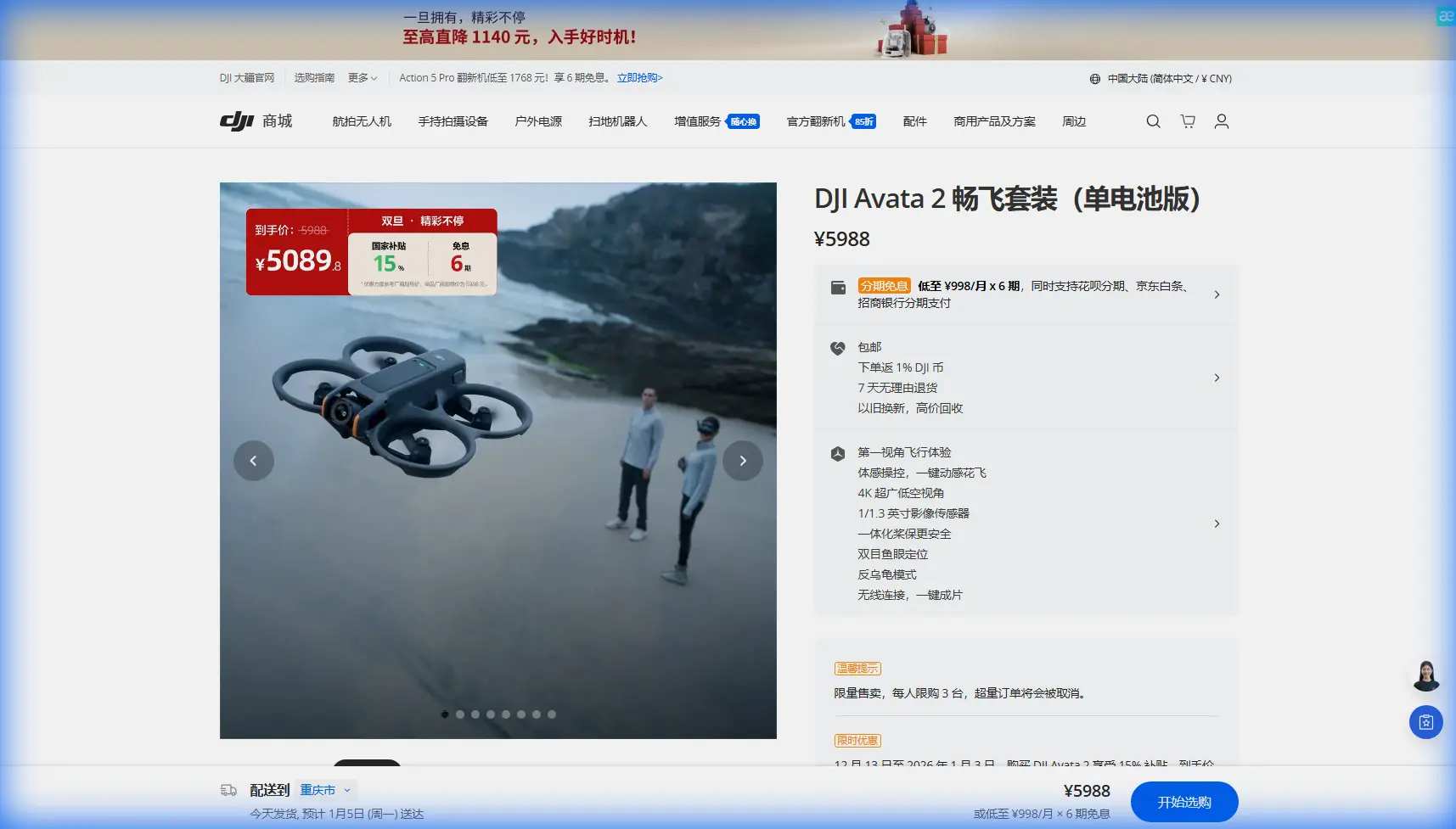
Filming Highways in Extreme Temperatures With Avata 2: The Field Setup That Actually Works
META: Practical Avata 2 tutorial for filming highways in extreme heat or cold, with real-world settings, safety workflow, D-Log tips, obstacle avoidance strategy, and movement planning.
Highway footage looks simple until you try to shoot it well.
You have speed, long sightlines, shimmering pavement, uneven light, roadside clutter, wind shear from passing vehicles, and temperature swings that change battery behavior faster than most pilots expect. Add an FPV platform to that mix and the margin for sloppy decisions gets thin. That is exactly why the Avata 2 is interesting for this job. Not because it turns a hard shoot into an easy one, but because it removes enough friction that a careful operator can stay focused on timing, framing, and safety instead of fighting the aircraft.
I learned that the hard way on a roadside sequence during a brutal summer stretch. The original plan looked clean on paper: low-angle sweeps parallel to traffic, a reveal from behind a sound barrier, then a rising exit shot into the horizon. The reality was heat shimmer, aggressive glare off windshields, and batteries warming up before we had even finished the second setup. What failed first was not the drone. It was the workflow. Too much improvisation, not enough structure, and no clear plan for how the aircraft’s protection systems would behave around signs, overpasses, and narrow roadside gaps.
With Avata 2, the shot list itself did not change much. The difference was that the aircraft gave me a more reliable platform for repeatable, close-enough precision in a punishing environment. If your goal is filming highways in extreme temps, that is the right way to think about this drone: not as a magic tool, but as a compact FPV system that makes difficult motion shots more manageable when you respect its limits.
Why Avata 2 Makes Sense for Highway Work
Highway filming is usually less about raw top speed than controlled movement near complex visual references. You are tracking lanes, poles, barriers, merges, and curvature in the road. Every one of those elements exaggerates bad throttle discipline and poor line choice. Avata 2 helps because it combines immersive flight character with a set of support features that reduce workload when the environment is already demanding your attention.
Two features matter immediately here: obstacle sensing and stabilized image capture. Obstacle awareness is not a license to fly carelessly near gantries or embankments, but on highway shoots it can be operationally significant because roadsides are full of vertical surprises that appear fast in FPV perspective. Signposts, light poles, barriers, trees beyond the shoulder, and the underside geometry of overpasses can crowd the frame before your brain fully processes the closure rate. A drone that can assist with obstacle avoidance gives you one more layer of protection when heat, glare, or fatigue starts slowing your reaction time.
Then there is the image pipeline. If you plan to film in harsh noon light, cold dawns, or mixed shade under elevated sections, D-Log is one of the most useful tools in the Avata 2 workflow. Highway scenes often have bright lane markings, reflective metal, dark underpasses, and moving shadows all in one pass. A flatter recording profile gives you more room to preserve highlight detail and shape the footage later instead of baking in a brittle look on location. Operationally, that means fewer reshoots because you noticed clipped whites only after the batteries were already cooling down in the case.
Start With Temperature, Not Camera Settings
Most pilots begin by talking about frame rate and ND filters. On highway jobs in extreme conditions, I start with thermal reality.
In high heat, battery timing becomes more than a convenience issue. Shorter, more disciplined flight windows matter. The mistake I used to make was treating each battery as if it offered the same confidence from takeoff to landing regardless of ambient conditions. That is not how roadside shoots work. In extreme heat, the aircraft may still feel responsive, but your risk tolerance should shrink because temperature stress compounds with wind gusts, stop-start takes, and the temptation to “grab one more pass.”
In cold conditions, you get a different problem. Lift and control can feel fine, but battery behavior needs extra respect early in the flight. That changes how I structure the first minute: no aggressive dives, no hard acceleration runs, no ambitious opening shot just because the light looks perfect. Let the power system settle into the job before you ask the drone for your most dynamic move.
That single change improved my footage more than any picture profile tweak. Why? Because the best highway sequences are usually built from consistency. You want your third pass to look like a refined version of your first, not a completely different machine reacting to a different battery state.
The Shot Plan I Use for Highways
When filming long roads, I break the session into three shot families rather than chasing random cinematic moments.
1. Directional tracking passes
These are your parallel or slightly offset movement shots. Keep altitude disciplined and let lane geometry do the visual work. Avata 2’s FPV handling helps here because you can hold a line that feels connected to the road without making the footage look frantic. If the scene includes active vehicles, give yourself more lateral distance than you think you need. Heat distortion and speed cues can make proximity look closer in the edit anyway.
2. Reveal shots around structure
Overpasses, sound barriers, embankments, and curves are where highway footage gets shape. This is also where obstacle avoidance becomes practically useful. If you are working near roadside features in bright glare or deep shadow transitions, use the sensing support as insurance, not as your primary navigation strategy. Your route should still be planned around clean airspace and obvious escape lines.
3. Exit shots for scale
The Avata 2 can make compact environments feel bigger when you finish with a rising or widening move that shows the road’s flow through the landscape. This is where D-Log pays off again. Long views of pavement, sky, and infrastructure can produce ugly contrast splits if you expose only for the foreground. Giving yourself grading headroom makes these final shots much more usable.
Obstacle Avoidance: Useful, But Only If You Fly Like a Professional
There is a common mistake with feature-rich drones. Pilots hear “obstacle avoidance” and mentally downgrade planning. That is exactly backward.
On highway shoots, obstacle avoidance matters because roads are deceptive. They look open. They are not. They are lined with signs, cables, poles, barriers, trees, fencing, and structures that compress visually at speed. In extreme temperatures, your decision-making also degrades faster than you may notice. Heat especially can make you slower, less patient, and more willing to salvage a messy line instead of aborting early.
The right way to use obstacle systems on Avata 2 is as a buffer against the unexpected, not a substitute for route design. Before I launch, I define three things:
- the intended path
- the no-go side of the path
- the emergency climb or brake-out line
That gives the aircraft’s avoidance capability a context. It is no longer “save me if I mess up.” It is “support the plan if visual conditions get ugly for a moment.”
This becomes even more relevant around overpasses. Shade transitions can hide contrast detail, while bright exits can momentarily flatten your perception. If you are trying to skim through those transitions for dramatic effect, stop and reassess. The strongest highway footage rarely comes from the riskiest line. It comes from the line you can repeat cleanly three times.
What About Subject Tracking and ActiveTrack?
For highways, pilots often ask if subject tracking or ActiveTrack should be the default move when following a vehicle. My answer is no, not by default.
Tracking tools are helpful when the subject’s behavior is predictable and your environment is forgiving. Highways are not always forgiving. Vehicles change lanes, enter shadow, disappear behind larger traffic, and produce confusing visual overlaps with roadside structures. ActiveTrack can still be useful in selected scenarios, especially on service roads, controlled access areas with clean spacing, or isolated stretches where the vehicle path is stable. But I treat it as a tactical option, not the foundation of the entire shoot.
Its operational significance is biggest when you need to reduce pilot workload for a controlled tracking segment so you can concentrate on composition and speed matching. Used selectively, that can improve shot smoothness. Used lazily, it can encourage overconfidence in environments where visual clutter changes by the second.
If you are unsure whether a sequence should be manual or assisted, I usually recommend a short test run in the same lighting direction as the final shot. If you want a second opinion on a route or setup, it can help to message me here before you burn through a battery set on a bad plan.
QuickShots and Hyperlapse: Worth Using, But Not Everywhere
These features tend to get ignored by serious FPV pilots, which is a mistake. They are not replacements for manually crafted sequences, but they can save a shoot when conditions are changing fast.
QuickShots are most useful on highway-adjacent scenes rather than active traffic corridors. Think interchanges, ramps, rest areas, bridges, or parked subject vehicles in a controlled environment. If the heat is rising or daylight is fading, getting one clean automated movement can give you a dependable cutaway that stabilizes the edit.
Hyperlapse is more niche, but when used carefully it can tell the environmental story around the highway better than a pure action pass. A storm front moving over a transport corridor, evening traffic density building, or steam and mirage-like shimmer over hot pavement can all add context that a fast FPV line cannot. The key is restraint. Use Hyperlapse to show time and atmosphere, not to force cinematic complexity into every sequence.
My Camera Workflow for Harsh Highway Light
Here is the practical version.
I shoot for flexibility first. D-Log is the sensible choice when the road surface and sky are both fighting for dynamic range. Expose with discipline and protect the highlights. White lane markings and reflective vehicles can clip faster than they appear on a small screen, especially in direct sun.
I also avoid overcomplicating motion. Highway footage looks better when the movement is intentional and legible. A slight bank through a curve or a controlled rise over an embankment communicates speed better than random stick aggression. Avata 2 is good at this because it encourages immersion, but it does not force you into chaos. That balance is why it works for this type of assignment.
If you are filming in cold weather, watch your transitions into shadow and back into open light. If you are filming in heat, pay extra attention to shimmer. Heat distortion can soften distant detail and make a shot look out of focus even when your settings are correct. The solution is often not technical. It is geographic. Move your line closer to the subject or change your angle so you are not shooting through a long column of superheated air rising off pavement.
The Highway Safety Rule I Never Ignore
Do not build your plan around the most dramatic line. Build it around the cleanest recoverable line.
That sounds conservative until you review footage after a hard day in extreme temperatures. The shots that survive are usually the ones with clear subject separation, stable horizon control, and enough margin to absorb a gust or a momentary visual miss. Avata 2 gives you tools that help with exactly that: compact FPV handling, assisted obstacle awareness, support for tracking in the right situations, and recording options like D-Log that keep more image information intact for post.
Those are not glamorous talking points. They are the reason the drone is useful.
For me, the turning point came when I stopped treating highway filming as a speed challenge and started treating it as an environmental control problem. Temperature, airflow, reflective surfaces, repetitive geometry, and route discipline matter more than flashy maneuvers. Avata 2 did not solve those variables. It simply made them easier to manage in a smaller, more responsive package than the rigs I used to rely on for this kind of motion-heavy work.
If you are planning to film highways with Avata 2 in extreme heat or cold, approach the day like a technician first and a storyteller second. Then, once the aircraft, batteries, route, and safety margins are dialed in, let the road give you the story. It usually does.
Ready for your own Avata 2? Contact our team for expert consultation.