
Filming Coastal Highways With Avata 2: A Smarter Flight
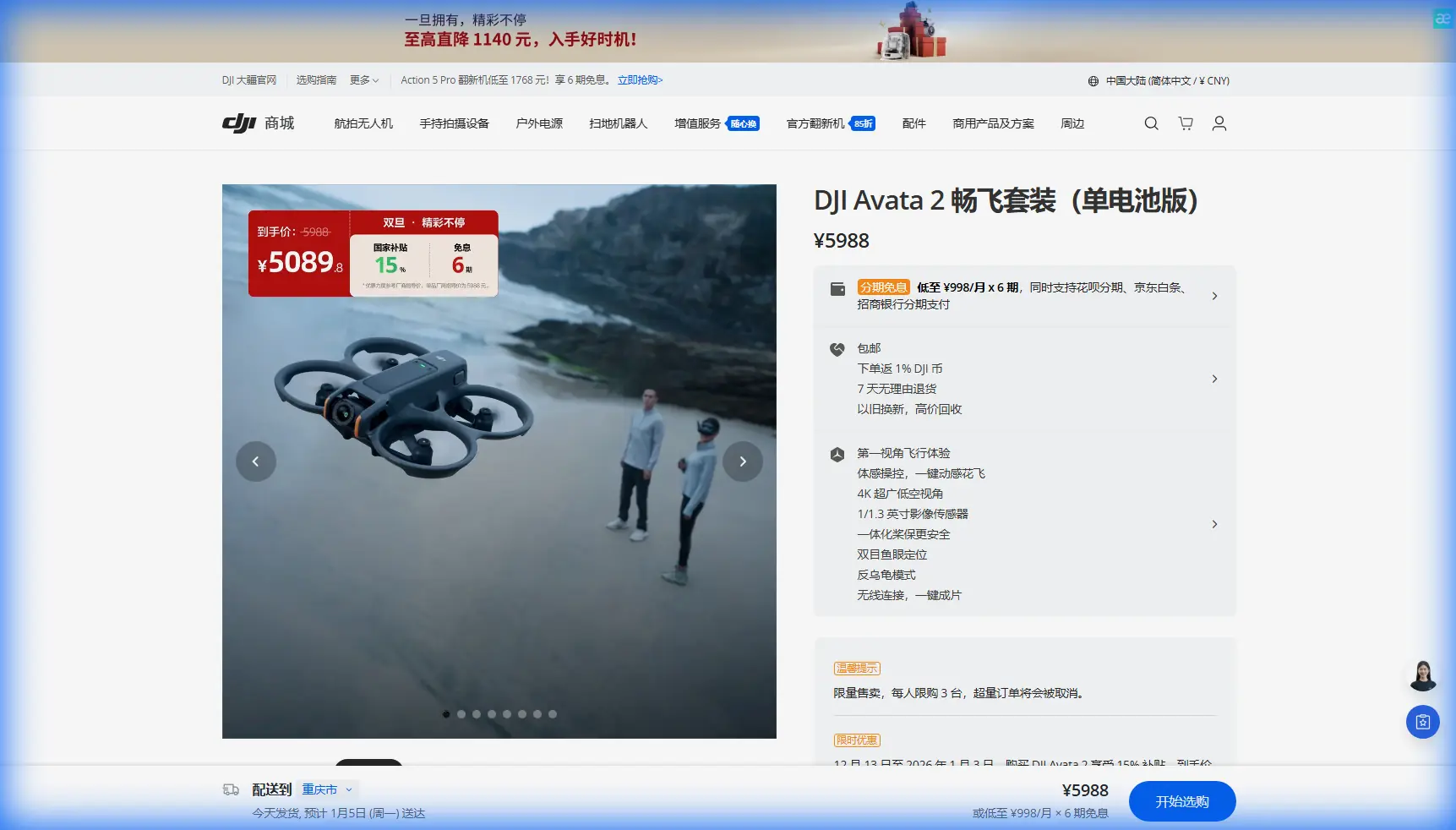
Filming Coastal Highways With Avata 2: A Smarter Flight Plan Borrowed From Utility Inspection Discipline
META: Learn how to film coastal highways with DJI Avata 2 using route planning, gain awareness, battery discipline, and stable FPV technique inspired by professional line inspection workflows.
I’ve filmed roads in enough windy places to know that “just go fly it” is how good footage turns into twitchy corrections, wasted batteries, and a nervous walk back to the launch point. Coastal highways make that even more obvious. You’re dealing with open gusts, reflective water, changing elevation, moving traffic in the background, and long visual corridors that tempt pilots to stretch a flight farther than they should.
That’s why one of the most useful frameworks for flying the Avata 2 along a coastal highway doesn’t actually come from a camera handbook. It comes from utility inspection procedure.
A helicopter line-inspection guide might sound far removed from a cinewhoop-style FPV platform, but the underlying logic is highly relevant: plan each flight segment carefully, keep the aircraft within visual range, choose takeoff and landing areas with intention, and adjust control behavior conservatively rather than chasing aggressive settings. For Avata 2 pilots filming roads, those ideas translate directly into cleaner footage and safer, more repeatable flights.
Start Thinking in Flight Segments, Not One Long Run
One detail from the reference material stands out immediately: each mission segment should remain within visual line of sight, and the route should be divided into manageable sections based on terrain and surroundings. That is inspection thinking at its best. It also happens to be exactly how you should approach highway filming with Avata 2 in a coastal environment.
A highway by the sea looks simple from the ground. In practice, it is rarely one continuous shooting lane. You may have sea walls, overpasses, cut slopes, sign gantries, bridge transitions, service roads, and sections where the road bends in an S-shape. The inspection document specifically notes that S-shaped line planning should be handled from outside the shape rather than getting trapped inside it. Operationally, that matters because curved routes create blind spots, visual compression, and awkward recovery options.
For Avata 2, the lesson is straightforward: break the highway into short, intentional passes.
Instead of launching once and trying to capture a full scenic stretch in a single battery, divide your shoot into:
- a lead-in reveal section
- a side-parallel tracking section
- a high perspective transition section
- a closing pull-away or orbit-style endpoint
This gives you cleaner clips and better battery reserves. It also keeps your decision-making sharp. A coastal road can look almost identical for kilometers, which makes it easy to drift into lazy flying. Segmentation forces purpose.
Pick Launch Points Like an Inspector, Not Like a Tourist
The reference guide emphasizes selecting the best takeoff and landing site for each route section, and recording the approximate launch position together with environmental conditions. That sounds procedural because it is procedural. But for Avata 2, it is one of the fastest ways to improve your footage quality.
A good launch point for highway filming should do four things:
- keep the aircraft and pilot in reliable visual relation
- offer a clean GPS lock and stable home point
- reduce interference from roadside clutter
- give you a safe recovery path if the wind strengthens
On the coast, I prefer launch areas that are open on one side, not boxed in by barriers, parked vehicles, or steep embankments. The inspection guidance also recommends choosing the more open side whenever possible. That matters operationally because an open side gives you more room to reset a line, abort a pass, or descend without forcing a last-second correction around poles, signs, or vegetation.
If a highway stretch runs between the sea and a hillside, choose the side that gives you more lateral escape room and clearer visual contrast. Avata 2 is agile, but agility is not a substitute for planning.
Why Route Recording Still Matters for a Camera Drone
Another overlooked reference detail is the recommendation to record GPS collection points together with route planning. In powerline work, that supports repeatable inspection and orientation. For highway filming, it supports consistency.
If you’re returning to a location for multiple tides, changing weather, or different vehicle density, note where you launched, what direction you flew, how the wind behaved, and where your strongest shots came from. The inspection example shows GPS collection points spaced across multiple towers with distances marked around 15–20 meters and angle references at 45 degrees. You do not need to copy that exact geometry for cinematic use, but the principle is valuable: define positional references instead of trusting memory.
In practical Avata 2 terms, this helps with:
- recreating the same pass at a different time of day
- matching footage across multiple batteries
- avoiding dead air while deciding where to stand
- managing sun angle on reflective water and asphalt
I keep short notes after each battery. Wind direction. Launch point. Best segment. Any visual problem spots. It feels minor until you come back two days later and can get the keeper shot on battery one instead of battery four.
The Hidden Stability Lesson: Don’t Chase Aggressive Tuning
The most technical part of the reference material concerns control parameter tuning, especially vertical gain. It states that if the aircraft shows high-frequency vertical oscillation, the vertical gain is too high and the pilot should immediately switch to manual control, land, and reduce the value. It also recommends coarse adjustments in steps of 3 to 5, and then settling at roughly 15% below the critical threshold to avoid high-frequency shaking across different flight states.
Even if most Avata 2 users are not manually tuning helicopter gains in the same way, the principle is gold: do not tune or fly right on the edge of instability.
For coastal highway filming, this matters because wind and lift changes near cliffs, barriers, and embankments can make an aircraft look “almost stable” until the footage reveals fine oscillation or repeated altitude corrections. Many pilots mistake that for a skill issue in post. Often, it was a setup and restraint issue in the air.
With Avata 2, that translates into a few practical habits:
- avoid overreacting to every tiny altitude drift near sea wind
- keep control inputs smooth rather than snappy
- don’t compare one mode’s feel directly to another in a simplistic way
- if the aircraft starts behaving oddly, stop forcing the shot and reset
The source also warns not to compare autonomous behavior directly with manual behavior because tail response can be slower in self-driving modes. Applied to Avata 2, this is a useful reminder when switching between assisted flight and more direct FPV-style control expectations. A mode that feels “less lively” may actually be doing exactly what it should for stability. If you push harder trying to make it feel like a different mode, you can create the shakiness you were trying to eliminate.
What Stable Hover Tells You Before the Shot
One of the cleanest operational tests in the source is simple: when all directions are properly adjusted, the aircraft should hover stably. Then the pilot can push each control direction in sequence and evaluate startup speed and stop behavior.
That is an excellent pre-shot routine for Avata 2 on a coastal highway.
Before your first real pass, don’t rush into a dramatic low run. Hover. Watch for subtle bobbing. Make a short forward input. Stop. Yaw gently. Stop. Climb a little. Descend a little. Let the aircraft tell you how the air is moving through that corridor.
This reveals three things fast:
- whether the wind is shearing across the road or along it
- whether your chosen side of the highway is producing smoother airflow
- whether your footage style for that battery should be fast and committed or slower and layered
A lot of wasted clips come from skipping that 20-second diagnostic.
Coastal Highway Shots That Suit Avata 2 Best
Avata 2 shines when the road itself becomes a compositional line. Along the coast, that usually means embracing directional movement rather than overcomplicated camera tricks.
The shots I come back to most often are:
- low, offset forward movement parallel to the road
- gradual climb revealing sea and highway together
- rearward retreat as traffic recedes into a curve
- controlled banked turn that uses the shoreline as a geometric counterweight
This is where obstacle awareness and subject-related flight tools can help, but only when used with restraint. If you’re using assisted tracking behavior or route-like repeatability, remember the source’s central rule: make one adjustment at a time. The inspection guide explicitly warns against changing multiple values before isolating the real cause of abnormal behavior. In filming terms, don’t change altitude profile, speed, tracking behavior, and angle all at once and then wonder why a pass failed.
Change one variable. Repeat. Evaluate.
That’s how you get footage that looks intentional rather than lucky.
A Battery Tip From the Field That Saves More Shots Than It Costs
Here’s the battery habit I wish more Avata 2 pilots adopted on exposed coastal roads: dedicate the first battery to reconnaissance, not hero shots.
I know that sounds conservative. It is. It also works.
Battery one is where you learn:
- the wind pattern near bridge entries
- where the road throws visual interference from signs or poles
- how quickly the sea-facing section drains confidence and battery margin
- whether your launch point is actually efficient
Inspection crews don’t treat the first pass as a cinematic gamble. They use planning and data collection to reduce uncertainty. You should too.
If the location is especially gusty, I’ll often land with more reserve than feels necessary after the first battery, update my notes, and shift launch position by a small amount. Sometimes just moving 20 or 30 meters changes the entire quality of the line because your visual relationship to the curve improves and your return path is cleaner.
The second battery is usually where the best footage happens, not the first.
D-Log, Hyperlapse, and QuickShots: Use Them Selectively
People often ask whether they should throw every available feature at a scenic highway location. Usually, no.
D-Log makes sense when the scene has bright water, pale sky, and darker road surfaces sharing the frame. Coastal contrast can get harsh quickly, so preserving grading flexibility is useful.
Hyperlapse can work from a higher, more controlled position if traffic flow and cloud movement are visually meaningful. But it should serve the location, not distract from it.
QuickShots and similar automated motion patterns are best treated as supplements. On a highway corridor with wind and fixed roadside structures, they’re less valuable than a carefully flown parallel or reveal pass. If you use automated features, test them in a clean section first, not over the most visually complex stretch.
ActiveTrack-style logic can also be tempting if a vehicle is part of the composition, but highway filming demands a wider margin of judgment. The road itself is usually the subject; the moving traffic is texture. Don’t let the tool redefine the shot.
When to Stop the Flight
The source is uncompromising on one point: if instability appears during adjustment, switch back and land. That mindset deserves to survive intact.
If Avata 2 starts showing odd vertical behavior, inconsistent braking, or a feel that no longer matches the first minute of the battery, stop trying to salvage the run. Coastal conditions can change surprisingly fast. A shot that was available two minutes ago may no longer be worth taking.
Professionals are not the ones who force every battery to zero. They’re the ones who recognize when the flight no longer matches the plan.
A Practical Workflow You Can Reuse
Here’s the distilled version I’d use for filming a coastal highway with Avata 2:
- Scout the road in segments, not as one continuous mission.
- Choose an open launch side with visual clarity and recovery room.
- Note launch position, wind direction, and the best route references.
- Use a brief hover-and-response test before the first serious pass.
- Fly battery one as reconnaissance with usable clips as a bonus.
- Adjust one thing at a time: line, altitude, speed, or angle.
- Keep control behavior slightly on the conservative side rather than chasing a critical edge.
- Land early if the aircraft starts showing unstable behavior.
That approach sounds less romantic than grabbing goggles and sprinting toward the prettiest overlook. It also produces better footage.
If you’re comparing route ideas, accessory setup, or location-specific planning for your next Avata 2 coastal shoot, you can message our flight planning desk here.
The real lesson from the inspection reference is not about helicopter tuning alone. It’s about discipline. Stable systems, segmented planning, measured adjustments, and recorded field observations are what make repeatable aerial work possible. Avata 2 may be built for a very different flying experience, but those same habits give it structure. And structure is what lets the creative part breathe.
Ready for your own Avata 2? Contact our team for expert consultation.