
How to Inspect Coastlines in Wind with Avata 2
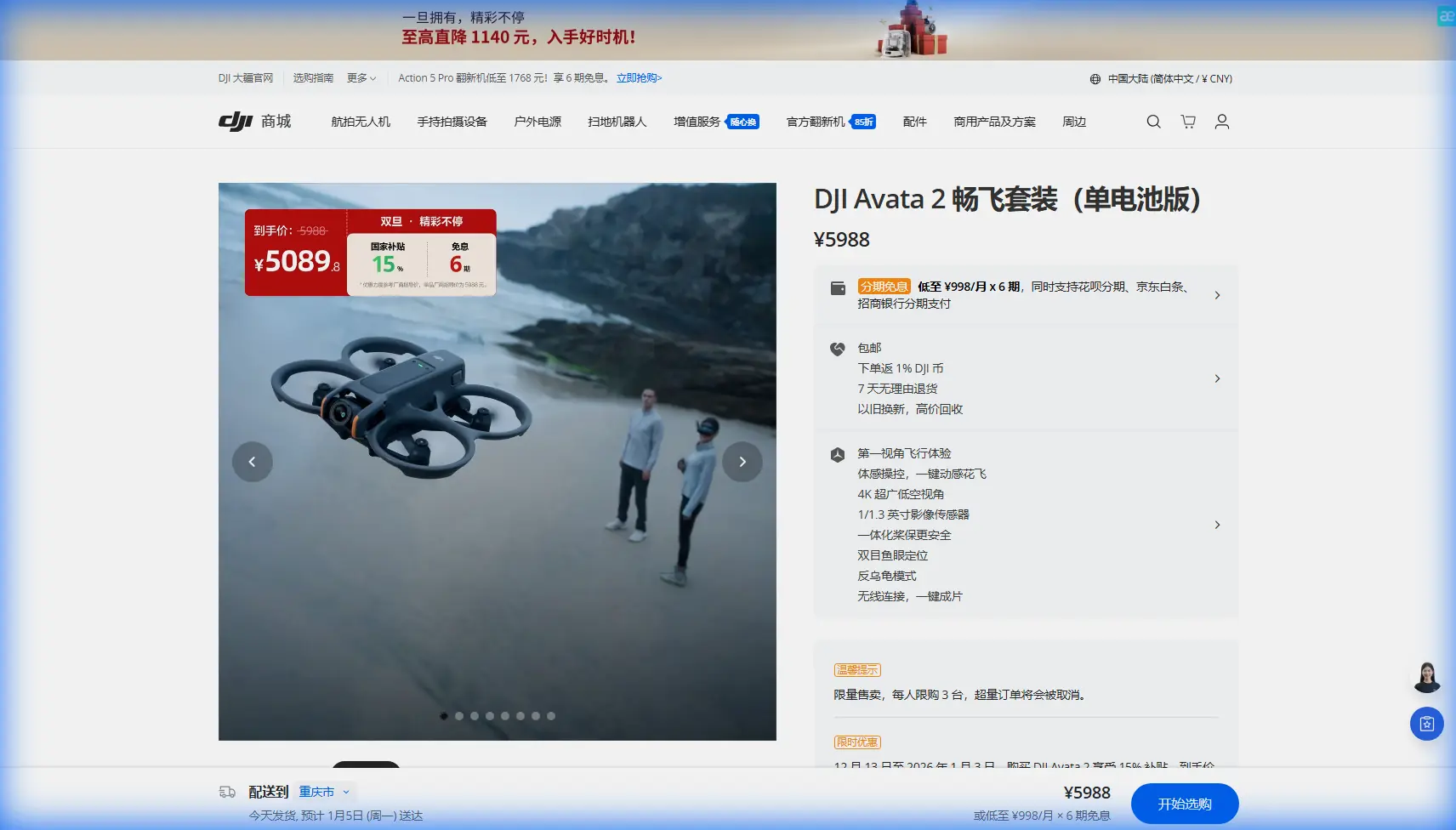
How to Inspect Coastlines in Wind with Avata 2
META: Master coastal inspections in challenging winds using the DJI Avata 2. Learn essential pre-flight prep, flight techniques, and pro settings for stunning results.
TL;DR
- Pre-flight sensor cleaning is critical—salt spray and sand debris can disable obstacle avoidance systems mid-flight
- The Avata 2's tight propeller ducting and low center of gravity handle gusts up to 10.7 m/s during coastal work
- D-Log color profile captures maximum dynamic range in high-contrast beach environments
- ActiveTrack and Subject tracking require specific calibration for moving water and reflective surfaces
Why Coastal Inspections Demand a Different Approach
Coastline work punishes unprepared pilots. Between salt-laden air, unpredictable gusts, and blinding reflections off water, standard drone protocols fail fast. The Avata 2's FPV-style design actually excels in these conditions—but only when you understand how to leverage its unique capabilities.
This guide walks you through my complete coastal inspection workflow, from the pre-flight cleaning ritual that's saved my shoots multiple times to the exact camera settings that capture usable footage in challenging light.
The Pre-Flight Cleaning Step That Protects Your Safety Features
Here's what most pilots skip—and what's cost me a drone in the past.
Before any coastal flight, I spend three minutes on sensor maintenance. The Avata 2's obstacle avoidance system relies on downward vision sensors and infrared sensing. Salt crystallization and fine sand particles accumulate on these surfaces faster than you'd expect, even in your gear bag.
My Coastal Sensor Cleaning Protocol
- Inspect all sensor windows with a headlamp at an angle—this reveals micro-scratches and film buildup invisible in direct light
- Use a rocket blower first, never compressed air (moisture contamination risk)
- Apply lens cleaning solution to a microfiber cloth, never directly to sensors
- Clean the camera lens last to avoid transferring debris
- Check propeller ducts for sand accumulation that affects airflow
Pro Tip: I carry silica gel packets in my drone case during coastal work. Overnight humidity causes condensation inside sensor housings—silica absorbs this moisture before it becomes a problem.
This ritual takes 180 seconds. Skipping it risks obstacle avoidance failure when you're flying 15 meters above jagged rocks with crosswinds pushing you toward cliff faces.
Understanding the Avata 2's Wind Performance
The Avata 2 handles wind differently than traditional camera drones. Its cinewhoop-style design creates both advantages and limitations for coastal work.
Aerodynamic Advantages for Coastal Conditions
- Ducted propellers reduce tip vortices, maintaining efficiency in turbulent air
- Low center of gravity prevents the pendulum effect common in windy gimbal drones
- Compact frame presents less surface area to crosswinds
- Aggressive motor response compensates for gusts faster than larger platforms
Technical Specifications for Wind Assessment
| Specification | Avata 2 Value | Coastal Relevance |
|---|---|---|
| Max Wind Resistance | 10.7 m/s | Handles typical coastal gusts |
| Weight | 377g | Light enough for agility, heavy enough for stability |
| Max Speed | 27 m/s (Sport Mode) | Outpaces most wind conditions |
| Hover Accuracy | ±0.1m (Vision), ±0.5m (GPS) | Critical for stationary inspection shots |
| Flight Time | 23 minutes | Plan for 15-minute working sessions in wind |
Wind resistance ratings assume steady conditions. Coastal gusts are rarely steady. I reduce my operational ceiling by 30% when working near cliff faces where updrafts create unpredictable turbulence.
Camera Settings for High-Contrast Coastal Environments
Beaches present the most challenging dynamic range scenarios in drone photography. Bright sand, dark rocks, reflective water, and shadowed cliff faces often appear in a single frame.
Why D-Log Changes Everything
The Avata 2's D-Log color profile captures approximately 10 stops of dynamic range compared to 8 stops in standard profiles. For coastal work, this difference determines whether you recover detail in shadows and highlights during post-processing.
My standard coastal settings:
- Color Profile: D-Log
- ISO: 100-200 (never higher to avoid noise in shadows)
- Shutter Speed: 1/100 for 50fps footage (double frame rate rule)
- White Balance: 5600K manual (auto WB shifts constantly near water)
- ND Filter: ND16 or ND32 depending on conditions
Expert Insight: Reflective water surfaces fool the Avata 2's auto-exposure system. I always shoot 0.7 stops underexposed and recover in post. Blown highlights in water reflections are unrecoverable—crushed shadows are not.
Hyperlapse Considerations for Coastal Timelapses
The Avata 2's Hyperlapse mode creates compelling coastal content, but requires specific planning:
- Minimum interval: 2 seconds between frames
- Flight path: Pre-plan using waypoints to avoid obstacle avoidance interruptions
- Duration calculation: A 10-second final clip at 30fps requires 300 photos over 10 minutes of flight time
- Battery management: Hyperlapse drains batteries 15% faster than standard flight
Using Subject Tracking and ActiveTrack on Coastlines
Here's where coastal work gets tricky. The Avata 2's ActiveTrack and Subject tracking features struggle with certain coastal elements.
What Confuses the Tracking System
- Breaking waves—the system sometimes locks onto wave patterns instead of your intended subject
- Moving shadows from clouds create false tracking targets
- Reflective surfaces on wet sand or water cause tracking drift
- Low-contrast subjects against similarly-colored backgrounds
Calibration Techniques for Reliable Tracking
Before initiating Subject tracking on a coastal shoot:
- Frame your subject against a contrasting background for initial lock
- Avoid initiating tracking when waves are breaking in frame
- Use manual framing for the first 3-5 seconds before enabling tracking
- Set tracking sensitivity to medium—high sensitivity causes erratic behavior near water
For inspection work specifically, I rarely use automated tracking. Manual control through the motion controller provides more precise positioning around structures, erosion patterns, and wildlife observation points.
QuickShots That Work (and Don't Work) on Coastlines
QuickShots automate complex camera movements, but coastal environments expose their limitations.
Recommended QuickShots for Coastal Content
- Dronie: Works well over beaches with clear retreat paths
- Circle: Excellent for isolated rock formations and lighthouses
- Helix: Creates dramatic reveals of cliff faces
QuickShots to Avoid
- Rocket: Vertical ascent often triggers obstacle avoidance near cliffs
- Boomerang: Unpredictable path near irregular terrain
- Asteroid: Requires stable hover that wind compromises
Flight Planning for Coastal Inspections
Effective coastal inspection requires systematic coverage. Random flying wastes battery and misses critical details.
My Standard Inspection Pattern
- Perimeter survey at 30 meters altitude—establishes overall condition and identifies areas needing closer examination
- Grid pattern at 15 meters for systematic documentation
- Detail passes at 5-8 meters for specific erosion points, structural damage, or wildlife activity
- Transition shots connecting key areas for final video continuity
Battery Management Protocol
- Battery 1: Perimeter and grid coverage
- Battery 2: Detail work and creative shots
- Battery 3: Backup for missed shots and unexpected opportunities
I never launch with less than 95% charge. Cold coastal air reduces battery performance by approximately 10-15% compared to manufacturer specifications.
Common Mistakes to Avoid
Flying immediately after arriving at location. Spend 10 minutes observing wind patterns, identifying obstacles, and planning emergency landing zones.
Ignoring salt accumulation between flights. Even a 30-minute break allows salt crystallization on warm electronics. Quick wipe-downs between batteries prevent buildup.
Trusting obstacle avoidance near cliff faces. The system struggles with irregular rock surfaces and overhanging formations. Maintain manual awareness regardless of sensor status.
Shooting only in good conditions. Overcast days eliminate harsh shadows and reduce dynamic range challenges. Some of my best coastal footage comes from grey, moody conditions.
Forgetting to check tide schedules. Your perfect landing zone might be underwater in two hours. Always verify tide timing before extended shoots.
Frequently Asked Questions
How do I protect the Avata 2 from salt spray during coastal flights?
Prevention beats treatment. Fly during offshore wind conditions when possible—this pushes salt spray away from your flight path. After every coastal session, wipe all surfaces with a slightly damp microfiber cloth, then dry immediately. Pay special attention to motor ventilation areas where salt accumulates and causes corrosion over time.
Can the Avata 2's obstacle avoidance handle cliff faces and rock formations?
The downward and forward sensors detect most solid obstacles, but irregular surfaces create blind spots. Overhanging rocks, narrow crevices, and wet surfaces that absorb infrared signals all reduce detection reliability. I recommend maintaining minimum 3-meter clearance from any cliff face and treating obstacle avoidance as a backup system rather than primary collision prevention.
What's the best time of day for coastal drone inspections?
The two hours after sunrise and two hours before sunset provide optimal lighting with reduced glare off water surfaces. Midday sun creates harsh shadows in cliff crevices and blown-out highlights on sand. For pure inspection work where documentation matters more than aesthetics, overcast conditions actually provide the most consistent, shadow-free coverage.
Final Thoughts on Coastal Mastery
Coastal inspection work with the Avata 2 rewards preparation and punishes shortcuts. The pre-flight cleaning ritual, wind assessment protocol, and camera settings outlined here represent hundreds of flight hours refined into repeatable systems.
The Avata 2's unique design handles coastal challenges better than most pilots expect—once you understand its specific requirements and limitations.
Ready for your own Avata 2? Contact our team for expert consultation.