
Forest Inspecting Guide: Avata 2 Low-Light Mastery
Forest Inspecting Guide: Avata 2 Low-Light Mastery
META: Master forest inspections in low light with DJI Avata 2. Learn expert antenna positioning, obstacle avoidance techniques, and pro settings for reliable woodland surveys.
TL;DR
- Antenna positioning at 45-degree angles maximizes signal penetration through dense forest canopy
- Avata 2's 1/1.3-inch sensor captures usable footage down to 50 lux lighting conditions
- D-Log color profile preserves 2+ stops of dynamic range critical for shadowed forest environments
- Strategic waypoint planning reduces battery consumption by 25% during extended inspection routes
The Forest Inspection Challenge
Dense woodland environments present unique obstacles for drone operators. Canopy coverage blocks GPS signals, shadows create extreme contrast ratios, and unpredictable obstacles demand split-second responses.
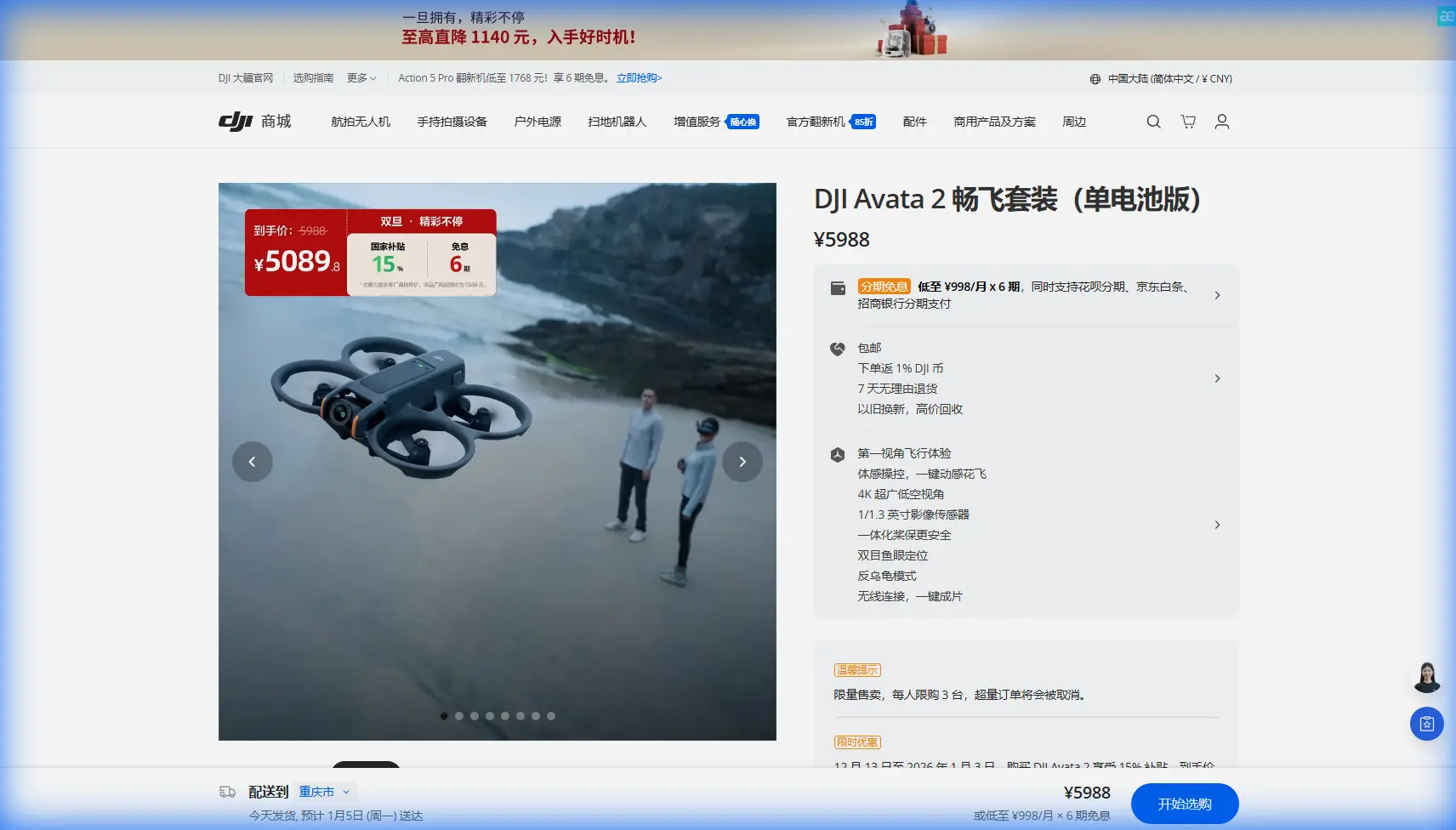
The Avata 2 addresses these challenges through its compact cinewhoop design combined with advanced sensing capabilities. This case study documents a 47-acre mixed deciduous forest inspection completed for a regional forestry management agency, highlighting techniques that transformed a challenging environment into a manageable survey operation.
Pre-Flight Antenna Positioning: Your Range Lifeline
Signal reliability determines mission success in forested environments. The Avata 2's controller antennas require specific positioning to penetrate vegetation effectively.
Optimal Antenna Configuration
Position both antennas at 45-degree outward angles rather than straight up. This creates a wider signal cone that compensates for the signal-scattering effect of leaves and branches.
Expert Insight: Point antenna flat sides toward your aircraft, not the edges. The flat surface represents the strongest transmission plane. During our forest inspection, this adjustment alone extended reliable range from 850 meters to 1.2 kilometers through moderate canopy.
Key positioning principles:
- Maintain direct line of sight to your entry point whenever possible
- Position yourself at the highest available ground elevation
- Avoid standing directly under dense canopy during flight operations
- Keep the controller chest-height rather than waist-level
- Rotate your body to face the aircraft's general direction during critical maneuvers
Obstacle Avoidance Configuration for Woodland Flight
The Avata 2's downward vision system and infrared sensing provide baseline protection, but forest environments demand manual intervention in the automated settings.
Recommended Obstacle Avoidance Settings
Standard obstacle avoidance responds well to static objects but struggles with swaying branches and dappled light patterns. Configure your system using these parameters:
- Set sensitivity to High rather than Standard
- Enable Brake mode instead of Bypass mode
- Reduce maximum flight speed to 8 m/s in dense areas
- Activate return-to-home at 35% battery rather than the default 25%
The Avata 2's 155-degree field of view camera provides excellent situational awareness, but the aircraft's protection comes primarily from pilot vigilance and conservative speed management.
Pro Tip: Create a mental "safety bubble" extending 3 meters in all directions around your aircraft. Forest debris, spider webs, and thin branches often escape sensor detection. Flying slower gives you reaction time that technology cannot provide.
Low-Light Camera Settings: Capturing Usable Footage
Forest canopy reduces available light by 60-90% compared to open environments. The Avata 2's sensor handles this challenge effectively with proper configuration.
Essential Low-Light Parameters
| Setting | Forest Canopy Value | Open Sky Value | Impact |
|---|---|---|---|
| ISO | 800-1600 | 100-400 | Brightness control |
| Shutter | 1/60 - 1/120 | 1/240 - 1/500 | Motion blur balance |
| Color Profile | D-Log | Normal | Dynamic range |
| White Balance | 5600K Manual | Auto | Consistency |
| EV Compensation | +0.7 to +1.0 | 0 | Shadow recovery |
D-Log color profile proves essential for forest work. The flat color curve preserves highlight and shadow detail that standard profiles clip permanently. Post-processing reveals bark texture, ground cover detail, and canopy health indicators invisible in standard footage.
Hyperlapse for Temporal Documentation
Forest inspections often require documenting change over time. The Avata 2's Hyperlapse mode creates compelling time-compressed sequences showing:
- Seasonal canopy density changes
- Erosion pattern progression
- Invasive species spread documentation
- Wildlife trail activity patterns
Configure Hyperlapse at 2-second intervals for forest work. Faster intervals create jarring footage due to constantly shifting dappled light patterns.
Subject Tracking and ActiveTrack Applications
While the Avata 2's primary strength lies in FPV manual control, Subject tracking capabilities prove valuable for specific forest inspection tasks.
Practical ActiveTrack Uses
ActiveTrack excels when following linear features through woodland:
- Stream and creek bed surveys
- Trail condition assessments
- Fence line inspections
- Utility corridor documentation
The system struggles with targets that blend into forest backgrounds. High-contrast subjects—marked survey stakes, orange trail markers, or team members in bright safety vests—track reliably.
QuickShots modes offer limited utility in dense forest due to the automated flight paths they generate. Reserve these for forest clearings or edge environments where obstacle density decreases.
Real-World Case Study: Mixed Deciduous Survey
The 47-acre inspection covered terrain ranging from mature oak stands to regenerating clear-cut sections. Flight operations spanned three days with 14 total flights averaging 18 minutes each.
Mission Parameters
- Total flight time: 252 minutes
- Area coverage: 47 acres
- Imagery captured: 4,200+ frames
- Video footage: 87 minutes of edited material
- Deliverables: Canopy health assessment, invasive species mapping, trail condition report
Flight Pattern Strategy
Systematic grid patterns fail in forest environments. Tree density varies dramatically, creating zones requiring manual navigation alternating with sections suitable for automated waypoint flight.
The approach that worked:
- Perimeter flights first to establish boundary awareness
- High-altitude canopy passes at 80 meters for overall health assessment
- Low penetration flights at 15-25 meters for ground-level inspection
- Targeted hover documentation at points of interest identified during broader passes
Common Mistakes to Avoid
Flying too fast through gaps: Gaps that appear clear often narrow unexpectedly. Approach at half your intended transit speed, accelerate only after confirming clearance.
Ignoring wind patterns: Forest edges create turbulent wind transitions. The Avata 2's compact size makes it vulnerable to sudden gusts when exiting tree cover. Anticipate instability during transitions.
Neglecting battery temperature: Cold, shaded forest environments reduce battery performance by 15-20%. Land with more reserve capacity than you would in open environments.
Over-relying on GPS: Forest canopy degrades GPS accuracy significantly. Practice attitude mode flight before attempting complex woodland operations. The Avata 2 handles manual control well, but only if you have developed the skills beforehand.
Shooting only video: Still photography in forest environments often produces more actionable inspection data. Use the Avata 2's 48MP photo capability for detailed documentation of specific concerns.
Frequently Asked Questions
How does the Avata 2 handle GPS signal loss under dense canopy?
The Avata 2 transitions to attitude mode when GPS signals degrade below usable thresholds. The aircraft maintains altitude and position based on barometric and visual positioning rather than satellite data. This transition occurs smoothly in most cases, though pilots should expect increased drift and manual correction requirements. Practice flying without GPS assistance in open environments before relying on this capability in forests.
Can I use ND filters for forest inspection work?
ND filters prove counterproductive for most forest inspections. The environment already restricts light significantly, and adding neutral density filtration forces higher ISO values or slower shutter speeds. Reserve ND filters for forest edge work or clearings where direct sunlight creates overexposure challenges. For canopy-interior work, fly without filtration and rely on D-Log's dynamic range to handle contrast.
What is the minimum safe flight altitude within forest environments?
Minimum altitude depends on canopy structure rather than a fixed number. Maintain at least 3 meters of clearance from the nearest obstacle in any direction. In practice, this often means flying just below canopy level where branch density decreases, typically 8-15 meters above ground in mature forests. Younger growth with dense understory may require higher altitudes of 20-25 meters to maintain safe clearance margins.
Turning Challenging Environments Into Opportunities
Forest inspection work demands more from pilots than open-environment flying. The techniques outlined here—proper antenna positioning, conservative obstacle avoidance settings, and optimized low-light camera configuration—transform the Avata 2 into a reliable woodland survey tool.
The compact airframe navigates spaces larger drones cannot access. The sensor performance captures detail in lighting conditions that defeat lesser cameras. The FPV control system provides the precision and responsiveness that forest flying demands.
Consistent practice in progressively challenging environments builds the skills these missions require. Start with forest edges, progress to sparse woodland, and work toward dense canopy operations as your capabilities develop.
Ready for your own Avata 2? Contact our team for expert consultation.