
Expert Highway Inspecting with Avata 2 in Wind
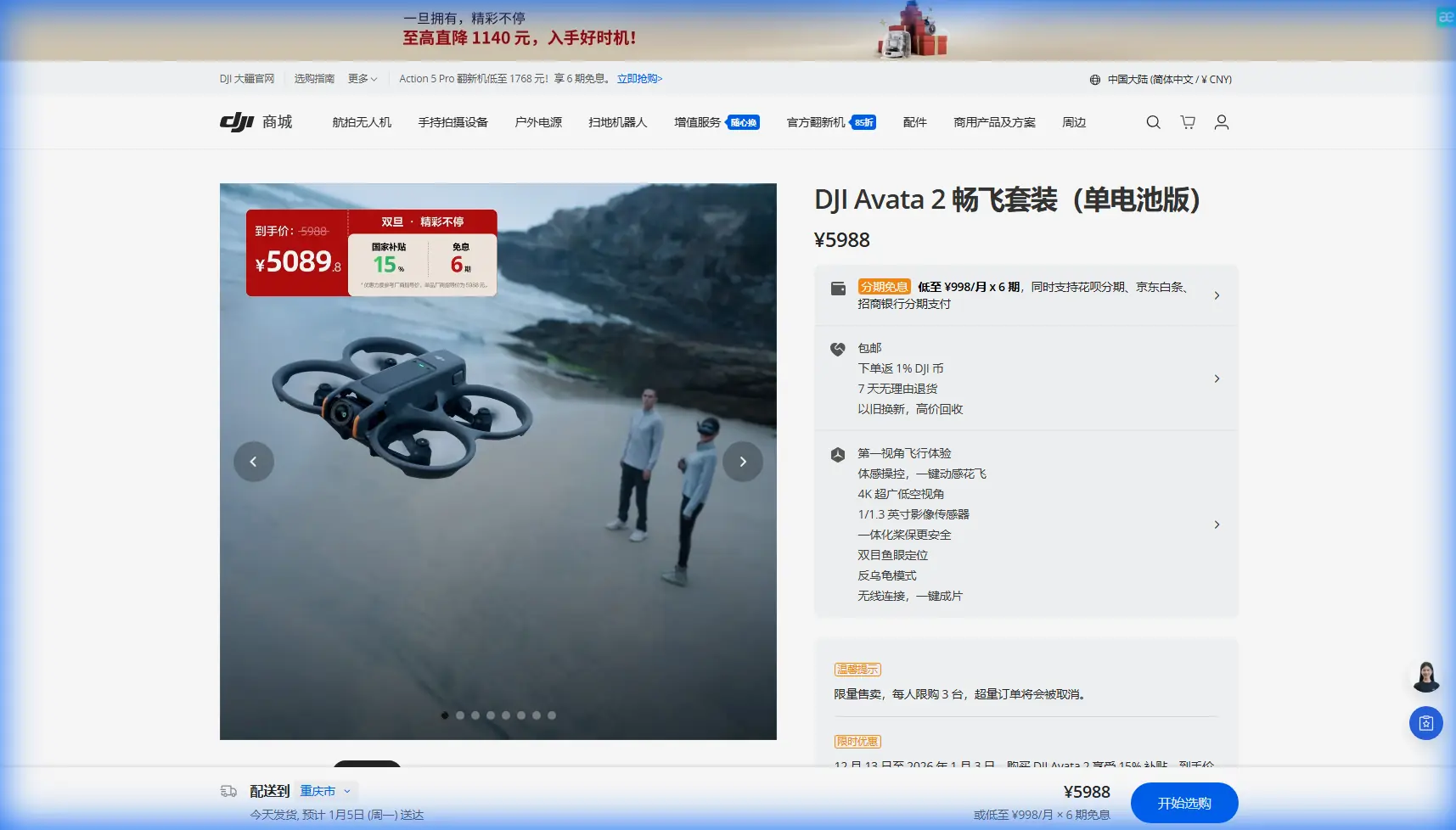
Expert Highway Inspecting with Avata 2 in Wind
META: Master highway inspections in windy conditions using DJI Avata 2. Learn pro techniques for stable footage, obstacle avoidance, and efficient workflows.
TL;DR
- Avata 2 handles winds up to 10.7 m/s, making it reliable for exposed highway inspection environments
- Obstacle avoidance sensors prevent collisions with signage, barriers, and infrastructure during close-proximity flights
- D-Log color profile captures maximum detail in challenging lighting conditions common on roadways
- Third-party ND filters prove essential for maintaining proper exposure during midday inspections
Highway infrastructure inspection presents unique challenges that ground-based methods simply cannot address efficiently. The DJI Avata 2 transforms this workflow by combining FPV agility with professional-grade stability systems—critical when you're flying alongside traffic corridors in unpredictable wind conditions.
This guide breaks down exactly how to leverage the Avata 2's capabilities for highway inspection work, from pre-flight configuration to post-processing workflows that deliver actionable data to engineering teams.
Why the Avata 2 Excels at Highway Inspection
Traditional inspection drones struggle in highway environments. Open corridors create wind tunnels. Traffic generates turbulence. Infrastructure elements demand precise maneuvering around guardrails, signage, and overpasses.
The Avata 2 addresses these challenges through its compact cinewhoop design. The propeller guards serve dual purposes: protecting the aircraft during close-proximity work and improving stability in turbulent conditions by reducing prop wash interference.
Key Specifications for Inspection Work
| Feature | Avata 2 Specification | Inspection Benefit |
|---|---|---|
| Max Wind Resistance | 10.7 m/s (Level 5) | Reliable operation in exposed highway corridors |
| Weight | 377g | Reduced wind profile, easier transport |
| Sensor Size | 1/1.3-inch CMOS | Superior detail capture for defect identification |
| Video Resolution | 4K/60fps | Smooth footage for engineering review |
| Flight Time | 23 minutes | Complete 2-3 km highway segments per battery |
| Obstacle Sensing | Downward + Backward | Protection during infrastructure approach |
The 1/1.3-inch sensor deserves particular attention. Highway inspections often reveal hairline cracks, corrosion spots, and joint deterioration that smaller sensors miss entirely. This sensor captures the dynamic range needed to expose both shadowed bridge undersides and sun-bleached concrete simultaneously.
Pre-Flight Configuration for Windy Conditions
Before launching in wind, proper configuration prevents footage loss and potential crashes.
Goggles 3 Settings Optimization
The DJI Goggles 3 paired with Avata 2 provide the immersive view essential for detailed inspection work. Configure these settings before flight:
- Set transmission quality to "Smooth" rather than "HD" in windy conditions—this prioritizes latency over resolution
- Enable head tracking for intuitive camera control while maintaining flight path focus
- Adjust low battery warning to 30% rather than default 20%—wind increases power consumption significantly
Expert Insight: Wind doesn't just affect flight stability—it dramatically increases battery drain. A 23-minute rated flight time drops to approximately 15-17 minutes in sustained 8 m/s winds. Plan inspection segments accordingly and always carry 4-5 batteries for serious highway work.
Camera Settings for Infrastructure Documentation
Highway surfaces present challenging exposure scenarios. Concrete reflects harsh midday light while expansion joints and undersides remain shadowed.
Configure these camera settings:
- D-Log M color profile for maximum dynamic range recovery in post
- ISO locked at 100 to minimize noise in detailed infrastructure shots
- Shutter speed following 180-degree rule (double your frame rate)
- Manual white balance at 5600K for consistent color across segments
Here's where third-party accessories become essential. The Freewell ND filter set designed for Avata 2 transformed my highway inspection workflow. Without ND filters, maintaining proper shutter speed in bright conditions forces stopped-down apertures that reduce sharpness. The ND8 and ND16 filters handle most midday highway scenarios, while ND32 proves necessary for desert or snow-adjacent roadways.
Flight Techniques for Highway Inspection
Highway inspection demands specific flight patterns that balance coverage efficiency with detail capture.
The Corridor Sweep Method
This technique provides comprehensive coverage of highway segments:
- Position at segment start, approximately 15 meters altitude and 10 meters lateral offset from roadway edge
- Engage ActiveTrack on the road centerline to maintain consistent framing
- Fly parallel to traffic flow at 5-7 m/s ground speed
- Capture continuous 4K footage rather than photos—video provides context that isolated images lack
- Return along opposite side for complete bilateral documentation
ActiveTrack proves surprisingly effective for highway work despite being designed for subject following. By tracking the road's painted centerline, the system maintains consistent framing even when wind gusts push the aircraft laterally.
Infrastructure Detail Capture
Bridges, overpasses, and signage require closer inspection approaches:
- Reduce speed to 2-3 m/s when approaching structures
- Utilize obstacle avoidance sensors by approaching from angles that engage the downward and backward sensors
- Capture Hyperlapse sequences of expansion joints and bearing assemblies—the time compression reveals movement patterns invisible in real-time footage
- Document reference markers (mile markers, joint numbers) at the start of each detail sequence
Pro Tip: The Avata 2's QuickShots modes aren't just for creative content. The Circle mode creates perfect documentation orbits around bridge piers and signage posts. Set radius to 5 meters and speed to slow—you'll capture every angle without manual stick input that might introduce shake in windy conditions.
Managing Wind During Active Inspection
Wind behavior along highways follows predictable patterns that inform flight planning:
- Morning hours (6-9 AM) typically offer calmest conditions before thermal activity begins
- Overpasses create acceleration zones—wind speeds increase 30-50% as air compresses through restricted spaces
- Traffic generates turbulence up to 5 meters above roadway surface—maintain altitude buffer during active traffic periods
- Concrete barriers create lee-side calm zones—use these for battery-intensive hovering inspection
The Avata 2's Sport mode provides the thrust authority needed to punch through unexpected gusts. Keep one finger ready to switch modes if conditions deteriorate suddenly.
Post-Processing Workflow for Engineering Deliverables
Raw inspection footage requires processing before engineering teams can utilize it effectively.
D-Log Processing Steps
D-Log footage appears flat and desaturated directly from camera. This is intentional—the profile preserves highlight and shadow detail for recovery:
- Apply DJI's official D-Log LUT as starting point
- Lift shadows by 15-20% to reveal underside detail
- Reduce highlights by 10-15% to recover blown concrete surfaces
- Add subtle sharpening at 0.5-0.8 radius for crack definition
- Export at original 4K resolution with minimal compression
Organizing Footage for Engineering Review
Engineers need efficient access to specific locations. Implement this organization system:
- Name files by mile marker and direction (e.g., "MM_142.5_NB_Bridge_Approach")
- Create chapter markers at each infrastructure element
- Export still frames of identified defects at full resolution
- Include GPS coordinates in metadata when possible
Common Mistakes to Avoid
Flying too fast for detail capture. Speed above 8 m/s introduces motion blur that obscures hairline cracks and early-stage deterioration. Slow down—inspection isn't racing.
Ignoring wind direction relative to obstacles. Downwind approaches to structures eliminate your escape margin. Always approach infrastructure elements with wind at your back, giving you thrust authority to retreat if needed.
Relying solely on obstacle avoidance. The Avata 2's sensors don't cover all angles. Thin elements like guy wires and power lines may not register. Maintain visual awareness through the goggles feed.
Skipping ND filters in bright conditions. Without proper filtration, you'll either overexpose surfaces or use shutter speeds that create jello effect from vibration. The filter investment pays for itself on the first inspection job.
Depleting batteries completely. Landing with 15-20% remaining extends battery lifespan significantly. The cost of replacement batteries exceeds the value of those extra few minutes of footage.
Frequently Asked Questions
Can the Avata 2 legally fly near active highways?
Regulations vary by jurisdiction, but most highway inspection work requires coordination with transportation authorities. In the United States, operations near highways typically fall under Part 107 waivers for flights over moving vehicles. Contact your state DOT for specific requirements—many have established drone inspection programs with defined protocols.
How does Avata 2 compare to traditional inspection drones like Matrice series?
The Avata 2 trades payload capacity and sensor options for agility and wind resistance. For general condition assessment and preliminary surveys, Avata 2 often proves more practical. For detailed photogrammetry requiring RTK positioning or thermal imaging, larger platforms remain necessary. Many inspection teams now deploy both—Avata 2 for initial surveys and Matrice for targeted follow-up.
What backup systems should I have for highway inspection work?
Carry a minimum of 4 batteries for serious inspection sessions. Bring a portable charging solution capable of field recharging. Pack spare propellers—debris near highways can damage props during landing. Consider a secondary controller as backup, and always have a visual observer when flying near traffic corridors.
Highway inspection with the Avata 2 represents a significant capability upgrade over both ground-based methods and traditional drone platforms. The combination of FPV agility, professional imaging, and wind resistance creates a tool that delivers actionable infrastructure data efficiently.
The techniques outlined here come from dozens of highway inspection flights across varying conditions. Master these fundamentals, and you'll capture footage that engineering teams can actually use—not just impressive aerial views, but documentation that identifies problems before they become failures.
Ready for your own Avata 2? Contact our team for expert consultation.