
Avata 2 for Urban Highway Inspection: A Practical Tutorial
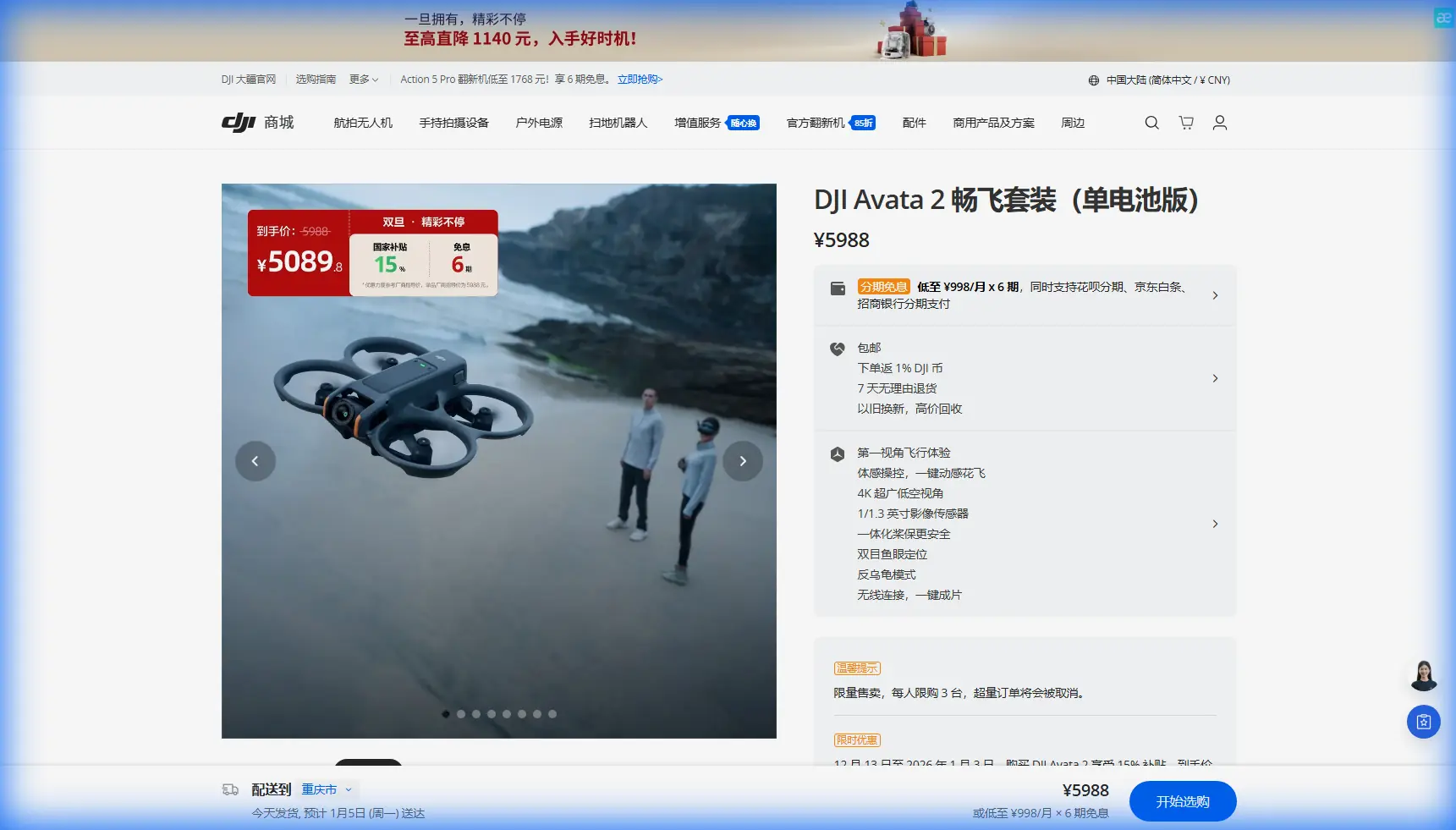
Avata 2 for Urban Highway Inspection: A Practical Tutorial from the Field
META: Learn how to use DJI Avata 2 for urban highway inspection with practical setup advice, obstacle avoidance workflow, D-Log capture tips, and safe close-quarters flying techniques.
Highway inspection in a dense urban environment is rarely a clean, wide-open drone job. You are dealing with overpasses, sign gantries, sound barriers, light poles, concrete columns, patchy GNSS, moving traffic below, and tight visual corridors that punish hesitation. That is exactly where the Avata 2 becomes interesting.
Not because it replaces a large mapping platform. It does not. And not because every inspection team should suddenly switch to FPV. They should not. The real value of the Avata 2 is narrower and more useful: it lets an inspection crew reach confined angles around urban highway structures quickly, with strong situational awareness, and capture smooth, close-range visual data in places that are awkward for conventional camera drones.
This guide is built around that reality. If your job is inspecting highway assets in a city setting, here is how to set up and fly the Avata 2 with purpose rather than novelty.
Why Avata 2 fits a highway inspection niche
Urban highway work usually splits into two aerial tasks.
The first is broad-area documentation: deck condition context, interchange overview, lane-adjacent assets, drainage patterns, and traffic-flow-related visual evidence. That is better handled by a more conventional platform with longer endurance and a wider operational envelope.
The second is precision proximity work: under-deck approaches, side views of expansion joints, sign support framing, barrier interfaces, drainage outlets, lighting structures, cable runs, and hard-to-reach spaces near vertical infrastructure. This is where Avata 2 earns a spot in the toolkit.
Its ducted design matters operationally. When you are flying close to concrete, steel, and narrow structural gaps, minor contact risk is not theoretical. The Avata 2 is built for near-structure flight in a way that immediately changes pilot confidence and workflow. You still fly conservatively, but the aircraft is simply more suitable for protected, close-in visual inspection than an exposed-prop camera drone.
That difference becomes even more practical in urban corridors where obstacles are layered rather than isolated. A highway scene can stack poles, beams, cables, overhead signs, and shadow-heavy geometry in one short flight path. Obstacle awareness and controlled motion are not convenience features there. They are the difference between a useful pass and a terminated sortie.
Start with the right mission definition
Before battery one leaves the ground, decide what kind of inspection evidence you actually need.
For urban highways, I separate Avata 2 missions into three categories:
Condition confirmation
You already know the area of concern. The goal is to visually confirm cracking, joint movement, impact damage, water intrusion staining, fastener issues, or surface deterioration.Access-driven observation
Ground crews cannot easily reach the angle needed. The drone is there to reveal an underside, side face, recess, or shielded component.Communication footage
Engineers, contractors, or asset managers need smooth visual context to explain the issue to stakeholders. This is where stabilized cinematic motion has real business value.
The mistake many teams make is trying to do all three in one improvised flight. Avata 2 works better when each battery has a specific purpose. One battery for establishing context. One for detailed close passes. One for repeatable documentation from matched angles.
That discipline saves time and gives your footage structure when it reaches engineers or clients.
The controls and flight mode question
For inspection work, smoothness beats aggression every time.
The Avata 2 is capable of immersive FPV flight, but urban highway inspection is not a freestyle session. The aircraft’s value here comes from controlled pathing through constrained spaces while keeping the image readable. That means choosing settings and modes that reduce pilot workload.
If you are inspecting around overpasses or columns, your default mindset should be stability first. You want predictable throttle behavior, gentle yaw inputs, and enough pace to maintain authority without rushing into blind structure.
This is where newer pilots can overestimate their readiness. A close-range structural pass in a city demands a lot more than basic stick familiarity. Practice in open training areas before you ever bring the aircraft into traffic-adjacent infrastructure.
Obstacle avoidance is useful, but not a substitute for planning
One of the most relevant talking points around Avata 2 is obstacle avoidance. In marketing language, that can sound abstract. In actual highway inspection, it has a simpler meaning: it gives you a layer of protection in visually busy environments where depth cues can become unreliable.
That matters especially under overpasses, near shadow transitions, and around repeating structural elements. Concrete beams and vertical supports can trick even experienced pilots when light is uneven. Having obstacle sensing support improves confidence during approach and recovery segments, especially when repositioning between inspection points.
But there is a limit. Sensor-based protection does not understand your inspection objective. It cannot tell whether the pilot needs a tight lateral slide past a drainage outlet or a brief hover near a connection plate. You still need a route, a bailout path, and clear decision points for when to stop the pass.
A good urban workflow is this:
- Walk the route on foot first if access allows.
- Identify poles, cables, overhangs, signage, and reflective surfaces.
- Choose an entry point with a clean ascent and recovery area.
- Plan one primary line and one safe exit line.
- Keep each inspection segment short and intentional.
Obstacle avoidance helps during execution. Planning is what keeps the mission professional.
ActiveTrack and subject tracking: useful, but selective
A lot of pilots hear terms like ActiveTrack or subject tracking and immediately think of chasing moving objects. For highway inspection, that is not the point.
The practical value is controlled framing around a defined object or corridor when you need repeatability or presentation-grade footage. For example, if you are documenting a long barrier face, sign support, or outer edge condition while moving along a predictable line, subject-aware framing tools can help produce cleaner visual context with less manual correction.
That said, urban highway scenes are cluttered. Passing vehicles, changing backgrounds, structural interference, and occlusions can complicate automated tracking. I would treat tracking functions as assistive, not primary, especially when the real inspection target is fixed infrastructure rather than moving equipment.
Where it becomes especially useful is stakeholder communication. If your engineering team needs a readable visual sweep along a specific structure, these tools can reduce pilot workload enough to keep framing steady and useful.
D-Log is not just for pretty color
If you are shooting urban infrastructure in hard daylight, D-Log matters for more than aesthetics.
Highway inspections often involve brutal contrast. Dark underpasses. Bright concrete decks. Reflective signage. Deep shadow under beams and blown-out sky at the edge of frame. Standard profiles can clip highlights fast or crush shadow detail that turns out to be important when someone zooms into the footage later.
D-Log gives you more room in post. For inspection teams, that translates into a better chance of preserving detail on concrete texture, corrosion staining, water marks, and surface transitions in mixed lighting.
You do need a workflow for it. If nobody on the team can color manage footage properly, a flatter profile may become a burden rather than a benefit. But when handled correctly, D-Log can preserve subtle visual evidence that a normal profile might throw away.
For urban highway work, I typically recommend this split:
- Use a standard look for immediate field review and fast reporting.
- Use D-Log when the lighting is harsh or the footage may support deeper technical review later.
That gives you both usability and grading flexibility.
QuickShots and Hyperlapse are not just creative extras
At first glance, QuickShots and Hyperlapse might sound irrelevant to inspection. They are not central tools, but they are not pointless either.
QuickShots can help capture clean establishing footage around a highway asset when you need a polished overview for a report, briefing deck, or maintenance presentation. A stable, repeatable reveal of a structure helps non-pilots understand location and spatial relationship before they review close-up detail.
Hyperlapse has a narrower role, but it can be useful for site-progress storytelling around staged maintenance zones, traffic management setups, or the visual evolution of work areas over time. It is less about defect detection and more about operational communication.
Used carefully, these features help turn raw flight data into material that asset managers and project teams can actually use.
A third-party accessory that genuinely improves inspection work
One accessory I have seen make a real difference with the Avata 2 is a high-performance ND filter set from a third-party optics brand. This is not cosmetic. In highway inspection, especially in full sun, shutter control affects footage readability.
Without filtration, bright midday conditions can push shutter speeds so high that motion looks jittery and small structural details feel harsher or less coherent during movement. A good ND set helps maintain more natural motion rendering on slow inspection passes, which makes footage easier to interpret.
That becomes especially relevant when tracking along barriers, approaching under-deck areas, or making lateral passes by columns and connection points. Smooth motion is not only nicer to watch. It reduces visual fatigue when engineers need to review multiple clips in sequence.
Another practical add-on is a landing pad for dusty roadside staging areas, but if I had to choose one accessory that consistently improves recorded output, I would start with ND filters.
A simple flight recipe for urban highway inspection
Here is a field-tested structure that works well for Avata 2 missions around urban highway assets.
1. Establish the environment
Start with one slow, safe overview pass. Do not chase detail yet. Capture where the structure sits relative to lanes, adjacent supports, signage, and access constraints.
This footage becomes your orientation layer.
2. Inspect one feature at a time
Choose a single subject: a joint, a drain, a support face, a barrier section, a lighting mount. Fly for that one target only. Hold a consistent distance. Avoid random orbiting.
When you mix targets in one flight segment, the footage becomes harder to review later.
3. Repeat key angles
If a suspected issue appears, repeat the pass from the same angle once. Then do a second angle with slight offset. This gives reviewers confirmation rather than a one-off glimpse.
4. Manage light deliberately
Urban highway lighting changes fast. If the defect area sits in deep shadow while the deck above is bright, adjust your approach and use D-Log when needed. Detail lost in the field usually stays lost.
5. Keep batteries mission-specific
Do not stretch one battery across unrelated tasks. One battery for overviews, one for defect confirmation, one for stakeholder footage is a cleaner way to work.
What to watch out for in city highway environments
Three things deserve extra respect.
GNSS inconsistency.
Under and around major structures, signal quality can shift. Do not assume the aircraft will behave as if it is in open sky.
Wind tunneling.
Urban corridors and underpasses can funnel air in strange ways. A pass that feels easy in one direction may feel very different on the return.
Visual compression.
Highway structures often make distances look larger than they are. Repeating beams and supports can flatten depth cues. This is exactly why conservative speed and route discipline matter.
Building an inspection package clients can use
The drone flight is only half the job. The other half is delivering material that means something to the people making decisions.
For Avata 2 highway work, I recommend packaging outputs in this order:
- one short overview clip
- labeled close-range clips by asset location
- still frames extracted from the clearest moments
- a note on lighting or access limitations
- a follow-up recommendation if another platform is needed for broader mapping or measurement
This is where a small FPV-style drone stops being a novelty tool and becomes a useful inspection instrument.
If your team is still refining workflow, it helps to compare mounting options, filters, and practical field setup choices with operators who use these aircraft regularly. I usually tell crews to message a drone specialist here when they want to sanity-check an inspection configuration before deploying to a complex site.
Final take
The Avata 2 is not the universal answer for highway inspection. It is a specialist. In urban settings, that is exactly why it matters.
Its protected form factor, close-quarters confidence, obstacle-aware operation, and flexible imaging tools make it well suited to the awkward spaces that traditional platforms often approach less comfortably. Features like D-Log are not just technical bullet points; they directly affect whether shadow-heavy structural footage remains useful after the flight. Obstacle avoidance is not just a convenience layer; in dense highway geometry, it supports safer repositioning and cleaner execution.
Used with restraint, planning, and the right accessories, the Avata 2 can become the aircraft you send when the inspection target sits in the space between “visible from the ground” and “easy to film with a standard drone.”
That is a valuable place to own.
Ready for your own Avata 2? Contact our team for expert consultation.