
Avata 2 for Coastal Mapping in Mountain Terrain
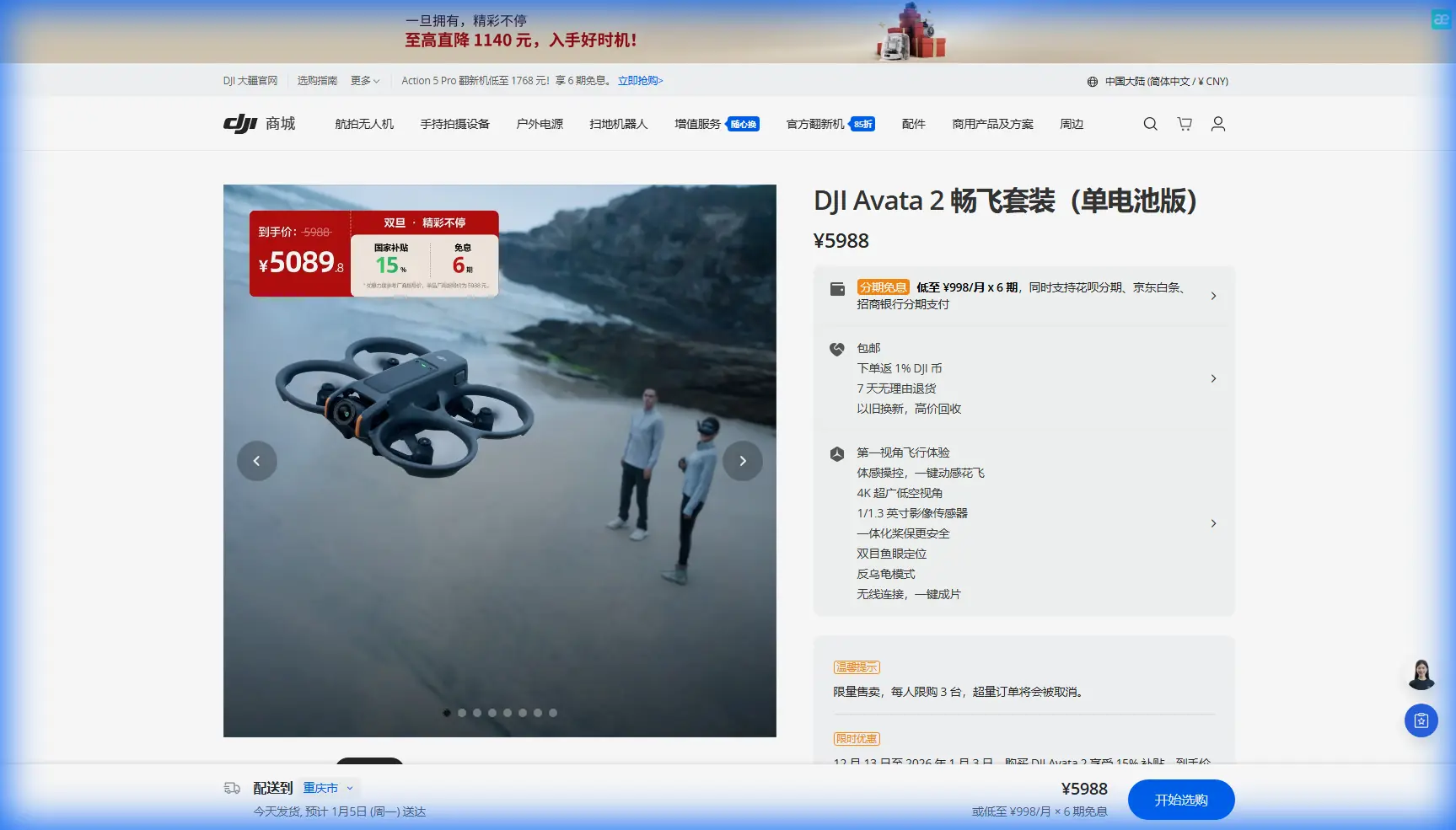
Avata 2 for Coastal Mapping in Mountain Terrain: An Expert Field Workflow
META: Learn how to use Avata 2 for coastline work in mountain terrain, with practical guidance on obstacle avoidance, D-Log capture, ActiveTrack limits, EMI antenna adjustment, and safe low-altitude flight planning.
Coastline mapping in mountain terrain is one of those assignments that looks simple on a planning board and becomes far more technical the moment you arrive on site. The route is rarely clean. Cliffs block line of sight. Wind changes shape as it wraps around ridgelines. Salt spray, wet rock, and uneven GPS conditions push both aircraft handling and pilot judgment. If you are considering the DJI Avata 2 for this kind of work, the key question is not whether it can fly there. It can. The real question is how to use its strengths without forcing it into a role it was never meant to fill.
I have been asked versions of this a lot: can the Avata 2 handle coastal documentation in steep terrain? The answer is yes, if you frame the mission correctly. It is especially effective when the goal is close-range visual inspection, terrain-hugging footage, gap runs along rock formations, and repeatable low-altitude passes that would feel awkward in a larger camera platform. For strict survey-grade mapping, you would still evaluate a mission-specific platform and sensor workflow. But for fast shoreline reconnaissance, visual condition capture, route familiarization, and detailed environmental storytelling, Avata 2 is a serious tool.
This guide is built around that real-world use case: mapping coastlines in mountain areas where terrain, signal behavior, and flight geometry matter more than marketing labels.
Start with the mission, not the mode
The biggest mistake I see is pilots trying to make one aircraft do three different jobs in a single sortie. Coastal mountain work usually breaks down into separate capture goals:
- broad contextual passes showing the shoreline relative to slopes and ridges
- low, near-surface tracking along cliffs, inlets, and rock shelves
- repeated passes over erosion points, drainage outlets, or man-made shoreline structures
- cinematic sequences for stakeholders who need visual context, not just technical records
The Avata 2 excels in the second and fourth categories. It can also support the first and third when you keep expectations realistic and design the flight path around consistency rather than absolute geospatial precision.
That matters operationally because mountain coastlines distort your sense of distance. A route that looks like a simple half-kilometer shoreline run may actually require multiple segmented flights because you need clean line of sight, a safe recovery option, and enough battery margin to fight shifting headwinds on the return leg.
Why Avata 2 makes sense here
Avata 2 is not a generic choice for this environment. It is specifically useful because of how it combines compact size, protected prop architecture, and agile low-level handling. Around rock walls, scrub vegetation, broken ridgelines, and narrow shoreline corridors, that changes the kind of shots and inspection angles you can safely attempt.
The propeller guards are not a license to get sloppy, but they do reduce the penalty of operating near tight terrain features. In mountain-coast work, that matters more than people admit. You are often flying where the ideal route is six to ten feet away from stone, not sixty.
Obstacle avoidance also deserves a realistic interpretation. In this environment, it is a support layer, not an immunity shield. Uneven cliff faces, small branches, wires near access paths, and thin protrusions can all confuse your margin calculations. Treat obstacle sensing as a backup to disciplined route design. If you rely on it as the primary plan, the terrain will eventually embarrass you.
Build a coastline workflow in layers
A smart Avata 2 mission in mountain terrain should be flown in layers rather than as a single ambitious line.
1. Fly a reconnaissance pass first
Your first battery should not be the hero flight. Use it to identify:
- wind acceleration zones near ridge shoulders
- rotor wash behavior near vertical rock faces
- likely signal shadow areas
- safe bailout zones for loss of confidence or changing weather
- water-surface glare that may reduce your perception of height
This pass is where you learn how the air is moving, not just where the coastline goes. On paper, a narrow inlet may look sheltered. In practice, wind can compress through it and create sudden attitude corrections right where you wanted your smoothest pass.
2. Divide the coast into segments
Do not try to map an entire mountain shoreline in one flowing run. Break it into short sections based on terrain geometry:
- open edge
- cliff base
- headland turn
- inlet interior
- elevated return corridor
This produces better data and better footage. It also reduces cognitive load. Flying close to terrain already demands a lot from the pilot. Segmenting the route helps you repeat passes with cleaner altitude and heading discipline.
3. Choose one visual purpose per segment
For each segment, decide whether the goal is:
- documentation
- inspection
- cinematic context
- terrain-following reveal
That affects speed, altitude, and camera movement. A documentation pass should be boring in the best sense: repeatable, level, and readable. A reveal shot can be more expressive. Mixing both intentions in one pass usually weakens the result.
Handling electromagnetic interference near mountain coastlines
This is where a lot of pilots get surprised. Coastal mountain areas can produce electromagnetic interference in ways that are easy to underestimate. The source is not always dramatic. You may be near communications infrastructure on a ridge, utility lines feeding a remote facility, metal railings at a lookout point, parked service vehicles, or reinforced concrete structures near a harbor edge. Add wet conditions and constrained launch positions, and link quality can become less predictable.
One practical habit makes a real difference: adjust your body position and controller antenna orientation before assuming the aircraft is the problem.
If you detect unstable signal behavior, do not just climb and hope. Pause the mission. Reorient yourself so the controller antennas are better aligned with the aircraft’s position relative to the terrain. A small change in stance can clean up a partially shadowed path, especially when a ridge shoulder or rock outcrop is interrupting the link. In the field, I have seen a few degrees of antenna adjustment turn a noisy feed into a usable one without moving the launch site.
Operationally, this matters because mountain coastlines create irregular signal corridors. The issue is not distance alone. It is path obstruction, reflection, and angle. If you launch from below a rock lip or beside a metal barrier, your signal environment may already be compromised before the aircraft gets into the interesting part of the route.
A good rule: if you suspect interference, test the link while hovering in a safe open zone first. Then rotate your body position and adjust antenna aim deliberately. Do not wait until you are halfway through a cliff run to troubleshoot something you could have stabilized at takeoff.
If you want to compare site planning notes with another pilot before a difficult route, I sometimes recommend using this quick field contact option: send the route details here.
Camera settings that hold up in harsh coastal light
Coastlines in mountain terrain create ugly lighting contrasts. Bright water, dark rock, shadow bands, and reflective spray can make footage fall apart if you expose casually.
This is where D-Log is operationally useful, not just technically fashionable. If you are shooting for post-processing and need to preserve tonal detail across water highlights and cliff shadows, D-Log gives you more room to shape the image later. That is especially important when you are documenting erosion lines or surface conditions that need to remain visible after grading.
The catch is that D-Log rewards discipline. If your white balance and exposure are inconsistent between passes, matching clips becomes tedious fast. Pick a repeatable exposure strategy and stick to it for an entire segment.
For practical coastline work:
- use D-Log when the mission includes editorial finishing or analytical review
- simplify exposure decisions before takeoff
- avoid changing settings mid-segment unless conditions truly shift
- repeat the same pass if lighting changes enough to break continuity
The value here is not abstract image quality. It is interpretability. If your footage needs to show where dark runoff meets lighter rock or where wave impact patterns vary along a wall, preserved highlight and shadow detail matters.
ActiveTrack, subject tracking, and where they help
The Avata 2 conversation often drifts toward subject tracking and automated features. In mountain coastline work, these tools can help, but only within tight boundaries.
ActiveTrack or other subject-following approaches are most useful when the moving subject is predictable and the environment is relatively open. For example, tracking a hiker on a coastal access path or a small boat moving through a wider section of water can work if terrain pinch points are limited.
They are less reliable as a substitute for active piloting near cliffs, poles, wires, and jagged shoreline geometry. In those areas, subject tracking can tempt you to look at the subject instead of the route. That is backwards. Near hard terrain, the route deserves most of your attention.
So yes, use tracking tools where they genuinely reduce workload. But for technical coastal lines, manual control usually remains the better choice.
QuickShots and Hyperlapse: useful, but not for the core record
QuickShots and Hyperlapse are often dismissed by serious operators, which is a mistake. They have value, just not as the primary mapping product.
QuickShots can help capture fast context visuals for project stakeholders who need an immediate overview of site layout. A clean automated reveal from a launch point above the shoreline can communicate terrain relationships in seconds.
Hyperlapse can also be useful for showing tidal movement, cloud shadow progression over a slope, or changing wave patterns across a break line. In a mountain-coast environment, that temporal context can help explain why certain sections of shoreline are more exposed than they appear in a still image or standard pass.
The key is to treat these modes as supplementary layers. Do not let them replace the controlled, repeatable manual flights that produce your most usable footage.
Safe low-altitude technique over water and rock
Avata 2 encourages confident close-in flight, which is one reason people like it. That confidence needs structure.
When flying low along the coastline:
- maintain a buffer above the highest likely wave crest, not the current water surface
- avoid fixing your visual reference on reflective water for too long
- cross transition zones, such as rock-to-water edges, with extra margin
- do not hug cliff faces so tightly that a gust leaves no correction room
Mountain coastlines are deceptive because the visual texture changes constantly. Dark water beside black rock can flatten depth perception. Foam lines can trick you into thinking you have more height than you do. The result is that pilots often fly lower than intended without noticing until the route narrows.
A disciplined technique is to establish one main reference plane for each segment. Sometimes that is the cliff base. Sometimes it is a stable ledge line above the water. Pick the reference before you start the pass.
Weather is not a side note here
A coastal mountain mission can be flyable at 9:00 and poor at 9:20. Wind bends around terrain. Moisture moves in layers. Launch sites that feel calm can feed directly into rough air a short distance away.
This affects more than handling. It affects return planning. A route that begins with a tailwind along the coast may require an uphill, crosswind recovery to your launch point. That is exactly the sort of situation where pilots overextend on a visually compelling outbound run and discover too late that the return leg is the expensive part of the flight.
Keep more reserve than you think you need. In this environment, battery planning should account for terrain, wind direction, and recovery geometry together.
A practical Avata 2 checklist for this specific mission
Before takeoff, confirm these points:
- launch point has clean line of sight for the first segment
- controller antenna orientation is tested in hover
- route is divided into short, repeatable sections
- D-Log is enabled if post flexibility matters
- obstacle avoidance is understood as support, not primary protection
- tracking features are reserved for open sections only
- bailout zones are chosen before the flight begins
That last point matters. The best bailout point is not where you wish you could land. It is where you can reliably stabilize, turn, and recover without improvising.
The honest verdict
For coastline work in mountain terrain, Avata 2 is not the universal answer. It is the right answer for a specific class of missions: close-range visual mapping, terrain-sensitive inspection footage, low-level route exploration, and dynamic shoreline storytelling where agility matters more than carrying a larger sensor package.
Its obstacle avoidance helps, but pilot judgment still leads. Its automated features are useful, but only when terrain complexity is low enough to let them breathe. D-Log is worth using when harsh coastal contrast threatens detail retention. And if electromagnetic interference starts creeping in, one of the most valuable corrections is often the least dramatic one: stop, reassess the launch geometry, and adjust antenna orientation with intention.
That is the real shape of expert Avata 2 work. Not brute forcing the aircraft into every mission, but understanding exactly where it delivers and designing the flight so the terrain works with you instead of against you.
Ready for your own Avata 2? Contact our team for expert consultation.