
Expert Mapping with Avata 2: What Actually Matters on High
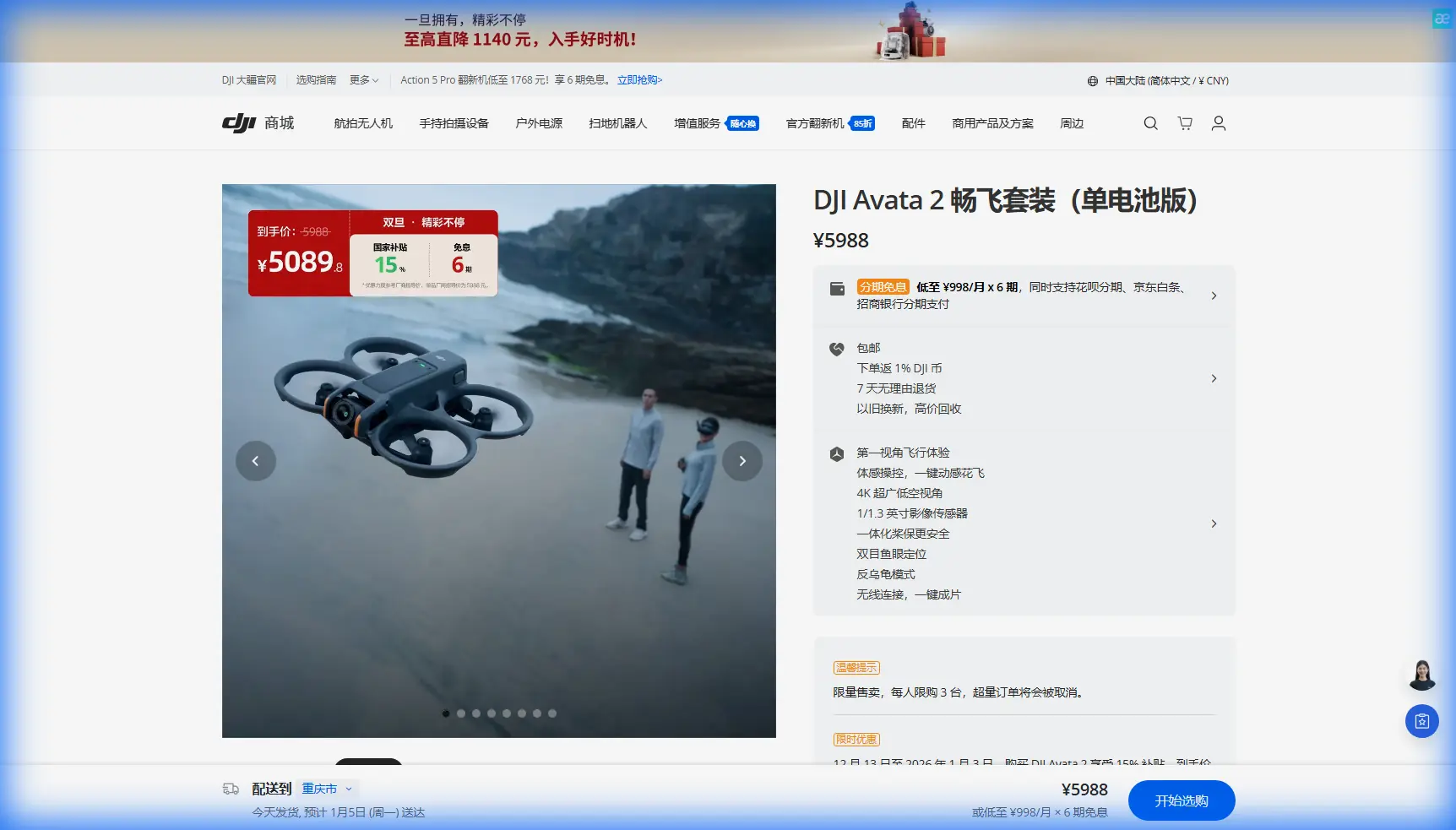
Expert Mapping with Avata 2: What Actually Matters on High-Altitude Coastline Missions
META: Technical review of DJI Avata 2 for high-altitude coastline mapping, covering obstacle sensing, D-Log, tracking tools, antenna positioning, range discipline, and workflow limits for serious civilian operators.
By Chris Park
The Avata 2 is not the first aircraft most survey professionals would reach for when someone says “coastline mapping.” That usually starts a conversation about larger platforms, longer endurance, mechanical shutters, RTK workflows, and strict corridor-planning discipline.
And yet the Avata 2 deserves a more serious look than it usually gets.
Not because it replaces a dedicated mapping drone. It does not. The reason is narrower and, in some cases, more useful: it can capture difficult coastal terrain from angles and flight paths that conventional mapping aircraft struggle to do efficiently, especially where elevation changes, cliffs, sea stacks, ridgelines, and wind-compressed access zones complicate normal grid flights. For teams working at high altitude along a coast, the Avata 2 can act as a precision visual documentation tool, a terrain interpretation aircraft, and a gap-filler for edge cases where standard nadir capture leaves too many unanswered questions.
That distinction matters. If you understand what the platform is built for, the Avata 2 becomes a strong specialist.
Why the Avata 2 fits a coastline documentation workflow
High-altitude coastal work has two problems that collide in awkward ways.
First, you are dealing with vertical geography. Cliffs, slopes, cut lines, and uneven shore profiles create blind zones and inconsistent light. Second, the operating environment tends to punish weak signal management. The aircraft may be above a launch point, beyond a ridge, over reflective water, or moving across wind layers that behave differently from inland terrain.
The Avata 2 brings a very specific advantage here: it is built around immersive, close-structure, highly controlled flight. That makes it useful for collecting visual data where the shoreline is not just a line on a map but a stacked 3D surface. If your objective includes erosion assessment visuals, infrastructure context, access-path analysis, tourism site media capture, or pre-survey reconnaissance, that style of flight becomes operationally significant.
This is where features often treated as “creative” tools become practical mission assets.
Obstacle awareness is not just a safety feature
The phrase “obstacle avoidance” gets used too loosely in drone marketing, but along a coastline at elevation, obstacle sensing has a very direct operational value. The threat is rarely a single obvious object. It is the combination of hard terrain, changing horizon references, and compressed decision time when flying near rock formations or man-made structures.
On a high coastal pass, an aircraft can move from clear air into a complex flight envelope quickly. Wind can push the drone toward a cliff face while your visual interpretation is being distorted by sea glare and terrain contrast. In that context, obstacle awareness is not about making reckless proximity flying acceptable. It is about adding a margin when flying deliberate inspection-style lines around uneven geography.
For coastline teams using the Avata 2 as a visual mapping support aircraft, that means more confidence in collecting oblique passes of cliffs, retaining walls, elevated paths, and structures near drop-offs. You still need conservative spacing and route planning. The difference is that the aircraft is better suited to low-clearance environmental reading than many platforms that were designed primarily for open-area aerial grids.
D-Log is one of the most useful features for coastal data interpretation
Many people associate D-Log with cinematic color grading. That misses its value for serious fieldwork.
Coastal environments are brutal on image capture. You often have bright sky, reflective water, dark rock faces, and shadowed recesses in the same frame. Standard profiles can clip highlights or bury terrain texture, especially when your purpose is not simply to create a pretty shot but to read the surface. D-Log gives more room to preserve tonal information across that contrast-heavy scene.
For coastline documentation, that matters in a few concrete ways:
- Rock strata and erosion lines remain easier to interpret.
- Built features near the shoreline do not disappear into shadow as easily.
- Vegetation boundaries and drainage paths hold more usable detail.
- Post-processing teams can normalize sequences captured at different times of day.
If you are stitching visuals into a broader inspection or site-assessment workflow, D-Log can help maintain consistency across passes. It is not a replacement for survey-grade radiometric discipline, but it improves the usefulness of the footage for technical review. That is a meaningful distinction for planners, environmental consultants, and infrastructure teams who need imagery they can actually analyze.
ActiveTrack, subject tracking, and QuickShots are not only for creators
On paper, ActiveTrack, subject tracking, QuickShots, and Hyperlapse sound like consumer-facing features. In the field, they can save time when used intelligently.
Take subject tracking. Along a coastline, you may need to document a moving reference subject such as a small utility vehicle on an access road, a walking inspection team, or a vessel operating in a permitted civilian survey area. Keeping that subject framed while preserving terrain context can help create operational review footage that explains route conditions far better than static images. The significance is not aesthetic. It is communicative. Teams back at the office can understand access risk, slope conditions, or shoreline exposure more quickly when the scene has motion and spatial continuity.
QuickShots can also be repurposed sensibly. A repeatable automated movement around a fixed point can provide a reliable visual record of a lookout structure, coastal installation, or cliff-edge feature. Used consistently over time, this can support change comparison. The value comes from repeatability, not novelty.
Hyperlapse has a similar role. On a long coastal segment, it can compress environmental change into a format that stakeholders can review quickly. Tidal progression, shadow movement across rock faces, cloud-driven visibility shifts, and public foot-traffic patterns become easier to understand when time is condensed.
These are not substitutes for formal geospatial capture. They are operational storytelling tools, and in civilian projects that often determines whether field data gets acted on efficiently.
The antenna issue most pilots discover too late
If you are mapping coastlines at high altitude, antenna positioning is not a minor detail. It is one of the first things that will break your mission quality.
Pilots often assume range problems come from distance alone. In coastal terrain, that is rarely the whole story. The bigger issue is geometry. A drone can be relatively close and still suffer degraded signal because the controller antennas are poorly aligned, the aircraft drops below a ridge line, or the pilot stands in a launch spot that puts rock, brush, railings, or terrain edge between the control link and the aircraft’s real path.
For the Avata 2, the practical rule is simple: do not aim the tips of the antennas directly at the drone if your controller setup uses directional antenna behavior. You want the broad face of the radiation pattern oriented toward the aircraft’s likely flight sector, while keeping the controller held in a stable, chest-height position rather than angled lazily downward. Small adjustments matter.
On high coastline missions, I recommend thinking in sectors before takeoff:
- Identify the primary flight corridor.
- Stand where the corridor remains as line-of-sight clean as possible.
- Rotate your body, not just your wrists, as the aircraft moves laterally.
- Avoid letting the drone pass behind your own shoulder line.
- If the aircraft must descend along a cliff face, reposition before you launch or move to a secondary pilot station.
That final point is the one most crews skip. They launch from the easiest place to stand, not the place with the best RF geometry. Near sea cliffs, even a modest relocation can improve link reliability dramatically.
Water also complicates perception. A clear visual path over the ocean can make pilots overconfident, but if the aircraft transitions near a rocky edge or drops beneath the lip of a coastal shelf, the signal picture changes fast. Maximum range is not achieved by chasing distance. It is achieved by preserving orientation, line of sight, and clean antenna geometry throughout the mission.
If you need to talk through a specific site layout or controller positioning plan, this Avata 2 flight planning chat is a practical place to start.
What the Avata 2 can realistically do in a mapping-adjacent role
Let’s be precise. If your deliverable is a formal orthomosaic, elevation model, or survey-grade dataset, the Avata 2 is not your primary machine. The platform’s strengths are elsewhere.
Where it works well is in the layers around a mapping mission:
1. Pre-survey reconnaissance
Before sending a larger aircraft on a programmed route, the Avata 2 can inspect launch viability, terrain hazards, cliff recesses, and access conditions. This reduces uncertainty and can prevent failed grid attempts.
2. Oblique terrain context
Nadir imagery is often poor at explaining vertical geology and undercut shoreline structures. The Avata 2 excels at capturing the context decision-makers need.
3. Infrastructure edge inspection
Coastal stairs, barriers, lookout platforms, retaining walls, drainage outlets, and trail edges are all easier to document from controlled low-altitude flight paths than from distant overhead passes.
4. Environmental communication
Consultants and local authorities often need imagery that non-pilots can interpret immediately. A well-flown Avata 2 sequence can show erosion progression or public access risk with clarity that static reports struggle to match.
5. Training for complex terrain piloting
For operators building skill in elevation-rich environments, the Avata 2 is a useful platform for learning route discipline, visual spacing, and terrain-aware positioning. That has value beyond this single aircraft.
Flight discipline matters more than feature count
The temptation with the Avata 2 is to focus on what it can automate. The better approach is to treat every automated feature as a support layer, not a substitute for judgment.
Along a high-altitude coastline, your flight plan should answer a few practical questions before batteries go in:
- Where will the wind shear be strongest?
- Which segment of the route risks breaking line of sight?
- What is the bailout path if the aircraft cannot continue the intended pass?
- Are you collecting footage for interpretation, for presentation, or for extraction into a more technical review workflow?
- Does your chosen profile preserve enough information for later analysis?
That last question circles back to D-Log. A lot of footage looks acceptable in the goggles or on a small monitor and then falls apart in review because the coastline scene had too much contrast. If the mission has technical value, capture with post-processing in mind.
The same applies to tracking tools. ActiveTrack can be helpful, but not if it pulls attention away from terrain separation or route predictability. Use it where the environment is forgiving and the subject behavior is understood. In more complex cliffside geometry, manual control is still the better answer.
My verdict: a specialist aircraft with real coastline value
The Avata 2 is at its best when you stop asking it to be a conventional mapping drone and start using it as a high-control visual acquisition platform for difficult geography.
Its obstacle awareness helps when operating near uneven terrain. D-Log gives coastal footage more analytical value under harsh contrast. ActiveTrack, subject tracking, QuickShots, and Hyperlapse can support documentation and communication if used with discipline rather than novelty. And antenna positioning is not optional trivia; it is central to maintaining range and link stability along ridgelines and cliff edges.
For high-altitude coastline work, that package is more useful than many people expect.
Not universal. Not survey-first. But useful in the places where standard workflows become awkward, incomplete, or visually blind.
That is why the Avata 2 belongs in the conversation.
Ready for your own Avata 2? Contact our team for expert consultation.