
Avata 2 in Dusty Field Work: A Practical Mapping Tutorial
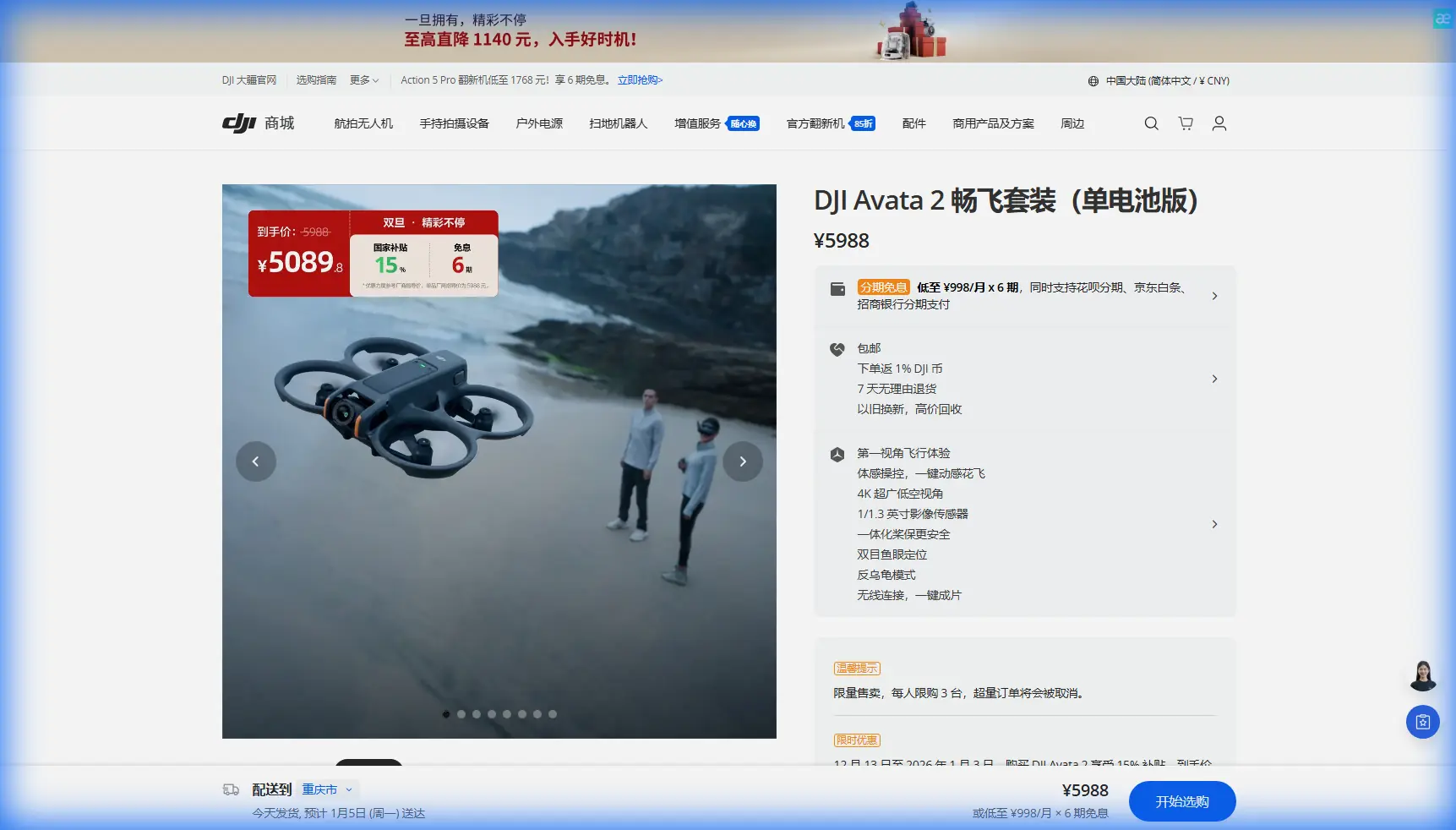
Avata 2 in Dusty Field Work: A Practical Mapping Tutorial from a Photographer’s Perspective
META: A field-tested tutorial on using DJI Avata 2 around dusty agricultural sites, with setup tips, flight workflow, image settings, obstacle avoidance considerations, and smart accessory choices for cleaner, more usable mapping support footage.
I usually meet the Avata 2 from the camera side first.
That matters because if you are mapping fields in dusty conditions, the aircraft is rarely working alone. Even when a larger survey platform is doing the main grid mission, the Avata 2 can fill a very specific role: low-altitude visual reconnaissance, edge inspection, access checks, irrigation route review, and fast before-and-after documentation around the area you plan to map. It is not the machine I would choose as a pure orthomosaic workhorse. It is the machine I would use to understand a site quickly, safely, and visually before the heavier mapping routine begins.
For readers working farms, unpaved access roads, dry paddocks, and windblown field margins, that distinction is the key. The Avata 2 shines when you need to move through a site, read obstacles, and capture usable footage or stills that support planning decisions. In dust, that support role becomes even more valuable, because the environment can disrupt visibility, contaminate optics, and complicate takeoff and landing.
This tutorial is built around that real-world use case.
Where Avata 2 fits in a field mapping workflow
The Avata 2 is fundamentally an FPV-style platform. That gives it strengths that are different from a traditional top-down mapping drone.
Its compact, ducted design is useful around trees, fence lines, pumps, sheds, windbreaks, and irregular terrain. If your job starts with questions like “Can the survey team get through that lane?” or “How bad is the obstruction near the irrigation crossing?” or “Which field section is throwing up the most dust?” the Avata 2 can answer those questions quickly.
I think of it as the visual scout.
In a dusty farm environment, the practical workflow often looks like this:
- Use Avata 2 for a fast perimeter assessment.
- Identify hazards that could affect your main mapping mission.
- Capture low-level reference footage of access roads, crop edges, drainage channels, and equipment routes.
- Log problem zones where wind and dust are strongest.
- Send the dedicated mapping platform only after you understand the site.
That saves time. It also reduces the chance of launching a more delicate mission into a poorly understood environment.
Start with the dirt, not the drone
Most pilots begin by checking batteries, props, and firmware. That is fine, but dusty field work starts from the ground up.
Before the Avata 2 comes out of the bag, study the launch area. Dry topsoil, loose gravel, chaff, and vehicle tracks can all turn into airborne debris. Ducted FPV aircraft are agile, but they still move air aggressively near the surface. If you lift off from powdery ground, you risk coating the lens, dirtying the sensors, and reducing image quality before the mission even starts.
My rule is simple: if your boots leave a visible puff, the takeoff point needs improvement.
A foldable landing pad helps, but in agricultural environments I prefer a rigid surface whenever possible. A plastic crate lid, clean board, or flat case top can be better than fabric on loose dust because it does not flex and flick dirt upward. This is where a third-party accessory can make a real difference. A low-profile universal drone launch platform, the kind many field crews already carry in utility vehicles, can keep the Avata 2 several centimeters off the loose surface and cut the amount of dust that reaches the camera during spool-up.
That sounds minor. It is not. In field documentation, one dirty lens can ruin the entire value of a short mission.
Why obstacle avoidance matters more in fields than people expect
Open farmland looks easy from a distance. It often is not.
Field edges hide wires, irrigation hardware, trellis structures, dead branches, netting, and uneven tree lines. Dust makes all of those harder to read, especially when the light is flat. This is where obstacle avoidance earns its keep. On a drone like the Avata 2, proximity awareness is not just about avoiding a dramatic crash. It is about preserving continuity in a mission where every extra landing risks more contamination from dust.
If I am using the aircraft to support mapping decisions, I want conservative paths along margins and access routes first. Let obstacle awareness work for me in the cluttered parts of the site, then open the pace only when I have a clean line and stable visibility.
Operationally, this means two things:
- Do not hug vegetation just because the Avata 2 can.
- Treat dust plumes like temporary obstacles, because they reduce your ability to judge depth and detail.
That second point is underrated. Dust changes contrast. Reduced contrast affects how well you, and sometimes the aircraft’s sensing systems, can interpret a scene. If a tractor has recently passed through, wait for the air to settle before making your close inspection run.
Build a repeatable pre-map flight
For dusty agricultural locations, I like a three-pass support pattern before any formal mapping operation begins.
Pass 1: High visual read
Stay high enough to assess wind direction, vehicle movement, field texture changes, and visible dust sources. You are not making a map here. You are learning the site.
Look for:
- Dry corners producing airborne debris
- Tree breaks generating turbulence
- Reflective water or wet patches near dry soil
- Equipment parked close to intended flight corridors
- Fence wires and utility crossings
A short, disciplined first pass gives context that no checklist can replace.
Pass 2: Edge and access route inspection
Bring the Avata 2 lower and run the field edges, roads, and gate approaches. This is where the ducted form factor becomes useful. You can inspect tighter spaces and awkward transitions without bringing in a bigger aircraft prematurely.
This pass is especially valuable when mapping teams need to move between sections. A deeply rutted lane, overhanging branch, or dust-heavy turn can affect where people stage batteries, where they launch, and how often they need to clean optics.
Pass 3: Targeted documentation
Now capture the shots that will actually be referenced later.
This is where QuickShots and Hyperlapse can be useful, but only if they serve the mission. I would not use automated camera moves simply because they are available. I would use them to show progression across a field edge, document the relationship between access roads and irrigation lines, or create a time-compressed view of wind-driven dust movement over a problem area.
Used with discipline, these features can turn a site note into evidence.
Camera settings that keep footage usable in dusty light
Dust does strange things to an image. It lowers contrast, softens distant detail, and can create an overall haze that looks harmless in the moment but limits what you can evaluate later.
That is why I like recording in D-Log when the goal is field review rather than instant social-ready footage. D-Log preserves more flexibility for correcting flat light and haze in post. If a field manager needs to compare drainage texture, road condition, or crop boundary clarity, that extra grading latitude can make the footage far more useful.
The trap is underexposing too heavily in dusty scenes. Pilots sometimes darken the image to protect the sky, then discover the ground detail is too murky to review properly. For agricultural support footage, ground information usually matters more than dramatic clouds.
My practical advice:
- Expose for the field surface and critical infrastructure.
- Keep white balance consistent through the mission.
- Clean the lens before every battery, not just at the start of the day.
- Review clips on site before leaving, because dust contamination often becomes obvious only on playback.
If you need repeated stills from the same route, maintain the same altitude and camera behavior each time. Consistency beats cinematic variety when the footage may be used for operational comparison.
Subject tracking and ActiveTrack: helpful, but not for everything
Subject tracking and ActiveTrack sound attractive in field work because they reduce manual workload. They can be useful when documenting moving farm vehicles on access routes, following a utility cart to assess lane conditions, or capturing a repeatable view of a tractor’s dust trail for operational review.
But this is where judgment matters.
For mapping support, I use tracking modes selectively. A moving subject can anchor the frame, but it can also distract from what the client actually needs to inspect. If the real objective is to understand road condition, culvert access, or crop-edge clearance, a manually flown line may be cleaner than any tracking shot.
The best use of ActiveTrack in this context is when movement itself is the story. For example, if dust generation behind a vehicle is affecting visibility near a launch point, tracking the vehicle for a short run can reveal how the problem develops and where it becomes operationally disruptive.
That is a practical use. Not a gimmick.
Handling takeoff, landing, and turnaround in bad dust
The riskiest moments in dusty work are often the least glamorous ones: launch, recovery, and battery swaps.
Every landing is a chance to ingest debris into the wrong place or mark the lens with fine particulate. If the wind is up, choose a recovery point before you launch, not while the aircraft is already returning. A slightly longer walk to a firmer surface is worth it.
My preferred turnaround routine is strict:
- Recover onto a clean elevated or rigid surface.
- Power down fully.
- Check ducts, props, and camera area.
- Use a blower, not a shirt sleeve, on the lens.
- Inspect for dust buildup before the next battery.
If you are working as part of a larger site team, assign one clean handling zone. That one decision reduces sloppy field habits more than any piece of equipment.
For crews that regularly work remote plots, I have seen compact hard-case field tables and raised launch stands pay for themselves quickly. If you want to compare options that suit rough agricultural deployments, a quick message through this field setup contact link is often easier than guessing which accessories will actually survive dust and vibration.
Smart flight style beats aggressive flight style
The Avata 2 can move with energy. In dusty field environments, that does not mean it should.
Fast low passes look dramatic, but they often stir more debris, reduce visual clarity, and create footage that is harder to evaluate frame by frame. For support imaging around mapping tasks, smooth and predictable flight produces more useful results. It also helps obstacle avoidance systems and pilot judgment alike.
Think in arcs, not lunges.
I also recommend giving yourself more standoff distance than you think you need. Dust compresses depth cues. Fence posts, wires, and branch tips can appear farther away than they are, especially when the afternoon light is hitting through suspended particulate.
What “best practice” actually means with Avata 2
For this kind of work, best practice is not about extracting every feature from the aircraft. It is about making the footage operationally reliable.
That means:
- Use the Avata 2 for reconnaissance and targeted visual documentation, not as a substitute for a dedicated mapping grid platform.
- Lean on obstacle avoidance near margins, trees, and infrastructure where field geometry becomes messy.
- Use D-Log when later review and grading flexibility matter.
- Apply QuickShots, Hyperlapse, and ActiveTrack only when they clarify a site condition.
- Control dust at the launch point as carefully as you control the drone in the air.
That last point is the one people skip. In my experience, it is also the one that separates clean, useful field results from footage that looked fine until someone opened it on a larger screen.
Final field note from a photographer
As a photographer, I care about image quality. As someone working around practical drone operations, I care just as much about whether the image answers a real question.
That is the standard I would use for Avata 2 in dusty field mapping support. Not “Did it look exciting?” but “Did it help the team make a better decision?”
If your answer is yes, the mission worked.
Ready for your own Avata 2? Contact our team for expert consultation.