
Avata 2 for Coastal Monitoring: A Field Tutorial Built
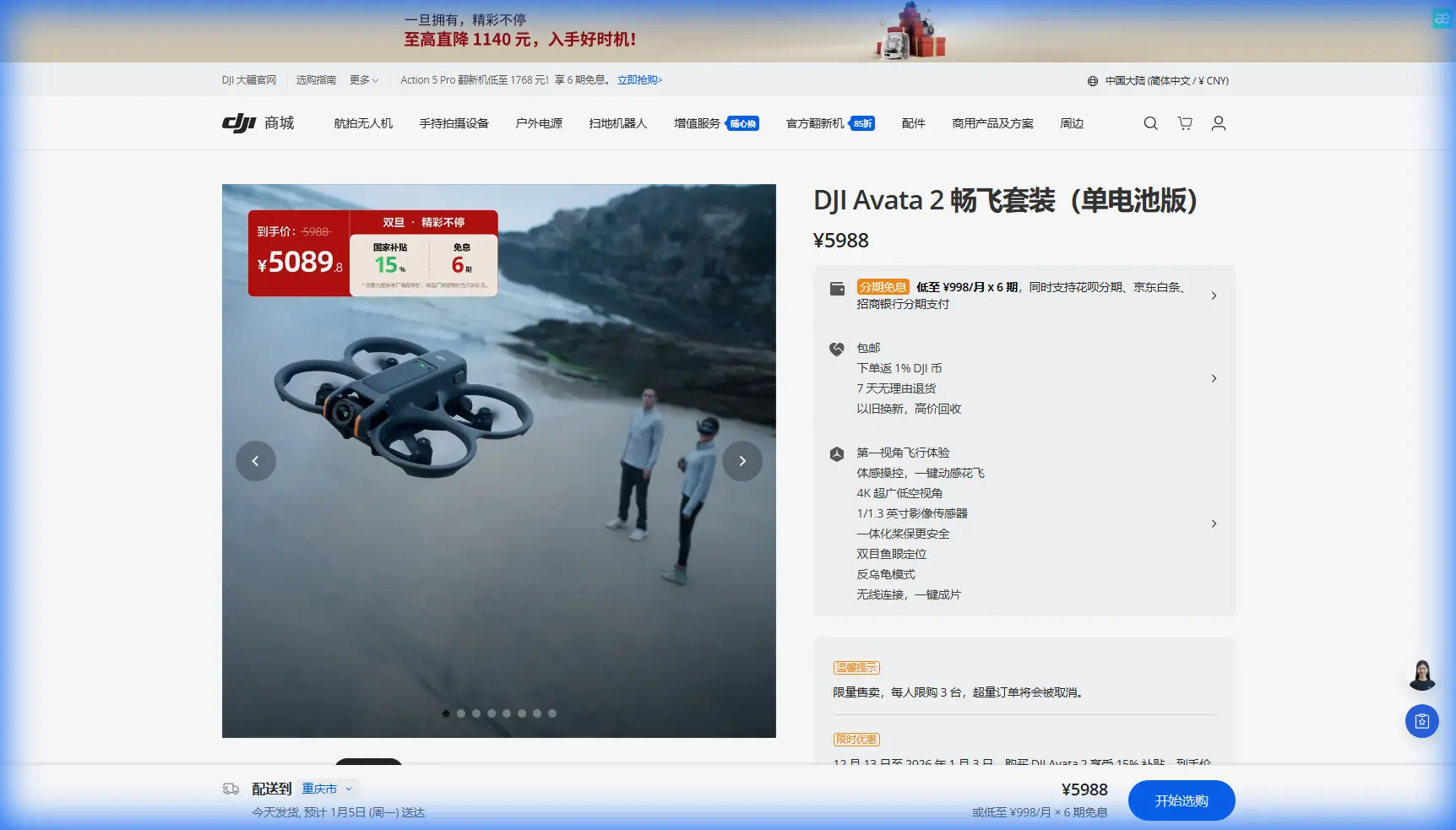
Avata 2 for Coastal Monitoring: A Field Tutorial Built Around What Actually Matters
META: Learn how to use DJI Avata 2 for coastal monitoring with practical flight workflow, obstacle awareness, battery discipline, and data capture tips inspired by real emergency mapping principles.
I spend a lot of time thinking about what separates a useful drone flight from a beautiful but operationally thin one. Along a coastline, that difference becomes obvious fast. Wind changes. Reflections off water confuse your eye. Access roads may be blocked, muddy, or simply too slow when you need to understand erosion, flood spread, damaged embankments, or shoreline hazards in near real time.
That is why the most valuable lesson from established emergency mapping practice is not about one airframe. It is about response logic: get airborne quickly, collect high-resolution imagery early, and turn that footage into information that helps people make decisions. The reference material behind this article makes that point clearly. In emergency mapping, drones stand out because they can respond immediately and deliver high-resolution incident data for dispatch and command. That principle translates surprisingly well to the Avata 2 in civilian coastal monitoring, especially when your job is visual assessment rather than corridor-scale survey.
This is not a generic Avata 2 overview. It is a practical tutorial on using Avata 2 as a close-range coastal observation tool, shaped by the same operational priorities seen in flood and disaster mapping workflows: fast deployment, live situational awareness, and imagery that can support action rather than just documentation.
Why coastal monitoring suits the Avata 2 better than many pilots assume
The reference case describes drones being used to reach flooded areas quickly, look down on terrain, reservoirs, embankments, and dangerous sections of levees, then transmit live information back for decision-making. Coastal work often asks for the same kind of visual intelligence, just at a smaller and more maneuverable scale.
You may not be mapping an entire floodplain with an Avata 2. That is not its lane. But if you are monitoring:
- eroded shoreline edges
- damaged seawalls or revetments
- drainage outfalls after heavy rain
- debris accumulation near access points
- standing water around coastal facilities
- dune breaches or wash-over zones
then Avata 2 can be extremely effective.
Its strength is not broad-area fixed-wing endurance. The reference material includes an iFly U3 platform with a 20 km control radius, 90 minutes of endurance, and 85 km/h flight speed. Those numbers tell us what long-range emergency mapping platforms are built to do: cover distance, stay in the air, and collect large-area geospatial data efficiently. Avata 2 is a different class entirely. That matters operationally. You should use it where close visual inspection, agility, and rapid launch beat raw endurance.
In other words, Avata 2 is less like the wide-area mapper and more like the first set of eyes that gets where a truck or inspection team cannot.
The first mission question: what exactly are you trying to see?
Before you launch, define the target output. Coastal monitoring often fails because pilots gather too much cinematic material and not enough structured observation.
I break shoreline flights into four purposes:
Condition check
Is the site stable, accessible, and unchanged since the last inspection?Change detection
Has the waterline shifted, has scouring increased, has a berm been cut through?Hazard identification
Are there exposed edges, unstable rock armor sections, floating debris, or overtopping paths?Communication
Can this footage be shared quickly with operations staff, site managers, or response teams?
That fourth point is straight out of the emergency mapping playbook. One reference workflow describes image data being sent from the drone to a ground control station, then onward to a command vehicle and finally to a command center where live images are displayed for remote direction. The hardware chain is different in a modern Avata 2 workflow, but the significance is the same: the value of the flight increases sharply when the information reaches the right people fast.
For coastal operations, this means your flight planning should be driven by who needs the output and how quickly they need it.
A practical Avata 2 shoreline workflow
1. Start with a high pass, not a low sweep
Most pilots are tempted to drop low over the surf line immediately. I do the opposite.
Launch and begin with a moderate-height reconnaissance pass parallel to shore. The goal is to identify:
- wind direction and gust behavior
- birds and other moving hazards
- people entering the area
- bright glare zones over water
- vertical obstacles such as poles, fencing, rock faces, or vegetation
This is where obstacle awareness becomes a real operational tool, not a bullet point. Along the coast, obstacles are irregular and often visually noisy. Driftwood, breakwaters, lifeguard towers, uneven dune fencing, and stair railings all create a cluttered environment. Obstacle avoidance helps, but it should support your planning rather than replace it. Over water, lighting and texture can also change how comfortably you can judge distance.
Treat Avata 2’s protective design and situational aids as a buffer, not a permission slip.
2. Build the flight around segments
For monitoring work, I divide the site into short segments:
- access zone
- upper beach or berm
- intertidal edge
- seawall or hard structure
- drainage or outfall area
This keeps your footage organized and easier to review later. If you ever need to compare flights over time, segmented passes make change detection far more usable than one continuous freestyle run.
I usually record one stable observational pass first, then a second pass for closer detail. If conditions allow, a third pass captures context angles for reporting.
3. Use motion with restraint
Avata 2 is capable of very engaging movement, and features like QuickShots can be helpful for context frames around a structure or access point. But for inspection-style monitoring, simple and repeatable beats flashy every time.
What works best on coastlines:
- slow lateral passes along damaged edges
- gentle push-ins toward outfalls or erosion cuts
- slight elevated pull-backs to show relationship to nearby infrastructure
- short hover-based visual checks where wave action is active
What works poorly:
- aggressive low zigzags near people
- fast descents over reflective water
- acrobatic moves that make shoreline measurement by eye harder
- overreliance on cinematic presets where site consistency matters more than visual flair
Hyperlapse can still be useful if you are documenting tidal movement, shoreline activity patterns, or changing water spread over a short period. Just make sure the sequence serves a monitoring purpose.
Where D-Log actually matters in coastal work
A lot of drone operators mention D-Log as if it is automatically the “pro” setting. Sometimes it is. Sometimes it just adds work.
On the coast, D-Log becomes useful when you have bright sky, highly reflective water, and darker structures in the same frame. That dynamic range challenge is common near seawalls, harbors, drainage channels, and cliffs. If your goal is post-processed reporting, D-Log can preserve highlight and shadow detail that would otherwise clip.
Operational significance matters here. In the reference material, emergency mapping is valued because it delivers high-resolution data for command and deployment decisions. If your imagery blows out the waterline or buries damage in shadow, it may still look dramatic, but it is less useful. D-Log can help keep visible detail where decisions depend on it.
For rapid same-day sharing, though, I often prefer a more direct profile unless the lighting is harsh. The best setting is the one that preserves interpretable detail without delaying delivery.
Subject tracking and ActiveTrack: use with caution near shore
Let’s be honest. Features like Subject tracking and ActiveTrack are attractive because they reduce pilot workload. They can be useful when documenting a moving inspection walk, a maintenance crew progressing along a revetment, or a vessel moving near a shoreline facility in a safe and preplanned civilian context.
But coastlines are not tidy environments. Birds cross unpredictably. Water texture shifts. People appear from access paths. Light changes minute to minute.
My rule is simple: use tracking only when the environment is controlled and the tracked subject is central to the inspection objective. If the mission is to inspect terrain, structure edges, or flood spread, manual framing usually gives you more reliable footage.
The battery management tip I learned the hard way
Here is the field tip I wish more pilots took seriously: do not use battery percentage alone as your return trigger when flying the coast.
I base return decisions on a three-part check:
- battery percentage
- wind on the outbound leg versus inbound leg
- how much throttle I have been using to hold line and altitude
Why this matters: shoreline flights often begin with a tailwind or quartering wind that feels easy and efficient. Then you turn back and discover the return leg is much more expensive. Salt air, gusts, and constant micro-corrections also increase real consumption.
The result is a common mistake. The pilot sees a battery number that would be comfortable inland, but the drone is now working much harder on the way back.
My practical habit is to finish the first useful segment early and ask: if the wind rises right now, can I still return cleanly without rushing? If the answer is not an immediate yes, I come back.
That mindset mirrors the emergency mapping references more than people realize. The value in those workflows comes from fast response and reliable data flow, not from stretching a mission to the absolute edge. One clean, complete pass is worth more than three partial passes and an anxious recovery.
Capturing footage that others can act on
The source material emphasizes not just collecting imagery, but turning it into usable products such as warning boundary maps, 3D models, and themed rescue maps. Avata 2 is not a dedicated photogrammetry platform for major mapping programs, but you can borrow the same information discipline.
When documenting a coastal issue, capture these layers:
Context layer
Show where the problem sits relative to roads, walkways, seawalls, dunes, buildings, or drainage structures.
Condition layer
Get clear medium-distance views that reveal the extent of erosion, standing water, undermining, cracking, debris, or overtopping traces.
Detail layer
Move closer only when safe, and record specific failure points, exposed substrate, damaged edges, or blocked outfalls.
Repeatability layer
End with one stable reference shot you can reproduce on the next visit.
This is how drone footage becomes operational instead of decorative.
A note on 3D thinking, even if you are not building a full model
One reference case describes a multirotor collecting high-resolution post-earthquake imagery with an oblique camera, then using software to generate a 3D model quickly for command staff. That is a powerful reminder that angle matters. Straight-down imagery tells one story. Oblique imagery tells another.
For coastal monitoring with Avata 2, oblique passes are often the most informative because they reveal:
- undercut edges
- slope failure shape
- wall face condition
- water interaction with structures
- elevation relationships between berms, paths, and overtopping routes
Even if you are not generating a formal 3D deliverable, flying with 3D interpretation in mind produces footage that is much more useful for engineers, site supervisors, and maintenance teams.
Live communication during the mission
If you are working with a remote stakeholder, establish a simple language before takeoff. I use:
- “context pass”
- “detail pass”
- “problem marker”
- “returning”
- “battery gate”
That keeps communication tight. If your team needs help setting up a practical field workflow for shoreline monitoring, share your scenario directly via this WhatsApp channel.
The point is not fancy comms. It is keeping the drone feed tied to decisions while the flight is still happening.
When Avata 2 is the right tool, and when it is not
Use Avata 2 when you need:
- quick deployment
- close visual shoreline inspection
- agile movement around access-constrained areas
- immediate situational footage
- repeatable short-route monitoring
Do not force it into jobs better suited to larger mapping systems. The reference fixed-wing platform’s 90-minute endurance and 20 km control radius exist for a reason. Large coastal corridors, formal geospatial survey deliverables, and broad flood extent mapping may require different aircraft and sensors.
That does not make Avata 2 less valuable. It makes it more valuable when assigned properly.
My preferred mission mindset
Every coastal Avata 2 flight should answer three questions:
- What changed?
- What matters right now?
- What does the next team need to see without being on site?
That is the same core discipline behind strong emergency mapping: rapid access, high-resolution observation, and actionable geographic understanding. The platforms may differ. The logic does not.
Avata 2 works best on the coast when you stop treating it as a toy for dramatic waterline footage and start treating it as a compact observation system. Use obstacle awareness to protect the mission, not just the drone. Use D-Log when dynamic range threatens readability. Use ActiveTrack only where conditions truly support it. Most of all, manage battery with the return leg in mind, because coastal wind has a way of punishing optimistic pilots.
If you fly with that discipline, the footage stops being merely attractive. It starts becoming useful.
Ready for your own Avata 2? Contact our team for expert consultation.