
Monitoring Urban Power Lines With DJI Avata 2
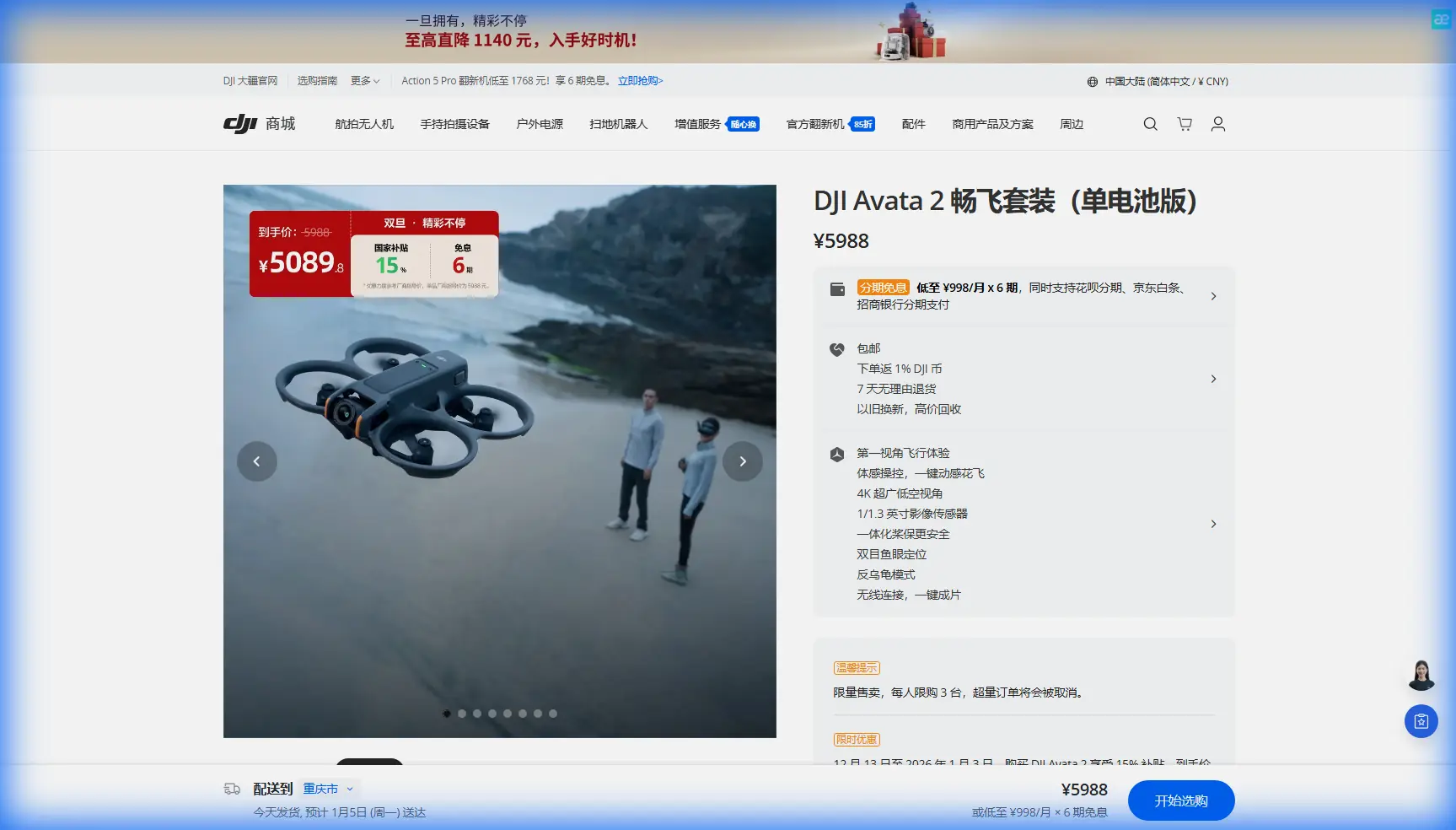
Monitoring Urban Power Lines With DJI Avata 2: What Actually Works in Tight Corridors
META: Practical Avata 2 field advice for monitoring urban power lines, including antenna positioning, obstacle avoidance limits, camera settings, range discipline, and safer inspection workflow.
Urban power line monitoring sounds simple until you put a drone in the air.
The line itself is easy to spot. The real problem is everything around it. Poles, transformers, trees pushing into the corridor, parked vehicles, signal reflections from buildings, moving traffic, pedestrians, and dozens of wireless noise sources all compete for your attention at once. In that environment, the DJI Avata 2 can be a useful close-range inspection tool—but only if you treat it like a precision aircraft for confined work, not a casual FPV camera platform.
I shoot for a living, so I naturally look at the Avata 2 through an imaging lens first. For power line work in urban areas, though, the flight discipline matters even more than the footage. The drone’s strengths—compact form, ducted prop design, stable video system, and immersive low-altitude flying—fit this kind of inspection surprisingly well. Its weaknesses also show up faster here than they do in open-space flying. That’s why the right workflow matters.
If your goal is to monitor power lines in town with the Avata 2, the job breaks into one core problem and one practical solution.
The problem: urban line corridors punish lazy setup
Power line inspection in a city is not a range contest. It is a control-and-clarity contest.
Pilots often think first about getting “more distance,” but distance is rarely the binding constraint when following lines between poles in dense neighborhoods or commercial blocks. What actually causes trouble is degraded link quality from poor antenna orientation, blocked line of sight, and flying too deep into reflective urban clutter. The Avata 2 can feel excellent one moment and compromised the next because buildings and metal structures do not just weaken signal—they scatter it. That creates dead patches and inconsistent control response in exactly the places where you want precision.
This is where antenna positioning stops being a footnote and becomes operationally significant.
If you are using the Avata 2 around power infrastructure, maximum range is not achieved by pointing the controller or goggles directly at the drone like a flashlight. For most modern drone links, the strongest transmission zone is typically broadside to the antenna faces, not straight off the tips. In practical terms, you want the active antenna surfaces oriented toward the aircraft’s expected path rather than letting them drift into awkward angles as you turn your body or track the screen. In urban inspections, that small habit can make a bigger difference than moving ten or twenty meters down the sidewalk.
The second common mistake is flying the line itself as if it were the only hazard. It isn’t. Urban power routes are full of lateral risks: service drops to buildings, telecom cables crossing the corridor, decorative lighting wires, street signs, and tree branches that sit just outside your main camera framing. The Avata 2’s obstacle avoidance helps, but this is not a magic shield—especially around thin conductors and visually messy backgrounds. Power lines are precisely the kind of narrow structure that demand conservative standoff distance and deliberate path planning.
That brings us to the real solution.
The solution: use the Avata 2 as a short-segment inspection platform
For urban power line monitoring, the Avata 2 works best when you divide the route into short visual segments and fly each one with a repeatable setup.
Do not try to inspect an entire corridor in one push. Pick a pole-to-pole section, assess the environment, establish the cleanest line of sight, and then fly the segment with stable orientation and an exit path already in mind. Reset and repeat. This sounds slower, but it is usually faster in the field because it reduces re-flys, signal surprises, and sloppy footage.
The Avata 2’s compact, guarded design is especially valuable here. Around urban distribution lines, you are often operating near visual clutter and confined access points. A smaller aircraft can let you work lower and more deliberately around poles, insulators, and hardware while maintaining confidence in tight spaces. That does not mean you should fly aggressively near conductors. It means the platform gives you more margin when threading clean visual lines around surrounding obstacles.
I also prefer to think of Avata 2 missions in urban utility work as “proximity documentation,” not “cinematic chasing.” That mindset changes everything: speed, camera angle, route selection, and battery planning all become more disciplined.
Antenna positioning advice for maximum usable range
This is the field habit that gets neglected most often.
When monitoring power lines in built-up areas, your signal quality depends less on the drone’s theoretical transmission capability and more on whether your body, nearby vehicles, walls, or utility cabinets are interrupting the path between controller system and aircraft. Even a good link can degrade if you pivot carelessly and put your torso between yourself and the drone.
Here is the practical approach:
Stand where you can keep a clean visual lane along the section you plan to inspect. Avoid hugging a wall or parking yourself behind a vehicle roofline. Keep the antenna faces oriented toward the drone’s working area, especially when it is moving laterally down the corridor. If you have to turn, rotate your whole stance instead of just craning your head and letting antenna orientation drift off-axis.
In urban environments, that broadside antenna alignment often matters more than raw power output. It improves consistency, and consistency is what you need when you are hovering near a pole top or easing sideways to examine connection points.
It also helps to maintain altitude discipline. Flying too low behind parked trucks, masonry fences, or roadside vegetation can degrade your link abruptly. A slightly cleaner RF path is often more valuable than squeezing a dramatic low pass under every visual obstruction.
Obstacle avoidance is useful, but not enough on its own
One of the reasons pilots consider the Avata 2 for this job is obstacle awareness. That makes sense. In urban line work, any aid that improves situational awareness has value.
But obstacle avoidance should be treated as a supporting layer, not the primary protection plan.
Thin wires, branches, and irregular infrastructure can confuse any avoidance system, especially when lighting is poor or backgrounds are complex. Power lines are exactly the type of subject that expose the limits of automation. The safest habit is to offset your flight path rather than ride directly along the conductors. Keep enough lateral separation that you can visually inspect attachments, spacers, or vegetation encroachment without forcing the drone into the same space as the line.
That offset angle also improves image readability. A dead-on approach tends to flatten the scene. A slight side perspective gives you more spatial separation between the conductor, pole hardware, and surrounding clutter. For monitoring tasks, readable footage beats dramatic footage every time.
Why ActiveTrack and QuickShots are not the stars here
The Avata 2 conversation often pulls in features like ActiveTrack, QuickShots, and Hyperlapse because they are popular discovery terms and useful in other workflows. For urban power line monitoring, they are secondary at best.
ActiveTrack is built for following subjects, not for making judgment calls around utility geometry. QuickShots are designed for stylized movement, which is the opposite of what you want near conductors and roadside hazards. Hyperlapse can be useful for showing corridor context over time, but it is not the right tool for close inspection passes.
If I am documenting line condition with the Avata 2, I want slow, controlled motion and repeatable framing. Manual path control wins. The drone should move like an inspector’s eye, not a social media reel.
That said, one adjacent feature category does matter: stabilized, predictable capture modes that let you hold composition while evaluating hardware, vegetation growth, and clearance issues. Smooth footage reduces the chance that you miss a small but important detail when reviewing clips later.
Camera settings that preserve inspection value
Power line monitoring is not just about seeing the line. It is about seeing enough detail, under enough consistency, to make decisions afterward.
This is where many operators overproduce their footage and under-document the job.
If the lighting is changing quickly between open street sections and shaded tree cover, consider using D-Log when you need more grading flexibility in post. D-Log can preserve highlight and shadow information that would otherwise get clipped in high-contrast scenes, especially when pale sky sits behind dark utility hardware. That extra tonal headroom can make insulators, connectors, and branch intrusions easier to evaluate once you are back at a larger screen.
But do not choose D-Log just because it sounds professional. If your review pipeline is simple and you need fast handoff, a more straightforward color profile may be the better operational choice. The goal is not cinematic richness. The goal is legibility.
Frame your shots with inspection review in mind:
- Start each segment with a wider contextual pass
- Follow with a slower, closer angle on the pole and attachments
- Hold still for a moment at key hardware points
- Exit cleanly without whipping away too early
Those pauses matter. A two-second stable hold can be more useful than twenty seconds of stylish movement.
Building a safer urban workflow around the Avata 2
A clean urban inspection run usually starts before takeoff.
Walk the segment first. Look up and sideways, not just forward. Identify service drops, side cables, tree limbs, construction scaffolding, reflective glass, and places where traffic or pedestrians could complicate a hover. Choose a launch point that supports line of sight for the entire short segment. If one does not exist, shorten the segment.
Next, decide the purpose of that pass. Are you checking vegetation encroachment, hardware condition, pole-top attachments, or general corridor status? A focused objective keeps your speed under control and prevents pointless wandering near the line.
Then make your first pass conservative. The Avata 2’s agility can tempt you to tighten the route after you gain confidence. Reverse that instinct. Start with generous spacing, review the visual clarity you are getting, and only move closer if the risk picture truly supports it.
If you need a second opinion on setup logic or urban corridor planning, I’d suggest using a direct field contact method rather than relying on random forum advice—something as simple as sending a quick mission note here can save a lot of avoidable trial and error.
What the Avata 2 is genuinely good at in this role
The Avata 2 is not a replacement for every utility drone workflow. It is not the platform I would choose for every long linear corridor or every formal inspection program. But for urban monitoring where access is constrained and the requirement is careful visual documentation of short sections, it makes sense.
Its practical advantage is not one headline feature. It is the combination of a compact airframe, controlled close-range flying, and enough imaging capability to produce reviewable footage in challenging visual environments. In urban settings, smaller aircraft often translate into better route options and less intimidation in tight spaces.
The real win comes when you pair that hardware with disciplined operating habits:
- Broadside antenna orientation for stronger usable link performance
- Short segmented flights instead of one long push
- Conservative offset paths instead of wire-hugging
- Stable capture over flashy motion
- D-Log only when your post workflow can actually use it
Those details sound minor until you are fifty feet down a corridor with signal conditions changing, branches creeping into the frame, and a narrow window to get the shot cleanly. Then they become the difference between a useful inspection record and a wasted battery.
Final take
If you are monitoring urban power lines with the Avata 2, the smartest move is to stop thinking like an FPV thrill pilot and start thinking like a corridor technician with a camera.
Maximum range is not the target. Maximum control is.
Keep your antenna orientation intentional. Protect line of sight. Use obstacle avoidance as backup, not permission. Skip the flashy automated modes when the task calls for precision. Capture footage that someone can actually review for decisions. That is how the Avata 2 becomes useful in urban power line work—not by flying farther, but by flying smarter.
Ready for your own Avata 2? Contact our team for expert consultation.