
How to Monitor Coastal Wildlife With Avata 2 Without Disturb
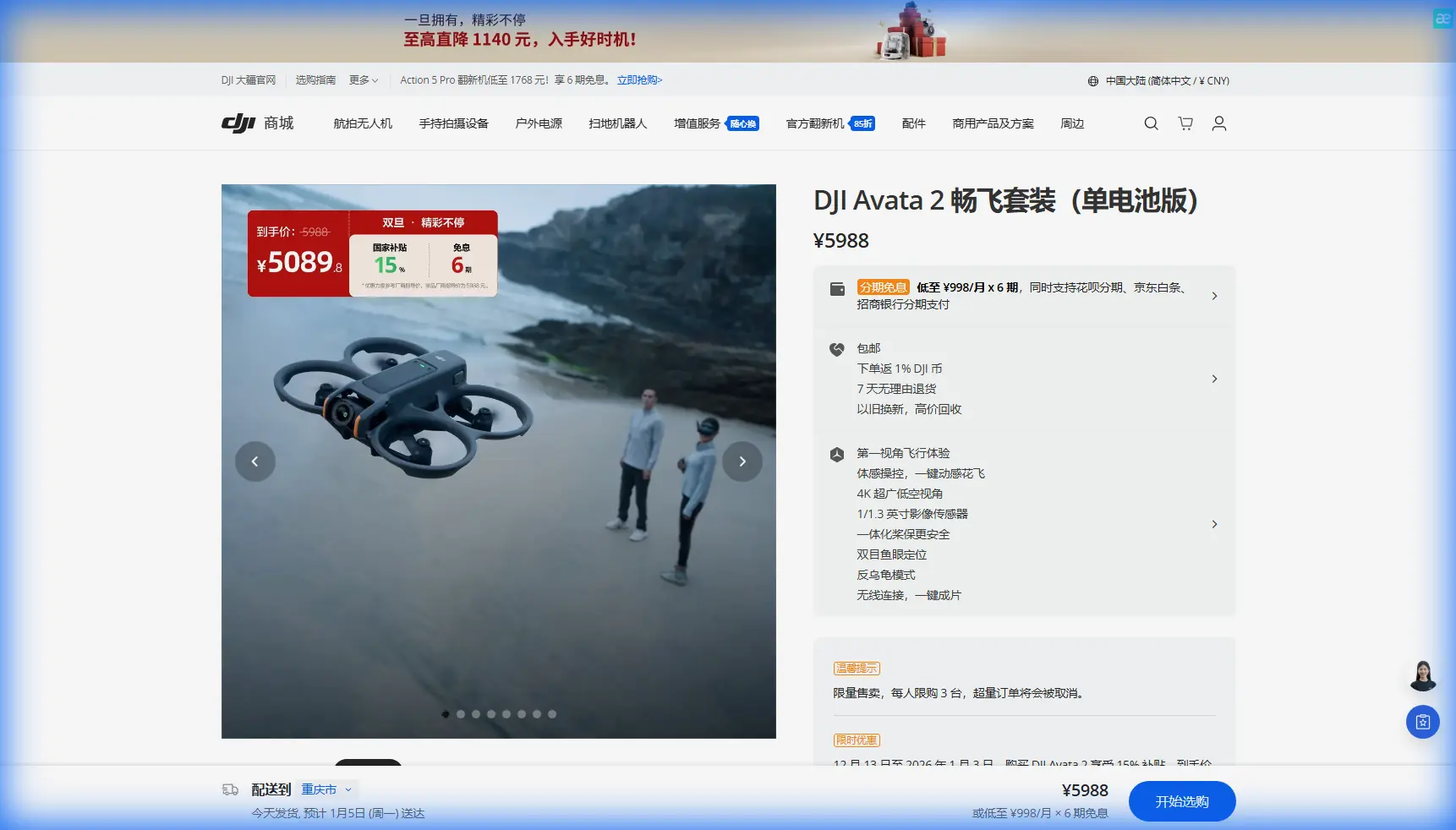
How to Monitor Coastal Wildlife With Avata 2 Without Disturbing the Scene
META: A practical Avata 2 field guide for coastal wildlife monitoring, with flight altitude tips, low-latency remote viewing insights, thermal and visible-light workflow ideas, and safer capture planning.
Coastal wildlife work punishes sloppy flying.
Bird colonies flush. Seals lift their heads and slip into the water. Nesting zones that looked quiet through binoculars turn volatile the moment a drone drops too low or hangs in place too long. If you are using Avata 2 for monitoring wildlife along shorelines, mudflats, dunes, estuaries, or rocky inlets, the real skill is not simply getting footage. It is collecting useful visual evidence while leaving behavior as unchanged as possible.
That is where Avata 2 becomes interesting. Not because it is the biggest platform for field surveys—it is not—but because it is compact, highly controllable, and capable of gathering close-in visual context in places where a larger aircraft can feel intrusive. Used carefully, it can support habitat checks, shoreline condition reviews, post-storm assessments, and visual monitoring of animal activity at the edge of land and water.
The smarter way to approach this is to think less like a casual flyer and more like an observation operator. The reference material behind this article points to something bigger than just flight: a 5G-based visual monitoring workflow built around real-time low-latency video, support for multiple camera feeds, and visible-light plus thermal imaging streams for fast remote diagnosis. That matters for wildlife monitoring because the best field decision is often the one made before you push closer.
In other words, Avata 2 should not be treated as a machine for chasing animals. It should be treated as the airborne part of a remote observation system.
Start with the mission, not the drone mode
Before takeoff, define what you are actually trying to learn.
For coastal wildlife work, that usually falls into one of five tasks:
- counting individuals in a defined area
- checking occupancy of roosting or nesting sites
- identifying movement corridors near dunes, marsh edges, or tidal pools
- documenting habitat condition after weather events
- capturing visual proof of abnormal behavior or environmental stress
Each task changes how you should fly.
If your goal is counting birds on a sandbar, you want repeatable passes at a stable altitude. If your goal is checking whether seals are hauling out on a rocky shelf, you may need an oblique angle from offshore that avoids a direct overhead profile. If your goal is habitat documentation, you might combine wider establishing footage with slower, lower-detail inspection passes along erosion lines or vegetation boundaries.
Avata 2 is best used here as a precision observer. Its agility helps around irregular coastlines, driftwood, cliff edges, and wind-shift zones. But agility can also tempt pilots into overflying subjects too closely. Resist that.
The most useful altitude rule: begin higher than you think
The best starting altitude for coastal wildlife monitoring is usually the one that feels slightly too conservative.
For Avata 2, a practical field habit is to begin your first observational pass at 20 to 30 meters above ground or water level in relatively open coastal space, then evaluate animal response before descending any further. In more sensitive bird areas, especially during nesting or roosting periods, staying higher may be the right call for the entire mission.
Why that range? Because it gives you a workable compromise:
- high enough to reduce immediate disturbance
- low enough to identify group distribution, spacing, and habitat use
- flexible enough for repositioning if wind gusts kick off the water
This is not a universal legal prescription. Local regulations, protected-area restrictions, species sensitivity, and site-specific protocols always come first. But operationally, that 20–30 meter opening window is a useful discipline. It forces you to observe before you intrude.
Watch for response indicators on the first pass:
- heads lifting in unison
- flock compression or edge movement
- repeated scanning toward the aircraft
- abandonment of resting posture
- movement toward water or cover
If any of those begin, your altitude is already too aggressive for the situation. Climb, widen your orbit, or end the pass.
Why low-latency live viewing changes the way you fly
One detail from the source material stands out: a remote drone station was used to obtain real-time video with low latency over a 5G visual monitoring system. That may sound like infrastructure language, but it has direct relevance to wildlife work.
Low-latency viewing means a spotter, ecologist, or project lead can assess animal reaction almost instantly rather than after the flight. That changes field behavior in a big way. Instead of pushing closer “just to check,” your support team can tell you whether the current angle already shows enough.
For coastal operations, that is valuable in three specific situations:
1. Tidal timing
Shoreline habitat changes minute by minute. A low-latency feed lets another team member confirm whether a mudflat edge, inlet crossing, or roosting patch is still visible before you commit to a new path.
2. Disturbance control
If the observer watching the live feed sees signs of stress before the pilot notices them through goggles or onboard framing, the mission can be adjusted immediately.
3. Safer route planning
Coastal wind can create abrupt corrections near rocks, grass ridges, and wave faces. A remote viewer with a larger display can often catch route conflicts earlier than the pilot alone.
If your project setup includes mobile connectivity and remote viewing support, use it. If not, simulate the same discipline with a field monitor and a dedicated observer. The principle is the same: live interpretation should guide flight decisions, not just recording.
Visible-light and thermal: not just two image types, but two different answers
Another source detail with real operational weight is the use of visible-light and thermal imaging in real time, along with support for multiple camera feeds. Avata 2 itself is not a thermal platform in standard form, but this workflow still matters because it shapes how you build your monitoring stack.
For coastal wildlife teams, visible-light video tells you about:
- species appearance
- body orientation
- flock structure
- habitat context
- obvious movement and interactions
Thermal imagery, when available from a companion platform or fixed observation asset, can reveal:
- hidden animals in vegetation or shadow
- heat signatures at dawn or dusk
- body presence where camouflage defeats standard optics
- recovery of individuals after disturbance events
- occupancy in mixed terrain where direct visual confirmation is weak
The practical significance is this: Avata 2 can handle the close-context visual layer, while a separate thermal-capable system or station fills in the detection layer. When the reference system mentions multiple camera support, it is pointing toward a monitoring logic that wildlife teams should borrow. Do not ask one aircraft to answer every question. Pair the Avata 2 mission with another sensor source when the site demands it.
That is especially effective in coastal marshes, reed margins, and scrub-fringe dunes where animals disappear visually long before they actually leave the area.
How I’d set up an Avata 2 coastal wildlife session
If I were planning a morning monitoring session as a photographer working with an ecology team, I would keep it structured and quiet.
Step 1: Observe from the ground first
Spend at least 10 minutes on binoculars or scope work before takeoff. Mark animal clusters, likely escape directions, and no-fly pockets.
Step 2: Launch away from the subjects
Pick a launch zone that is screened by terrain if possible. Avoid taking off directly in line with roosting groups. Noise at launch is often more disruptive than noise once the aircraft is stable and offset.
Step 3: Make a high reconnaissance pass
Fly a broad arc at roughly 20–30 meters and note reaction. No sudden dives. No hovering directly overhead.
Step 4: Decide whether the mission needs closer detail
If the opening pass already answers the survey question, stop there. Wildlife monitoring often improves when the pilot does less.
Step 5: Use smooth lateral movement instead of direct approaches
A side-on path is often less provocative than a straight inbound line. Animals read intent. Direct, descending approaches can feel like pressure.
Step 6: Record in a flexible color profile when documentation quality matters
If the footage may be reviewed later for subtle condition analysis—plumage contrast, shoreline contamination, vegetation stress, lighting variability—shooting in D-Log can preserve more grading latitude. That does not replace proper exposure, but it gives you more room when coastal haze and reflective water make scenes tricky.
Step 7: Keep cinematic features in their place
QuickShots, Hyperlapse, ActiveTrack, and subject tracking tools can be useful in landscape storytelling or habitat context work. They are not automatically appropriate around live wildlife.
- QuickShots can create elegant environmental reveals, but only after the monitoring objective is complete and only when subjects are not being pressured.
- Hyperlapse can help show tidal change, shoreline use patterns, or weather movement over habitat.
- ActiveTrack and other subject tracking functions should be approached with restraint. Tracking wildlife can easily cross from observation into pursuit, which defeats the purpose of low-disturbance monitoring.
- Obstacle avoidance is highly valuable near driftwood, sea walls, cliff vegetation, and irregular terrain, but remember that no avoidance system understands ecological sensitivity. It can prevent a collision, not a disturbance event.
Wind, glare, and water: the coastal trio that ruins lazy plans
Coastal flying looks simple until the environment starts stacking small problems.
Wind over water can shift quickly and unevenly. Reflections can make visual interpretation harder than expected. Wet sand, rock shelves, and shallow tidal channels create misleading depth cues. Avata 2 handles dynamic movement well, but you still need to plan with margins.
A line in the source text includes a flight data readout of 43.768 km/h. Whether or not that exact value applies to your mission, it is a useful reminder: field operations are measurable, and environmental context matters. In wildlife monitoring, speed is not a bragging point. It is a control variable. If you are moving too fast to assess body posture, habitat use, or reaction, you are not surveying. You are just passing through.
For most coastal observation passes, slower is better. Not dramatic. Just deliberate.
Building a remote workflow that actually helps field teams
The source material also emphasizes remote rapid problem diagnosis. In industrial inspection, that means identifying faults quickly. In wildlife work, the equivalent is rapid interpretation: deciding whether what you are seeing warrants another pass, a location mark, or a handoff to a ground team.
A simple version of that workflow looks like this:
- pilot flies Avata 2 from a standoff position
- observer watches the live feed on a larger screen
- field lead logs time, location, tide stage, and behavior notes
- if needed, a second data source—thermal or fixed camera—confirms presence without pushing the drone closer
This is where a communications backchannel matters more than most pilots admit. If your team needs a simple coordination line for field questions and scheduling, set one up in advance—for example, a direct WhatsApp point like message the field coordination desk.
The point is not convenience. It is reducing on-site confusion so the aircraft spends less time in the air while people debate what to do next.
What Avata 2 is best at in coastal wildlife monitoring
Avata 2 is not the aircraft for every wildlife task. It is, however, very good at a narrow and valuable set of jobs:
- documenting habitat edges and access-limited shoreline sections
- gathering visual context around colonies without walking into sensitive ground
- checking post-weather site condition
- capturing short, stable observation sequences from angles that ground teams cannot get safely
- supporting remote review when a live feed is available
It is less suitable when the job requires broad-area census coverage, long endurance station-keeping, or integrated thermal detection from the same aircraft. In those cases, use it as part of the stack, not the whole stack.
That distinction matters. A lot of disappointing drone work comes from forcing one platform to solve a mixed mission.
The ethical test: would the data still be valid if the drone changed behavior?
This is the final filter I use.
If your drone presence causes the birds to bunch, the seals to slide off the rocks, or the foraging pattern to break apart, your footage may still look impressive. It is also less trustworthy as observation data.
The source references point toward a smarter model: remote viewing, low-latency response, multiple visual inputs, and quick diagnosis without unnecessary proximity. That logic fits wildlife monitoring beautifully. It pushes teams toward evidence collection that is efficient, less intrusive, and easier to interpret in real time.
So if you are flying Avata 2 along the coast, keep the opening altitude conservative. Start around 20 to 30 meters, assess reaction, and let the animals decide whether you go lower. Use live viewing support whenever you can. Treat visible-light footage as one layer, not the whole truth. And remember that the best coastal wildlife flight is often the one that leaves almost no trace in the behavior below.
Ready for your own Avata 2? Contact our team for expert consultation.