
Avata 2 field scouting in coastal roads and farm edges
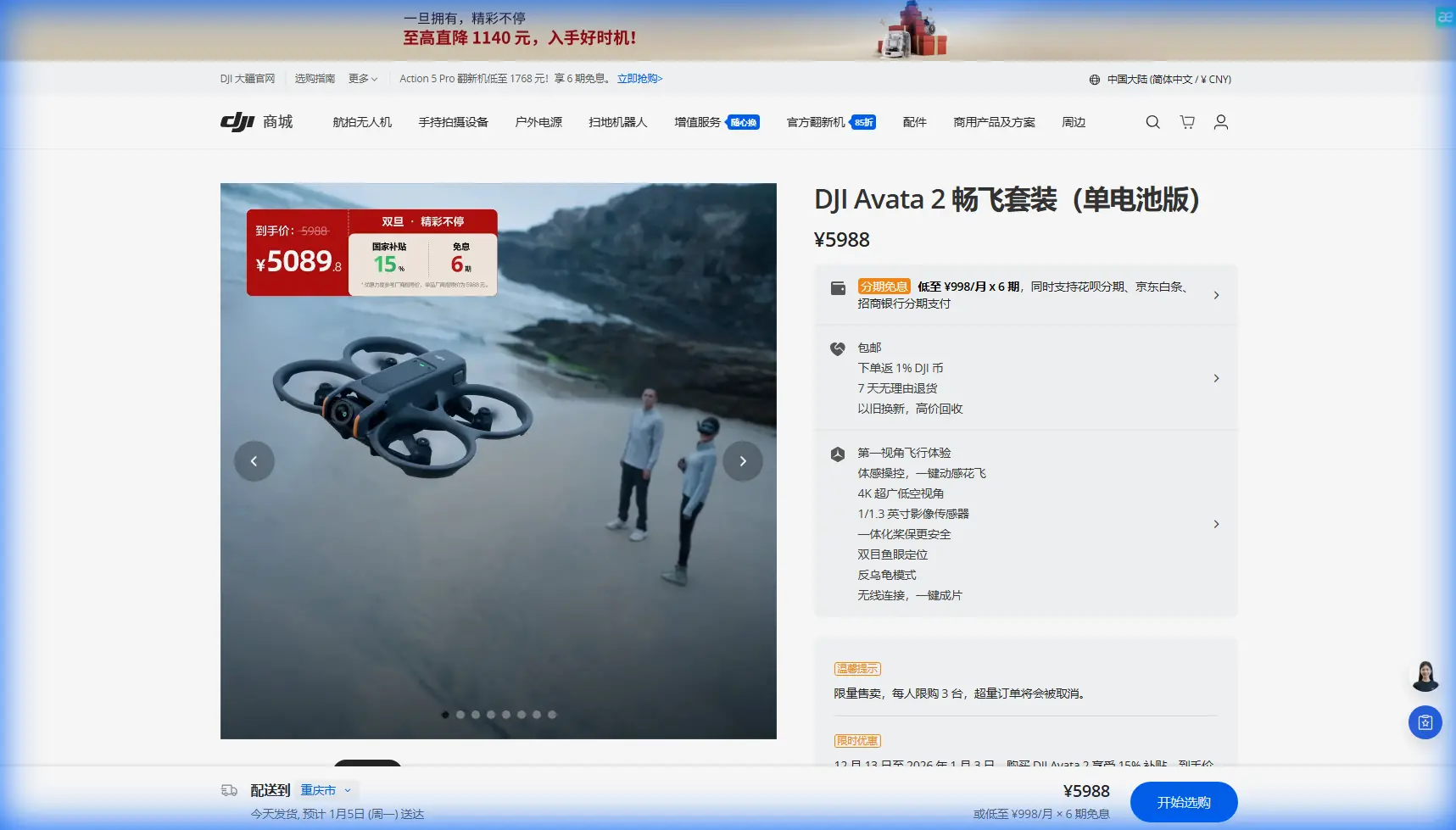
Avata 2 field scouting in coastal roads and farm edges: a practical workflow that borrows from survey discipline
META: A field-tested Avata 2 tutorial for coastal scouting work, blending safe route planning, battery management, obstacle awareness, and survey-grade habits drawn from real road data collection methods.
I spend a lot of time in places that look simple on a map and messy in real life: coastal access roads, field boundaries, drainage cuts, tree belts, service lanes, and the awkward spaces where agriculture meets infrastructure. The DJI Avata 2 is not a survey LiDAR platform, and pretending otherwise leads people into bad decisions. But when you use it as a scouting tool for visual inspection, route familiarization, and pre-mapping reconnaissance, it becomes unusually useful.
The trick is not flying it like a toy and not treating it like a cinema-only FPV rig. The better model is to borrow habits from professional mobile mapping projects.
A technical road survey reference I reviewed recently described a city-road acquisition job where the team could not safely measure dashed lane corner points in the middle of traffic lanes, so they placed targets along the corridor instead. That detail matters even if you are only scouting coastal fields with an Avata 2. In constrained ground environments, the ideal measurement point is often the least accessible point. Professionals adjust the workflow instead of forcing the field to match the office plan.
That is the real lesson for Avata 2 operators.
Why this matters for coastal field scouting
Coastal field work creates three recurring problems.
First, access is rarely clean. You may have narrow roads with soft shoulders, vegetation crowding the edge, drainage channels, utility poles, and occasional bridges or culverts. Second, GNSS conditions can be inconsistent near tree cover, embankments, and built roadside features. Third, wind near the coast changes character fast. It may feel manageable at your launch point and become far less friendly over an exposed field edge.
So the value of the Avata 2 is not just that it can capture immersive footage. It is that it lets you inspect the route structure of a site before committing larger equipment, ground crews, or more rigid mapping workflows. Think of it as the aircraft you send first to understand what the environment will allow.
Start with a surveyor’s question, not a pilot’s question
Most people begin with, “Where should I fly?”
A better question is, “What part of this site cannot be checked safely from the ground?”
That road survey document described a project environment where crews avoided dangerous lane-center measurement and instead established target points at intervals of about 200 meters along both sides of the road. Operationally, that spacing gave them enough correction structure without putting people where traffic made direct measurement unsafe.
For Avata 2 scouting, the principle translates well. In a coastal agricultural corridor, don’t build your plan around the most exposed or inconvenient line. Build it around safe, repeatable observation points. I usually define visual checkpoints rather than formal survey targets:
- field entry
- drainage crossing
- tree-dense section
- bridge or culvert approach
- open wind-exposed edge
- turn-around point
- alternate recovery zone
That creates a chain of reference moments in the flight, much like target spacing creates control structure in a mobile mapping corridor. You are not trying to derive point cloud corrections. You are reducing ambiguity.
Pre-scouting: the overlooked phase that saves flights
Another detail from the source material deserves more attention than it usually gets. The team prepared two coordinate sets in advance and required at least 4 to 5 known points in the project area: WGS84 with ellipsoidal height and the local coordinate system. Their reason was practical. They needed enough known control to transform data correctly and to reduce the risk of bad coordinate collection.
Even if your Avata 2 mission is purely visual, this is a reminder that field intelligence starts before takeoff. For my own coastal scouting sessions, I build a lightweight version of that preparation:
Satellite view and local map review
I mark likely launch points, wind-exposed stretches, and possible signal-shadow zones.Ground truth shortlist
I pick 4 to 5 “must-confirm” site points before arrival. Not formal control points, but places that matter operationally: the exact gate condition, the height of a tree line, whether a ditch is passable, whether a road shoulder is stable enough for a support vehicle.Alternate route logic
If a field edge is blocked, I want a second visual corridor already in mind.
That “4 to 5 points” discipline is surprisingly effective. It prevents random exploratory flying and turns the sortie into a structured scouting run.
Coastal battery management: the tip I learned the hard way
Here is the battery habit I wish more Avata 2 pilots developed early.
Do not judge your return threshold by battery percentage alone when flying coastal field edges. Judge it by distance, wind direction, and the effort required to climb back through disturbed air near tree belts or embankments.
My own rule in these environments is simple: if the outbound leg is into a crosswind that feels harmless, I still start working back earlier than intuition suggests. Coastal wind often presents as mild until the aircraft drops lower along a hedge or transitions from open field to roadside clutter. That is where energy consumption stops being linear.
I also break one long scouting idea into two short flights whenever I have a route that includes both open coastal edge and covered inland tree sections. The reason is not caution for its own sake. It is because the aircraft’s workload changes dramatically between those zones.
A practical method:
- First battery: establish access, obstacles, and route continuity.
- Second battery: capture the footage you actually need.
People often reverse this. They start filming immediately, burn time composing, and then realize they still do not understand the field geometry. Scouting is reconnaissance first, content capture second.
Obstacle avoidance is not permission to get casual
Avata 2 users often lean too hard on obstacle awareness features because the platform feels confident in tight spaces. In coastal field scouting, that confidence can become expensive.
Roadside trees, wires near access tracks, netting, thin branches, and irregular fence lines create the kind of visual clutter that punishes overcommitment. The survey document specifically mentioned areas under bridges, tunnels, or dense roadside trees where satellite signal lock could be affected, and recommended denser target placement there. That is a very useful operational clue.
Translated to Avata 2 flying: when you enter visually congested or signal-compromised sections, increase your observation density. Slow down. Add more pauses. Confirm the exit path before pushing deeper.
In open field segments, one smooth pass may be enough. Under tree canopies, beside structures, or near bridge approaches, I treat every 20 to 30 seconds as a new micro-checkpoint. I am effectively “densifying” my visual verification the same way a mapping crew densifies control where conditions get worse.
That mindset also improves Subject Tracking and ActiveTrack decisions. Just because the aircraft can follow motion does not mean the corridor is suitable for automated behavior. If your subject path runs near poles, trees, or abrupt elevation changes, manual supervision should dominate. Tracking is best reserved for predictable, well-cleared segments such as straight service roads or broad field margins.
Use the Avata 2 as a route intelligence tool
One reference fact from the source stands out for workflow design: the mobile mapping team collected laser data and panoramic imagery at the same time using ZTControler. The significance is not the software name itself. It is the idea of synchronized context. Geometry alone is not enough. Visual context alone is not enough. The strongest field records combine positional understanding with scene interpretation.
Avata 2 is strong here because it naturally records environmental context in a way that standard planning notes never do. When I scout a coastal field route, I am looking for five things in the footage:
- actual width of access paths
- vegetation encroachment
- overhead clearance problems
- water movement or soil softness indicators
- turn geometry for crews or support vehicles
That means your camera settings should serve interpretation, not just aesthetics.
Camera settings that help real scouting
If the mission is route familiarization or inspection support, keep the image readable.
- D-Log M can be helpful if lighting is harsh and you want more flexibility later, especially with bright sky and darker field margins.
- Avoid over-stylized grading for operational footage. People reviewing the material need to see surface conditions clearly.
- QuickShots have limited value for serious scouting, but a controlled reveal can help stakeholders understand how a field entrance connects to a wider road network.
- Hyperlapse can be useful when you need to summarize a long corridor visually for internal review, though I would not use it as the primary record.
- If you are documenting a moving inspection path, ActiveTrack is only worth using where your obstacle environment is clean and consistent.
The best scouting footage is often the least glamorous. A steady pass at a modest speed, with enough frame stability to read terrain transitions, beats dramatic FPV movement every time.
Build your flight like a corridor job
The road survey team in the source material eventually set out 44 target points for trajectory correction on the project roadway, while separate client-supplied checkpoints were used for accuracy verification. For an Avata 2 user, that number is not something to copy literally. The significance is methodological: they distinguished between what helps them produce stable data and what helps them verify the result.
You can do the same on a small scouting mission.
I separate my mission notes into two groups:
Navigation references
These are the points that help me conduct the flight safely:
- launch site
- safe hover reassessment area
- turnaround marker
- emergency landing option
- obstacle cluster
Verification references
These are the points that tell me whether the mission answered the actual question:
- is the coastal access road passable
- does the field edge have enough clearance
- where does vegetation narrow the route
- are drainage crossings intact
- what segment needs a second visit with another platform
That distinction keeps the sortie disciplined. Many failed scouting flights are not failures of piloting. They are failures of mission architecture.
A practical field workflow for Avata 2 in coastal agricultural corridors
Here is the structure I recommend.
1. Walk the first 50 to 100 meters
Do not launch blind from the vehicle unless the site is extremely open. A short walk tells you more about wires, birds, surface moisture, and wind texture than your map ever will.
2. Establish a conservative first leg
Your first battery should answer one question: can this corridor be flown and reviewed safely? Keep the path simple.
3. Use fixed visual checkpoints
Borrowing from the target-placement logic in the survey project, set regular visual checkpoints along the route. Around 150 to 200 meters can be a useful mental interval in open sections, then tighten that spacing in cluttered areas.
4. Densify near trouble spots
Dense trees, bridge undersides, embankments, and utility crossings deserve slower passes and more stops. The original road-survey guidance increased support in areas where signal quality could degrade. You should increase observation intensity where environmental complexity rises.
5. Reserve creative modes for the second pass
Once you know the corridor, then consider smoother reveal shots, tracking moves, or wider contextual footage.
6. Debrief immediately on site
Before leaving, review whether the footage answers the site question. If not, fly the missing segment while conditions are still known.
When to ask for a second opinion
Sometimes the right answer is that Avata 2 should not be the only tool involved. If your coastal site has long linear coverage needs, dense canopy interruptions, or a documentation requirement tied to local coordinate deliverables, your scouting results may need to feed a more formal workflow later.
That is where it helps to talk with someone who understands both flight behavior and corridor documentation logic. If you want to compare your planned site workflow with a more structured approach, you can message a field workflow specialist here.
The bigger takeaway
What I like about that road-mapping reference is that it shows how professionals think when the field refuses to cooperate. They do not insist on ideal geometry. They create a control strategy that fits the environment. They prepare known references. They adapt spacing. They account for signal trouble near trees and structures. They separate collection from verification.
That is exactly how Avata 2 becomes valuable in coastal field scouting.
Not by pretending it is a survey truck or a LiDAR rig. Not by relying on flight automation to solve environmental judgment. But by using the aircraft as a disciplined first-look platform, with structured checkpoints, conservative battery logic, and a clear understanding of where the site is likely to break your assumptions.
If you approach it that way, the Avata 2 stops being just a compact FPV drone with good image quality. It becomes a fast reconnaissance instrument for civilian field operations—especially in the awkward, windy, visually cluttered edge spaces where ground truth is slow to gather and bad assumptions are easy to make.
Ready for your own Avata 2? Contact our team for expert consultation.