
Avata 2 for Urban Construction Surveys: A Practical Field
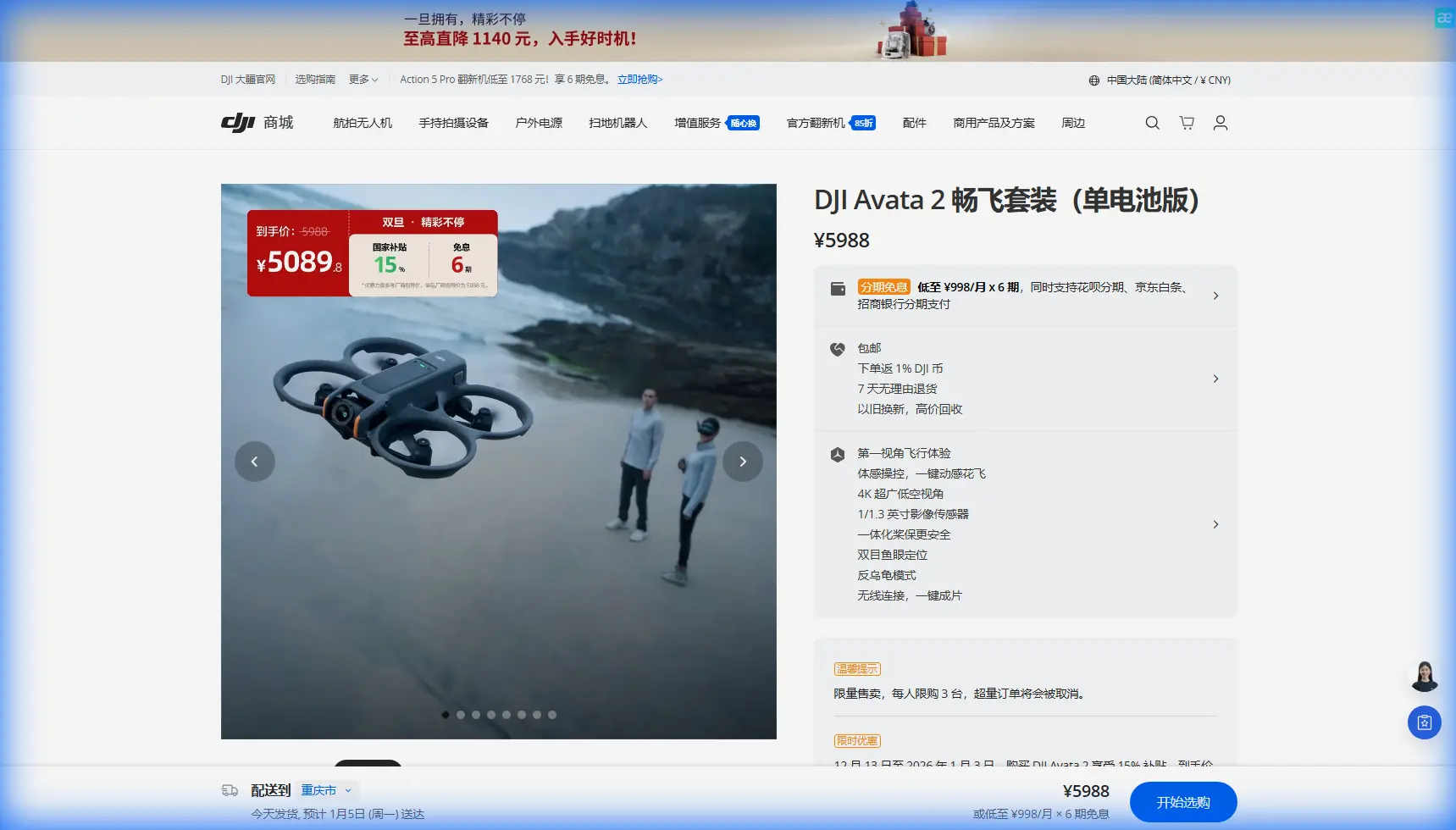
Avata 2 for Urban Construction Surveys: A Practical Field Tutorial
META: A hands-on Avata 2 tutorial for surveying urban construction sites, covering setup, obstacle avoidance, image settings, weather changes, D-Log workflow, and safe flight technique.
Urban construction surveying has a strange mix of pressure and repetition. You need footage and observations that are consistent enough to compare over time, yet every site behaves differently. Cranes swing. Materials move. Sunlight bounces off glass. Wind tunnels form between unfinished towers. A drone that looks easy to fly in open space can feel very different once concrete, rebar, scaffolding, and GPS interference start stacking up around it.
That is where the Avata 2 becomes interesting.
It is not the first aircraft most people think of for site documentation. Mapping specialists often go straight to larger camera platforms. But for urban construction work, especially when the goal is close-range visual surveying, progress documentation, façade inspection support, and stakeholder fly-through capture, the Avata 2 fills a specific role. It is compact, protected, agile, and far more comfortable in tight, obstacle-heavy spaces than many conventional camera drones.
This tutorial is built for that exact scenario: surveying urban construction sites with the Avata 2, using it as a practical visual documentation tool rather than a novelty FPV machine.
Why the Avata 2 fits construction work better than many people expect
The Avata 2 is often discussed through the lens of immersive flying, but that misses its value on job sites. On a construction survey, you are rarely just trying to get a pretty reveal shot. You need controlled passes along exterior walls, careful movement through partially completed structures, and repeatable angles that let project managers compare progress from one visit to the next.
Its built-in propeller guards matter more here than they do in a marketing brochure. On a downtown site, the risk is not only a dramatic collision. It is also the minor contact that can end a flight or shake confidence when you are working close to columns, temporary barriers, netting, or steel framing. A protected design gives the pilot more margin while navigating constrained paths.
That protection works best when paired with measured speed discipline. The Avata 2 is agile, but urban survey work is not a race. Slow, intentional movement produces footage that is easier to review and safer to capture.
Obstacle awareness also changes how useful the aircraft feels in real work. In a construction environment, obstacle avoidance is not a substitute for pilot judgment, but it can reduce the chance of simple mistakes when visual complexity spikes. That matters when your attention is split between line selection, framing, and changing site conditions.
What to document before you ever take off
A good survey flight starts on the ground.
Before powering up the Avata 2, define the mission in plain language. Not “get site footage.” Something more operational:
- document the east façade from foundation to top floor
- inspect access routes between stacked materials
- capture roof-edge progress for contractor review
- produce a short stakeholder fly-through of the lobby shell
- compare crane clearance zones to last week’s visuals
Those goals determine altitude, lens angle, flight path, and whether you need smooth cinematic footage or analytical visual references.
On an urban site, I divide flights into three categories:
1. Perimeter progress passes
These are slow orbits or straight tracking runs around the outside of the structure. The point is consistency. If you fly roughly the same line each visit, changes become obvious in review.
2. Structural close-ups
These involve controlled approaches to façade sections, concrete pours, utility penetrations, steel connections, or rooftop equipment zones. This is where the Avata 2’s size and guarded profile become valuable.
3. Contextual storytelling shots
These are for architects, investors, or project updates. They show how the site sits within the urban block. QuickShots can sometimes help here, but only if the site has enough open space. In dense city conditions, manual control is usually smarter and safer.
Camera setup: shoot for review, not just for social media
Construction survey footage has two jobs. It should look clean enough for presentation, and it should preserve enough information for useful review.
That is why D-Log deserves attention. If you are shooting in high-contrast urban light, with shaded alleys on one side and reflective curtain wall panels on the other, a flatter profile gives you more room in post. D-Log is especially useful when the purpose of the flight includes comparing details across different parts of the frame. It can help protect highlights and retain shadow information that would otherwise get crushed in harsher midday conditions.
Operationally, this means you can recover more detail from difficult scenes instead of choosing between blown concrete edges and dark recessed interiors. On a construction site, that is not just an aesthetic advantage. It can affect whether footage is actually usable for progress review.
If you need fast turnaround, you may prefer a standard color profile for immediate delivery. But if the site has mixed light and reflective surfaces, D-Log is often the safer choice.
A practical approach:
- use D-Log for inspection support, progress archives, and edited reporting
- use standard color only when same-day simplicity outweighs grading flexibility
Hyperlapse can also be useful, though not in the way many recreational pilots use it. On a construction site, a carefully planned hyperlapse from a safe, fixed corridor can condense activity around material staging zones or show how traffic patterns evolve during the day. The key is restraint. If the route is crowded or changing quickly, skip it.
Mid-flight weather changes: what happened on a real urban run
One of the best tests of any site drone is not ideal weather. It is the moment conditions shift after takeoff.
On a recent urban-style survey workflow, the flight began under steady light cloud with manageable airflow. The plan was simple: a low exterior pass along the podium edge, a rise to inspect upper façade progress, then a descending move into an open service court.
Halfway through the second segment, the weather changed. Wind picked up first, but not evenly. That is common in cities. At street level things can feel calm, while air starts pushing harder once the aircraft climbs above roofline turbulence. Then the light changed almost immediately as thicker cloud rolled across the site. Glass reflections flattened, exposed concrete brightened less than expected, and contrast dropped.
This is exactly where the Avata 2’s design can help a disciplined pilot.
The aircraft handled the change best when the response was conservative. Instead of trying to finish the original path at the same speed, the move slowed down. The line tightened closer to a known safe corridor away from cranes and protruding steel. Stable orientation mattered more than dramatic framing. Obstacle awareness remained relevant because the reduced contrast made depth judgment slightly less intuitive against grey surfaces.
The practical lesson is simple: when weather shifts mid-flight, the mission changes too. Your priority becomes a controlled recovery with useful footage, not forcing the original shot list.
There is another angle to this. When clouds suddenly cover a site, the softer light can actually improve certain survey visuals. Harsh contrast disappears. Surface textures become more even. Rebar, concrete seams, and façade transitions can look clearer. If the wind remains manageable, you may gain more inspection-friendly footage than you had a minute earlier. But that only matters if the aircraft remains within a safe operating margin and the pilot adapts early.
Flying technique for tight urban surveys
The Avata 2 rewards smooth inputs. That sounds obvious, but in site work it has a very concrete effect on data quality. Jerky flight introduces motion that makes footage harder to inspect frame by frame. Smooth lines create cleaner visual references.
Here is the method I recommend for construction surveying:
Start with a high-level exterior read
Before threading through any tight areas, fly a conservative outer loop. This gives you current information about crane position, suspended loads, temporary netting, newly installed barriers, and worker activity zones. Sites change fast. Yesterday’s safe lane may be blocked today.
Work from open space into constrained space
Do not begin with the hardest maneuver. Use the early part of the flight to confirm aircraft behavior, wind direction, and signal stability around surrounding structures.
Keep your survey path simple
One objective per pass. If you want a façade inspection line, fly that line. If you want a reveal shot for reporting, do that separately. Trying to combine both usually compromises each.
Use obstacle avoidance as a buffer, not a crutch
In urban construction, obstacles are irregular. Netting, cables, exposed bars, and temporary fittings do not always present the clean geometry that sensing systems prefer. The feature is valuable, but your flight path should still assume manual responsibility.
Respect vertical transitions
A rise from lower floors to rooftop height can introduce very different wind behavior within seconds. Climb in stages and evaluate each layer.
What about ActiveTrack and subject tracking on a construction site?
These features can be useful, but only selectively.
ActiveTrack and subject tracking sound attractive for following a vehicle, a site supervisor walk-through, or equipment movement. In a busy construction environment, though, autonomous tracking requires caution. The problem is not only obstacle density. It is unpredictability. Workers change direction, vehicles reverse, and machinery swings.
Where it does make sense is in controlled, low-complexity site areas with clear separation from hazards. For example, tracking a utility cart moving through an open staging yard can produce useful operational footage. Following a person through a partially enclosed structural zone is far less wise.
The operational significance is that these features are not universal productivity shortcuts. On a construction survey, their value depends on whether the environment is stable enough to support them. Most of the time, manual flight remains the safer and more precise choice.
QuickShots fall into a similar category. They can create polished overview clips for stakeholder updates, but on dense urban sites they are best reserved for open perimeter zones where the aircraft has room to execute predictable movement without encroaching on structures.
Repeatability: the part that separates casual footage from usable survey archives
A good construction drone workflow is not defined by one impressive flight. It is defined by whether you can return next week and capture comparable angles.
With the Avata 2, that means building a repeatable route library:
- same launch area when possible
- same altitude bands for key passes
- same direction of travel along façades
- same time window if sunlight matters
- same camera profile for continuity
This is where many teams fall short. They gather cinematic clips but cannot make week-to-week comparisons because every flight is improvised.
Even a simple shot log helps. Note wind behavior, cloud cover, restricted zones, and any path changes caused by active work. Over time, the survey becomes more than a collection of clips. It becomes a visual site record.
A practical post-flight review workflow
Once you land, do not just confirm that the files exist and move on.
Review footage in three passes:
First pass: safety and coverage
Did you capture the full route? Were there any blind spots or abrupt interruptions?
Second pass: inspection value
Can key construction details actually be seen? Are shadows, reflections, or motion blur hiding what matters?
Third pass: reporting value
Is there a subset of clips suitable for project updates, client communication, or progress presentations?
If you shot in D-Log, do a quick normalization pass before deciding footage quality. Flat footage can look underwhelming straight out of camera but recover well once graded.
For teams that need help building a repeatable urban site workflow, I usually suggest comparing routes and sample clips with an experienced operator before standardizing the process. If you need that kind of field-oriented input, you can message a drone specialist here.
Where the Avata 2 shines, and where it does not
The Avata 2 is excellent when the survey calls for:
- close-proximity visual documentation
- tight path navigation around structures
- immersive site fly-throughs for stakeholders
- short-range façade and rooftop observation
- training pilots to manage spatially complex environments carefully
It is less suitable when the mission demands high-area mapping efficiency, heavy photogrammetry workflows, or long-distance broad-acre coverage. That is not a criticism. It is simply about choosing the right aircraft for the task.
For urban construction surveying, its strength is access. Not access in the legal sense, but visual access. The ability to move carefully through complex built environments and come back with footage that larger, less protected platforms would capture less comfortably.
That matters more than spec-sheet bragging.
If you approach the Avata 2 like a disciplined survey tool rather than a thrill machine, it becomes surprisingly effective. Use obstacle avoidance intelligently. Treat D-Log as a working tool for contrast-heavy scenes. Be cautious with ActiveTrack and QuickShots in crowded zones. When weather shifts, adapt early rather than pressing on. And above all, build repeatable paths so your footage has long-term value.
That is how an urban construction survey stops being just another drone flight and becomes a dependable part of the jobsite record.
Ready for your own Avata 2? Contact our team for expert consultation.