
Tracking Coastlines at Altitude With Avata 2
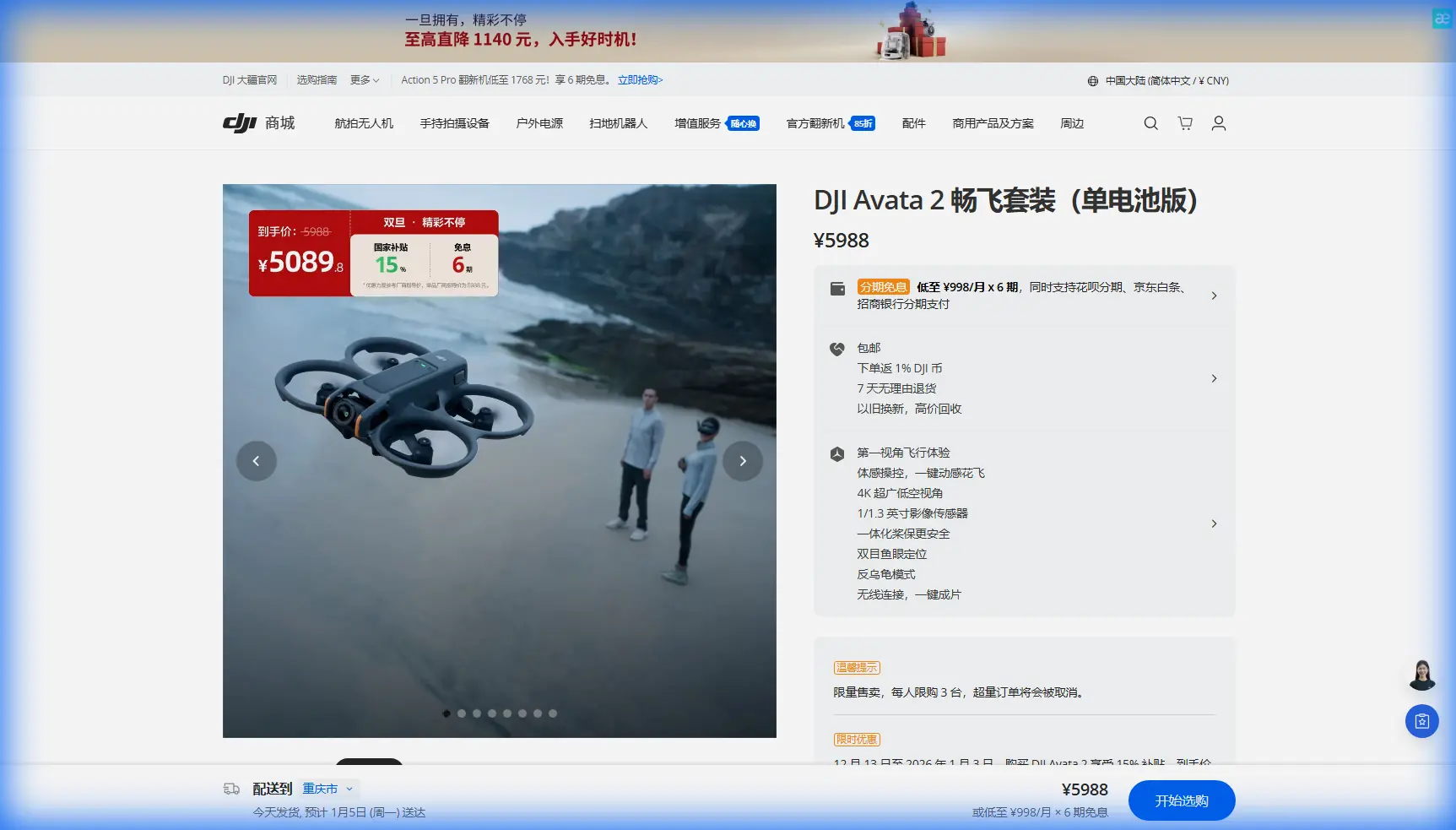
Tracking Coastlines at Altitude With Avata 2: A Field Report From the Edge
META: A practical field report on using DJI Avata 2 for high-altitude coastline tracking, with setup advice on obstacle avoidance, D-Log, ActiveTrack alternatives, Hyperlapse planning, and wind-aware flight technique.
The first time I tried to trace a coastline from altitude with a small FPV platform, I made a classic mistake. I treated the shoreline like a static subject.
From the ground, a coast looks simple: a clean boundary where land meets water. In the air, especially when you are flying high above cliffs, inlets, sea spray, and uneven terrain, it behaves like a moving system. Wind rolls off ridgelines. Light bounces off water and scrambles depth perception. Rock faces rise faster than they appear to in goggles. By the time I corrected for one variable, I had already drifted too far wide to hold the line I wanted.
That is the context in which Avata 2 starts to make sense.
This is not a generic “FPV drone for fun” story. For coastline work, especially when the brief is to hold a clean line at altitude while preserving the shape of the terrain below, Avata 2 solves a very specific set of operational problems. Not all of them. But enough of them that the job becomes repeatable instead of lucky.
What changed for me was not one headline feature. It was the combination: a more forgiving flight envelope, stronger confidence near terrain, better image flexibility through D-Log M, and enough automated support tools to reduce workload without stripping away control. That matters when you are trying to follow a shoreline that bends, narrows, lifts into cliffs, then opens into broad surf.
Why coastline tracking is harder than it looks
A coastline is a terrible place to be overconfident.
At altitude, you are often balancing three competing goals at once. First, you want lateral flow. The shot has to feel like it is gliding with the shoreline, not cutting across it. Second, you need vertical discipline. Climb too much and the coast flattens into a map. Drop too low and the terrain starts dictating every correction. Third, you need visual consistency. Water highlights, dark rock, and foam patterns can shift exposure frame to frame if the camera profile and route planning are not dialed in.
Older workflows made this harder than it needed to be. You were constantly deciding whether to prioritize cinematic smoothness or survival margin. Avata 2 narrows that gap.
The practical breakthrough is obstacle sensing tailored to the kind of close-environment flying that often happens as you approach cliffs, outcroppings, or headlands. Obstacle avoidance is not a substitute for pilot judgment, especially over water and broken terrain, but it changes the mental load. Instead of devoting too much attention to preventing one bad closure with a rock face, you can spend more bandwidth shaping the line.
That is the first operational significance. Reduced cognitive load leads to cleaner footage. Not because the drone flies the shot for you, but because it gives you a little more headroom to think like a camera operator instead of a pure recovery pilot.
The altitude problem: staying high without disconnecting from the landscape
A lot of pilots misunderstand “high altitude” coastline work. They assume the answer is just to climb and keep the coast on one side of frame.
That usually produces flat footage.
The better approach with Avata 2 is to maintain enough height for safety and line visibility while preserving parallax from the terrain. The coastline needs dimension. You want foreground ridges, mid-ground surf, and background horizon all talking to each other. Avata 2 is particularly useful here because it lets you fly with a confidence level that encourages closer relationship to contours rather than a distant, sterile pass.
This is where the aircraft’s handling character matters as much as the camera. If a drone feels twitchy, you compensate by widening everything. Wider path. Wider margin. Wider frame logic. The result is safer but less intimate. Avata 2’s smoother, more settled behavior makes it easier to hold a deliberate arc along the coast instead of a nervous zigzag that gets fixed later in editing.
For coastal tracking, I now think in stacked lanes. One lane follows the physical shoreline. Another follows the wind behavior. A third follows the visual weight of the composition. Avata 2 is one of the few compact FPV-style aircraft that lets these lanes align often enough to be useful in real field conditions.
D-Log M matters more over water than most people realize
If I had to point to one detail that separates a casual coastal clip from footage that survives post-production, it would be D-Log M.
Water is ruthless on contrast. On the same run, you can have white foam, dark volcanic rock, wet reflective surfaces, haze, and bright sky all competing in frame. Standard color profiles often force an ugly compromise. Preserve the highlights and the rock loses texture. Hold the shadows and the water clips into hard glare.
D-Log M gives you more room to keep the tonal relationships intact. That is the second operational significance. It is not just about “more dynamic range” as a marketing phrase. It means the coastline keeps its shape in the grade. You can retain subtle separation between wave lines, cliff texture, and cloud brightness instead of watching the image collapse into contrast blocks.
That benefit becomes obvious when tracking from altitude because the frame often includes multiple light zones at once. You are not isolating a subject against a controlled background. You are managing a layered landscape. With Avata 2, I can expose to protect the top end of the water reflections, then recover enough shadow detail later to keep the land from turning into a silhouette unless that is the look I actually want.
For creators who have fought coastal footage in post, that alone changes the planning equation.
What Avata 2 does with “tracking,” and what it does not
A lot of readers looking into Avata 2 also search terms like ActiveTrack and subject tracking. That makes sense. If you are moving along a shoreline with a hiker, cyclist, vehicle, or boat in the frame, the dream is simple: let the aircraft handle the subject while you manage the scene.
Here is the honest field answer. On a coastline, no tracking feature should be treated as magic.
Subject tracking tools are useful when the subject is distinct, the route is predictable, and the background does not constantly interfere. Coastal environments are messy. Foam patterns, rock shadows, reflective surfaces, and elevation changes can all complicate lock-on behavior. If you are expecting the shoreline itself to function like a trackable subject, that is the wrong mental model.
The better use case is selective support. If you have a defined moving subject along the coast, automation can reduce workload during specific segments. But for the wider mission of tracing the coastline itself, the aircraft’s controllability, obstacle awareness, and stable imaging pipeline matter more than any single tracking mode.
In practice, I use the “tracking” mindset as route discipline rather than software dependence. I pre-visualize the shoreline as a path with entry, compression, reveal, and exit. Then I fly Avata 2 in a way that preserves those beats. The result looks intentional, which is what most viewers mistake for perfect automation anyway.
QuickShots and Hyperlapse are more useful here than they first appear
Most pilots associate QuickShots with easy social clips. That undersells their field value.
When you are scouting a coastal route, QuickShots can help test geometry. A quick pullback or orbit-style move gives you a fast read on how the headland, surf line, and horizon stack together. I would not rely on these modes for every hero shot, but they are efficient for previsualization. They tell you whether the location wants a linear pass, a reveal over a ridgeline, or a higher establishing move.
Hyperlapse is also surprisingly relevant for coastline work, though not in the obvious way. The coast is one of the best places to show time moving through space: tides shifting, clouds dragging shadows over cliffs, waves rewriting texture every few seconds. Used carefully, Hyperlapse lets Avata 2 show the coastline as a living system instead of a static postcard.
The caution is wind. High-altitude coastal wind can expose weakness in route consistency, and any small variation becomes visible over a time-compressed sequence. So the feature is valuable, but only if you build the shot around predictable airflow and enough spatial margin.
Obstacle avoidance near cliffs: useful, not permission
This deserves plain language. Obstacle avoidance is not a license to flirt with terrain.
What it does do is buy time where coastline flying often steals it. Along cliffs, closure rates can become deceptive, particularly when the texture of the rock and the angle of the sun flatten your depth cues in the goggles. Avata 2 gives you an extra layer of protection in those moments. Not perfection. Protection.
That distinction matters because coastal pilots sometimes overreact in both directions. Some dismiss sensing entirely because “real FPV is manual.” Others trust it too much because the drone feels advanced. The mature position is in the middle. Use the sensing to support line confidence, but still plan like it might not save a bad decision over water, sea mist, or irregular terrain edges.
My own rule is simple: if obstacle avoidance activates in a way that materially changes the shot, I treat that as a route planning failure, not a success story. The real success is when the shot stays clean because I gave the drone enough space for its systems to remain backup rather than lead actor.
My current Avata 2 coastline workflow
When I head out to film a coast at altitude, I no longer start by asking, “What move should I try?” I start by asking, “What is the coastline doing today?”
That question leads everything.
I assess wind direction against the line of cliffs. I watch where foam patterns indicate updraft or turbulence near rock faces. I note where the shoreline creates natural reveals. Then I choose camera settings with post in mind, usually leaning toward D-Log M if the light is variable or if the water is aggressively reflective.
Only after that do I decide whether the sequence wants a low-to-high reveal, a long lateral track, or a compressed pass that keeps the coast tight in frame.
Avata 2 helps because it is quick to get into that decision loop. It does not feel like a platform that punishes experimentation. That is a bigger advantage than spec-sheet discussions usually admit. On location, the best aircraft is often the one that lets you test an idea, reject it, and fly the improved version before the light changes.
If you are planning a similar shoot and want to compare route ideas, I usually share field notes through this quick chat link: message me here.
The past challenge Avata 2 solved for me
The specific problem Avata 2 fixed was hesitation.
Not fear exactly. Hesitation.
On earlier flights along exposed coastlines, I would often fly the first third of a route well, then start second-guessing terrain proximity, wind shifts, or exposure changes. That hesitation showed up in the footage as tiny corrections: altitude bumps, uneven yaw, lines that lost conviction halfway through.
Avata 2 reduced that. The aircraft feels composed enough that I can commit to the route. The image pipeline is flexible enough that I am not constantly chasing perfect exposure in-camera. The safety systems are present enough that I can keep attention on composition. None of this removes the need for skill. It just removes friction that used to interrupt good decisions.
And over a coastline, where every second of indecision can widen the line and drain energy from the shot, that difference is visible.
Is Avata 2 the right tool for high-altitude coastline tracking?
If your goal is pure speed or aggressive manual proximity flying in harsh conditions, there are other tools and more specialized builds to consider.
But if your goal is to produce reliable, cinematic coastal footage from altitude with a platform that balances immersion, control, image flexibility, and practical safeguards, Avata 2 is unusually well suited to the job.
Its value is not in one dramatic promise. It is in how several features work together in the real world. Obstacle avoidance reduces mental overload near terrain. D-Log M preserves footage that would otherwise become painful to grade. QuickShots and Hyperlapse help with scouting and alternate storytelling. Subject tracking concepts are useful when applied selectively, not blindly. And the overall flight character encourages better route discipline.
That is why I keep returning to it for coastlines.
Not because the shoreline became easier. It did not. The coast is still wind, glare, turbulence, and topography all arguing at once. But Avata 2 makes that argument easier to manage, and that is often the difference between coming home with a usable sequence and coming home with almosts.
Ready for your own Avata 2? Contact our team for expert consultation.